
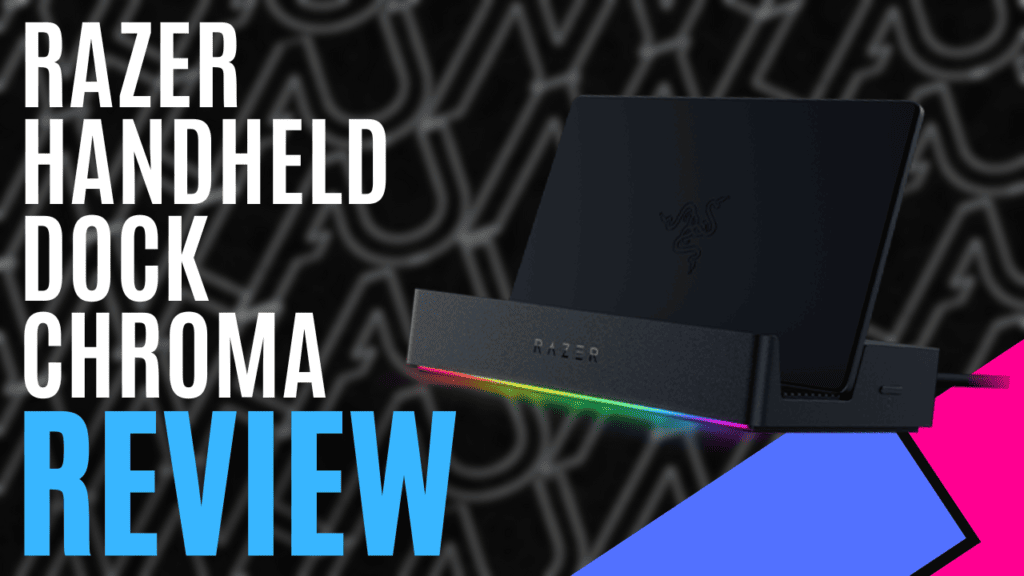
With handheld devices becoming more and more powerful, giving us access to our favourite PC games on the go, it’s becoming even easier to take your favourite games with you. Devices such as the ROG Ally and the Steam Deck are great for passing the time while you’re travelling, but what happens once you’re in your hotel room, or worse, stuck in your office? Ideally, you want something that will give you access to a bigger screen, but you also want it to be portable enough to take with you – particularly if you’re only travelling overnight.
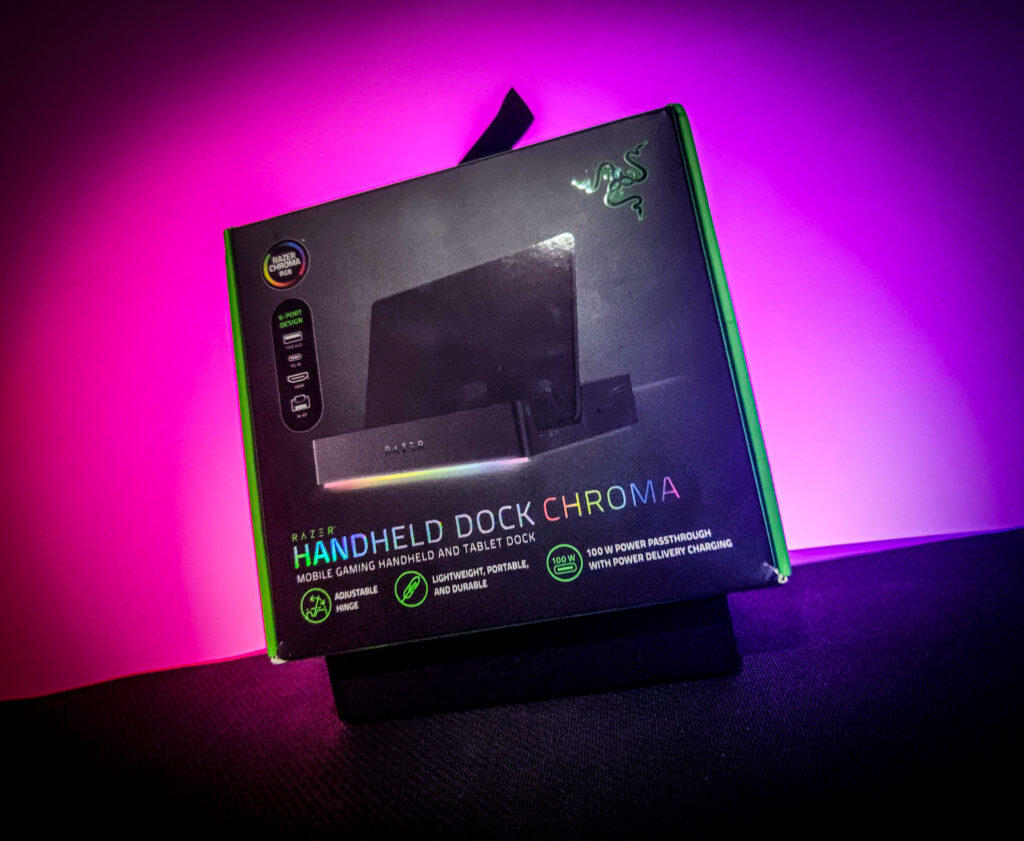
The lightweight and portable Razer Handheld Dock Chroma comes to the rescue. It is a one-stop shop that can charge your handheld and mobile devices, output video through HDMI 2.0, give you three 5Gbps USB Type-A ports, and have an RJ45 ethernet port in the unlikely event that WiFi isn’t available. In terms of connectivity, it converts your favourite handheld device into a full-fledged computer.
While the capabilities are quite impressive, it is worth pointing out early on that you will need to supply your own cables and power solutions for the Razer Handheld Dock Chroma Mobile Handheld Gaming and Tablet Dock. The USB Type-C it comes with is physically attached to the device and is used to interface between the dock and whatever you have connected.
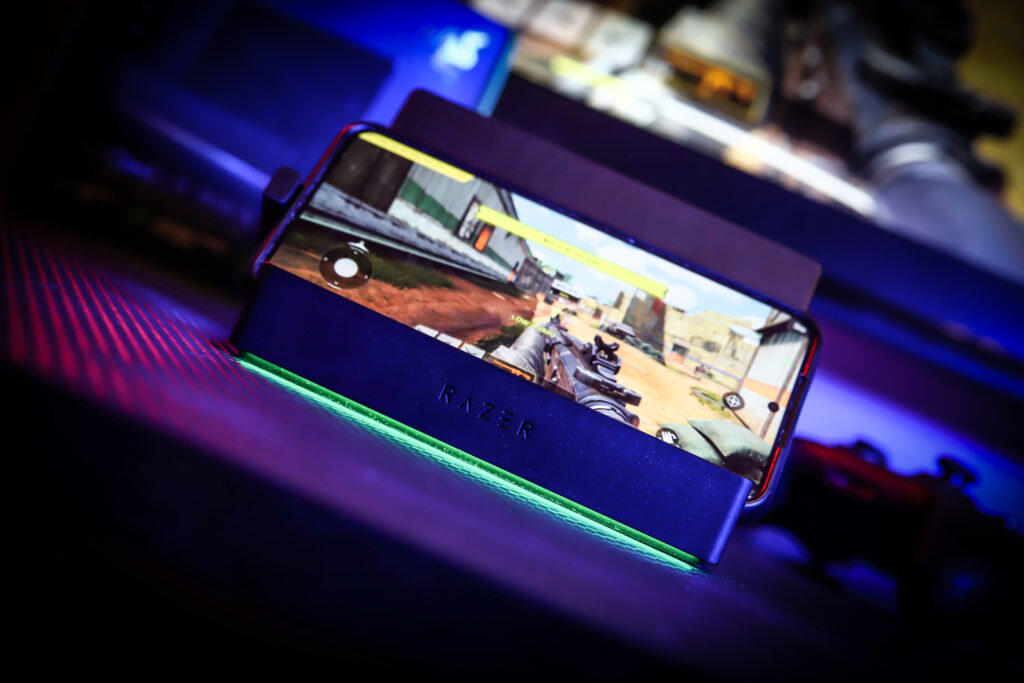
At a bare minimum, you’ll need a USB Type-C cable to connect to it. This could be the cable and charger that came with your gaming device, or you could upgrade and use the 100W power delivery with Passthrough charging – an ideal solution for some of the newer devices that will recharge your device in no time.
Assuming you have everything you need to get started, it’s a case of plug-and-play with the Razer Handheld Dock Chroma. You don’t have to worry about fluffing about with settings on your device – it will automatically duplicate the device’s screen onto whatever monitor you’ve connected to it. It is that simple. If you’re using a Windows handheld device, you can also install the Razer Cortex App. This app boosts system performance by optimising RAM, using system and storage tools, and managing your game library.
You could lay your device down on top or next to the Razer Handheld Dock Chroma. However, if you want it to look the part, an adjustable hinge allows it to work as a display stand, and an RGB strip across the bottom of the dock will shine glorious Chroma RGB onto whatever surface you have it set up on.
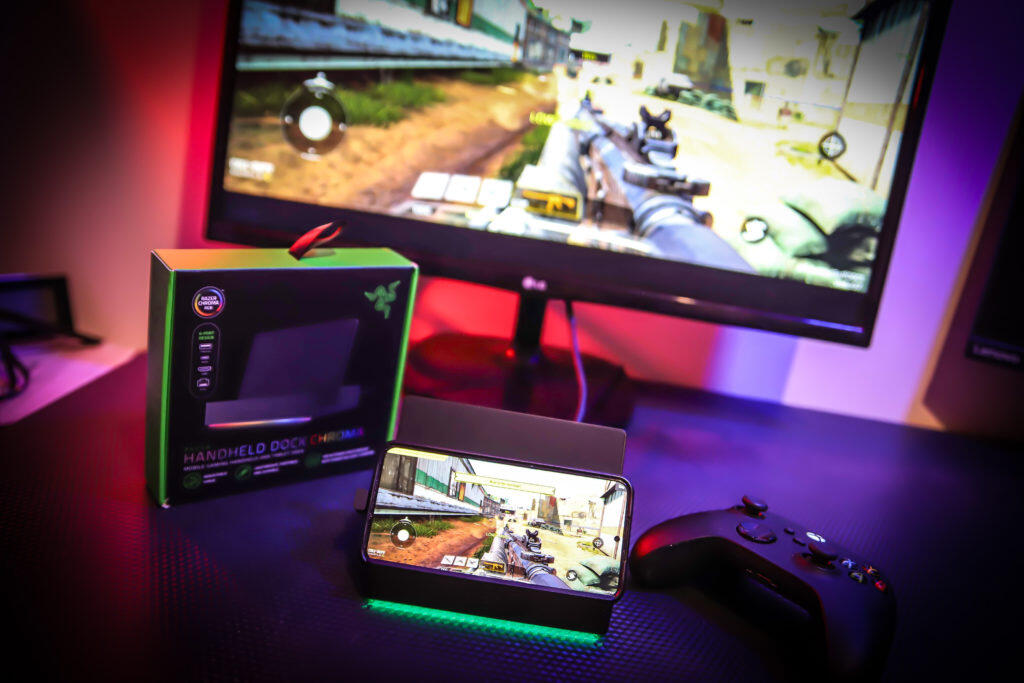
You can even cycle through several Chroma lighting effects by pushing a dedicated button on the side, and this will stay active for as long as a device is connected to it; even if you’re not using it, you can proudly display your device and style it with RGB effects.
When packing up and ready to head home, the Razer Handheld Dock Chroma folds away and takes up only a little more space than a wallet would. The only downside is that the attached USB cable is quite thick, and although it’s flexible, I’d be hesitant to put it in my pocket. It would be nice if this could be removed. However, I understand that constant connecting and disconnecting can wear out the ports, so it’s probably best to pop it into your luggage or a backpack.
The Razer Handheld Dock Chroma is a great solution for gamers on the go. It’s lightweight and portable, works as a stylish display stand that charges with 100W power delivery, and most importantly, is quick and easy to set up. This makes it the perfect accessory for your preferred portable gaming device.
The Good
- Lightweight and highly portable
- Quick and easy to set up and use
- Doubles as a charger and a display stand
- Chroma RGB effects built-in
The Bad
- The interfacing cable is permanently attached
- No additional cables/chargers






 SuBZeRO2K
 Spotify
 Anchor
 iTunes