
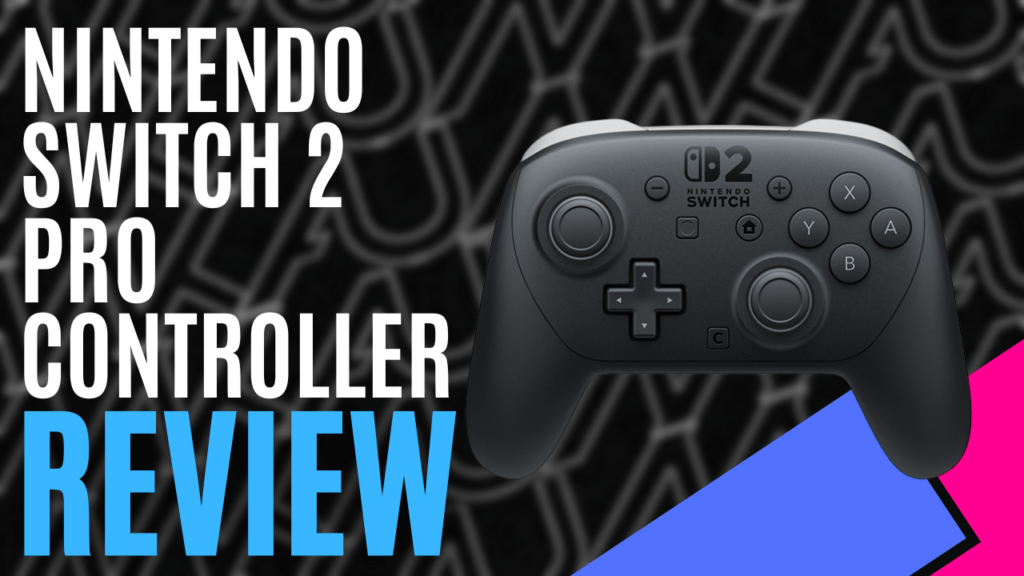
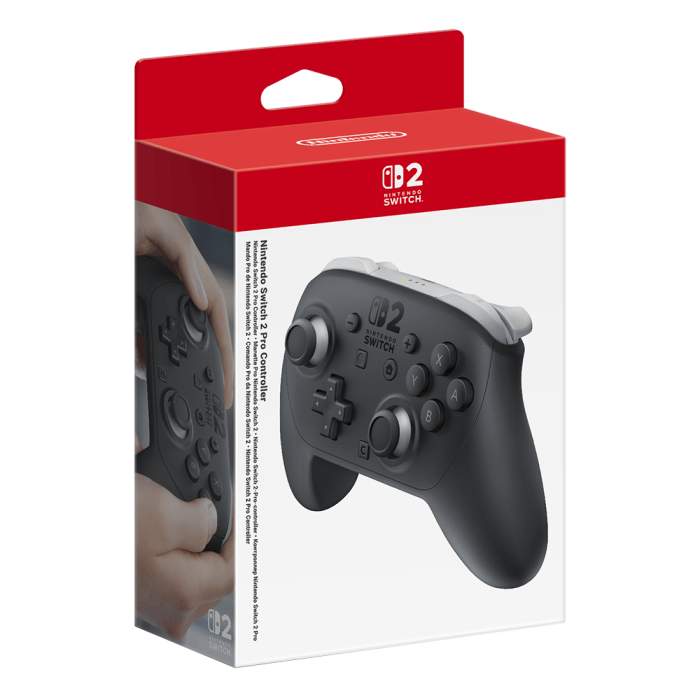
We were fortunate enough to be provided with a Nintendo Switch 2 package from Nintendo ANZ early this month, which featured the Nintendo Switch 2 Mario Kart World bundle, a Nintendo Switch 2 Pro Controller, and the Nintendo Switch 2 camera. If you’d like to check out our unboxing video, you can do that here. This time, I’ll be focusing on the Nintendo Switch 2 Pro Controller.
When opening the Nintendo Switch 2 Pro Controller, I was immediately taken aback by the build quality. It felt solid in my hands, as though it was made with premium materials, and it carried a surprising amount of weight. It’s also practically seamless in its build, and with no obvious screw holes, it comes with a smooth and rather comfortable handling experience.
Moving the thumbsticks is an experience within itself as well, with fluid motion and next to no sound, and they are remarkably responsive during gameplay. The downside to this fluidity is that they still experience some snapback; however, if you’re properly controlling the inputs rather than just releasing them, this won’t be a significant issue anyway.
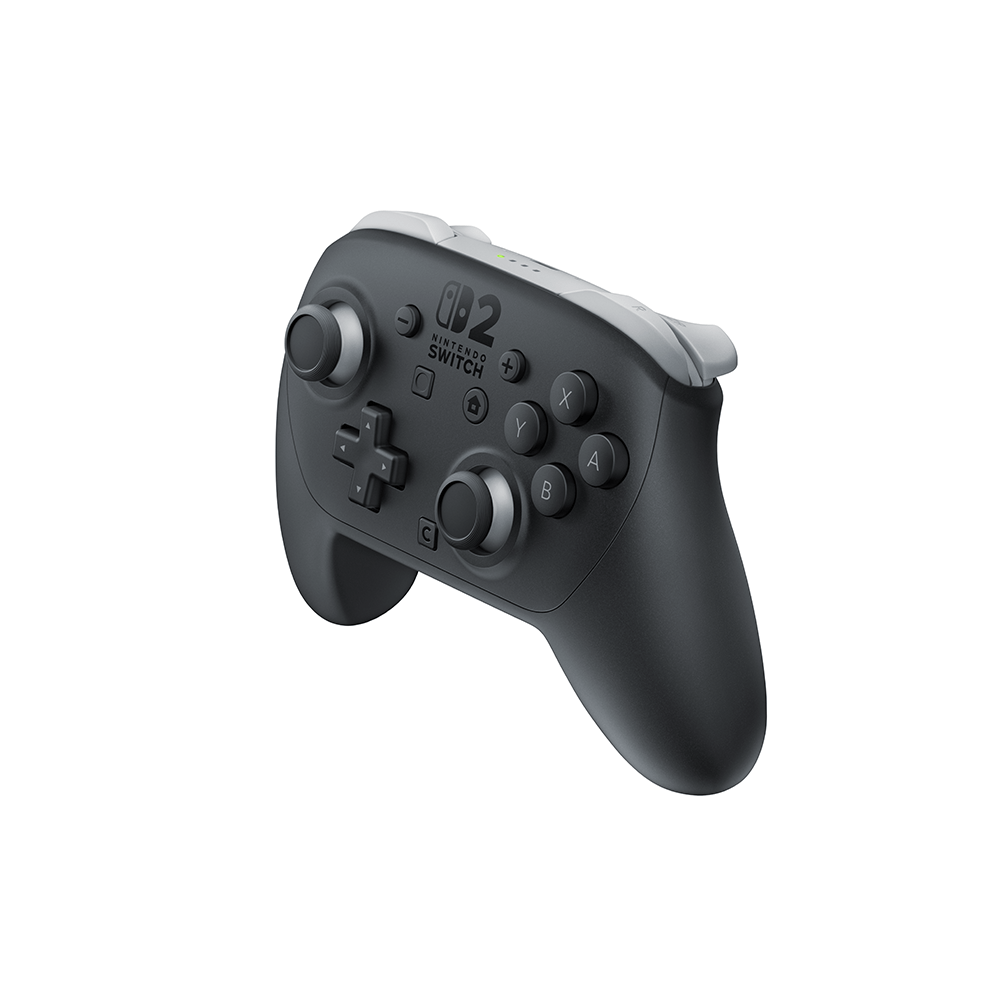
With the exception of the D-Pad, the buttons all feel like they’ve received an upgrade as well, offering a more solid, almost mechanical feeling when pressing them. On the other hand, we have the D-Pad, and while it feels nice, it still suffers from phantom inputs. It’s great for fighting games, or anything that needs rolling inputs to achieve combination moves, but when you’re playing something that requires a more refined input, you’ll want to ensure that your thumb is perfectly centred on the direction you want to go, otherwise, you may find your character jumps or ducks as they move back and forth.
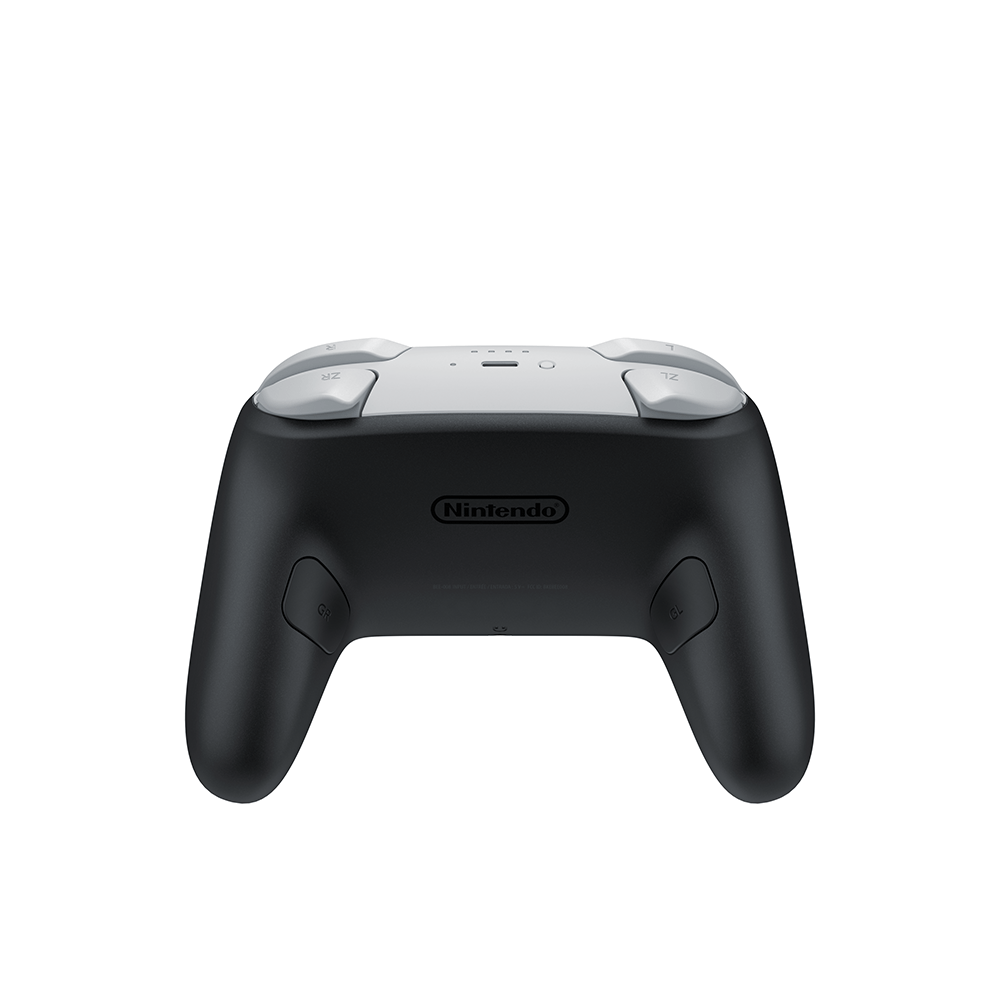
The shoulder buttons, much like the buttons located on the face, also feel nice and tactile during use, but it was going to take me a while to get used to the new GL and GR buttons located on the underside of each grip.
When you’re holding the controller properly, these are activated by your ring finger, which did not feel natural at all, but then again, neither did the Nintendo 64 controller and I eventually got used to that. I found it more natural to try and use my middle fingers to trigger these, but even then, I was constantly activating them when I didn’t mean to as I gripped the Nintendo Switch 2 Pro Controller.
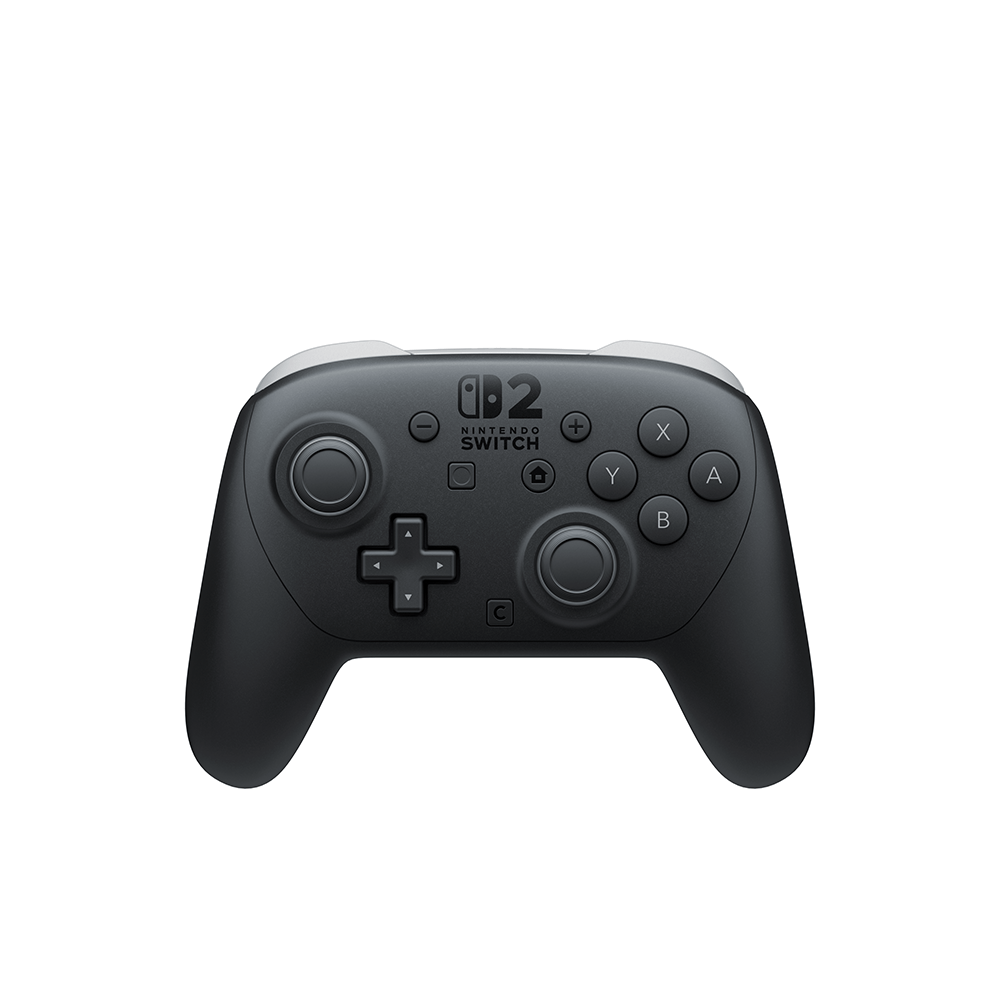
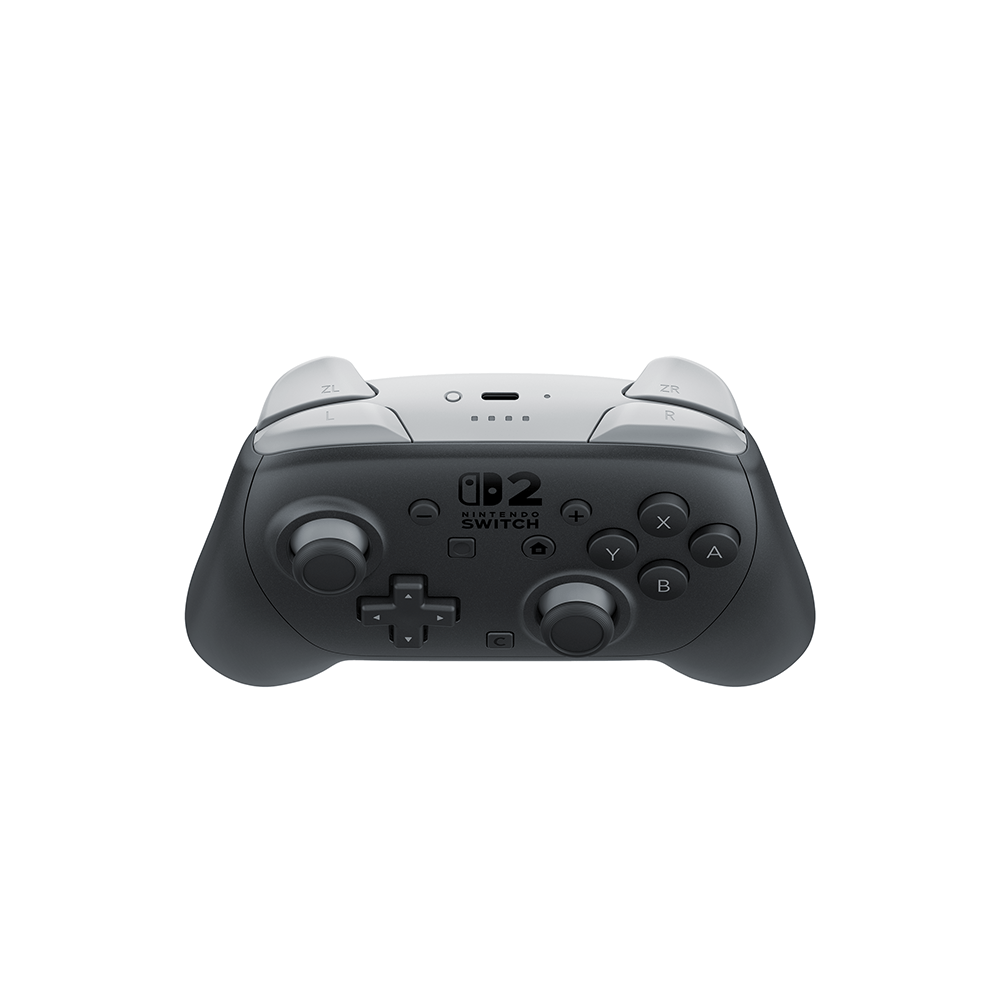
With the inclusion of the new GameChat feature on the Nintendo Switch 2, the updated controller comes with a new C Button, offering users a quick and easy way to access GameChat functions. Additionally, it also comes with a 4-pole 3.5mm audio jack, perfect for connecting compatible headsets and ideal for chatting with your friends.
While everything has received an upgrade on the Nintendo Switch 2 Pro Controller, the battery remains largely unchanged. It still boasts a life span of up to 40 hours, depending on what you’re playing. However, although the capacity hasn’t changed, it doesn’t take as long as the original Nintendo Switch Pro Controller to charge. What used to take 6 hours can now be fully charged in 3.5 hours. It’s almost double the speed.
As the name might suggest, the Nintendo Switch 2 Pro Controller offers a more premium gaming experience, particularly when compared to using the Joy-Cons. It’s comfortable and very responsive to inputs, making it ideal for playing games that require a little more emphasis on controls.
The Good
- Comfortable to use with a premium feel
- Responsive inputs
- Quick charge time
- Long battery life
The Bad
- D-Pad can receive false inputs
- Not user serviceable






 SuBZeRO2K
 Spotify
 Anchor
 iTunes