

When it comes to PC cases, people usually go one of two ways. They might go for something really flashy and packed full of glorious RGB, like me, or something simple and elegant. The downside to this mentality is that more often than not, the most important element of a PC case is overlooked.
ASUS, once again, comes to the rescue with the ASUS Prime AP202, a micro-ATX chassis that strikes a balance between elegance, flashiness, functionality, and most importantly, airflow. Offering premium design cues in a surprisingly compact frame, it makes sure you notice it the moment it hits your desk.
Available in black or white, the ASUS Prime AP202 doesn’t scream for attention, yet its understated design makes you look twice. A curved tempered-glass panel flows seamlessly from the front to the side, and I was pleasantly surprised to discover that, even with the black unit, the panoramic window lets in more than enough light to display your components from multiple angles.
Despite its compact footprint and being labelled as a micro-ATX case, the ASUS Prime AP202 stands tall enough to support standard components without looking cramped. The proportions hit a sweet spot between a space-saving design and one that still feels like a high-end showcase.
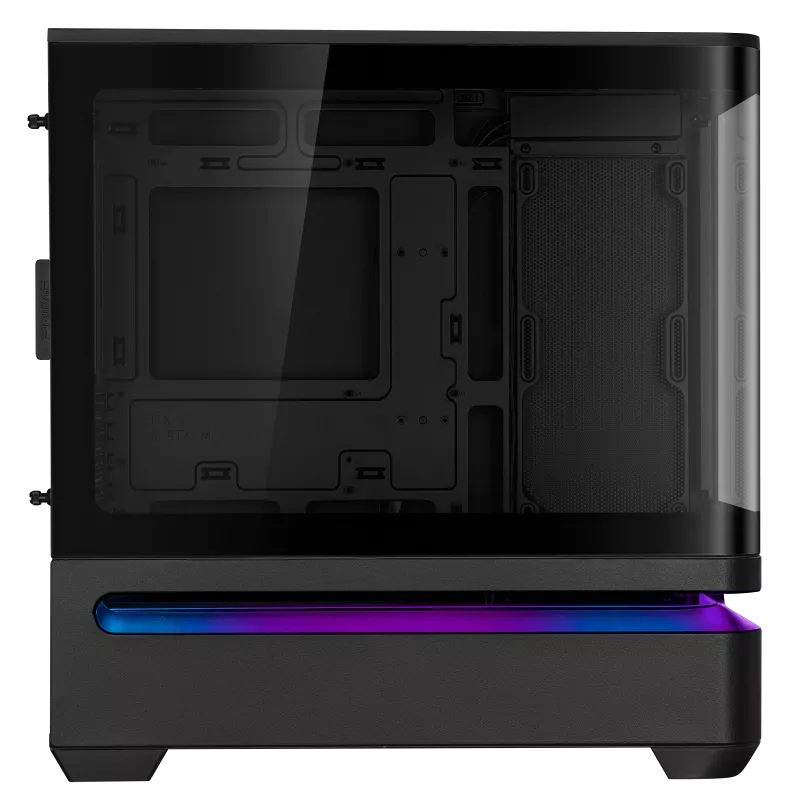
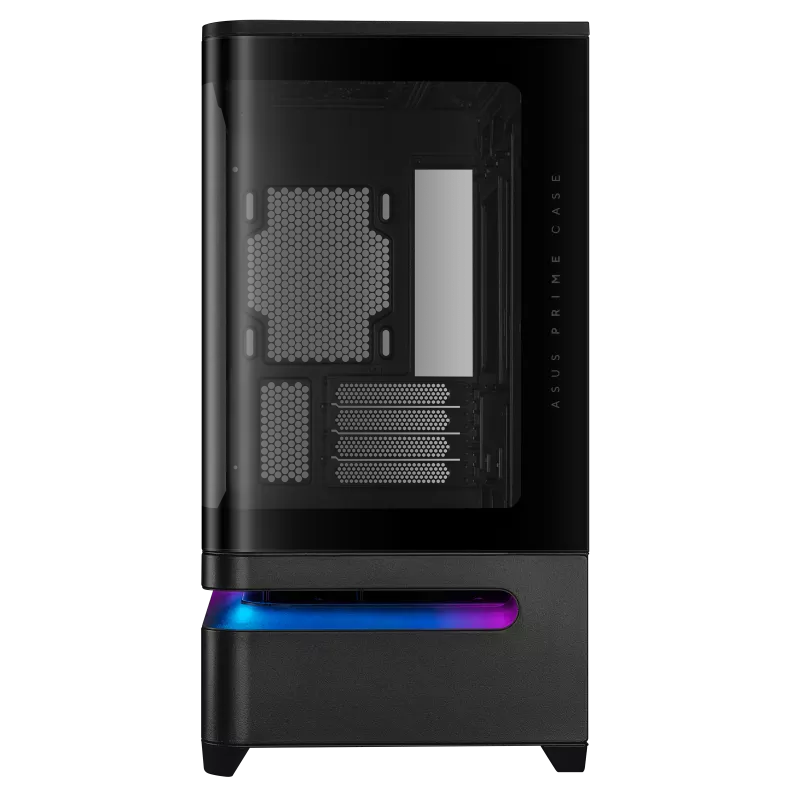
It will happily fit GPUs up to 420 mm in length, CPU coolers up to 175 mm tall, a full-sized 360 mm AIO system, and PSUs up to 200 mm long. There’s even enough space to mount several 2.5 or 3.5-inch storage devices in the chassis, should you really need that extra storage.
Compact cases often fall short in thermal performance, but ASUS carefully planned the layout to address this. The top panel, as mentioned, can support a 360 mm radiator, three 120 mm fans, or two 140 mm fans. The unit we received came with three fans pre-installed: two mounted on the side, and the third as an exhaust fan, but these could be swapped for equivalent radiators as well.
One of the standout cooling features, however, is the patented slot vent in the lower section of the chassis. The design helps to channel cool air directly toward the graphics card, giving it the breathing room it needs during long gaming sessions or GPU-intensive workloads. Even more exciting is that ASUS has included mounting points for three additional fans here, so if your GPU isn’t too big, you can really pull in cool air and maintain optimal temperatures.
An Aura Sync ARGB lightband adds some extra flair to this vent, creating a slightly hypnotising ambience on the outside, while the included fans are beautifully haloed with LEDs, generating a neon-like glow within the chassis.
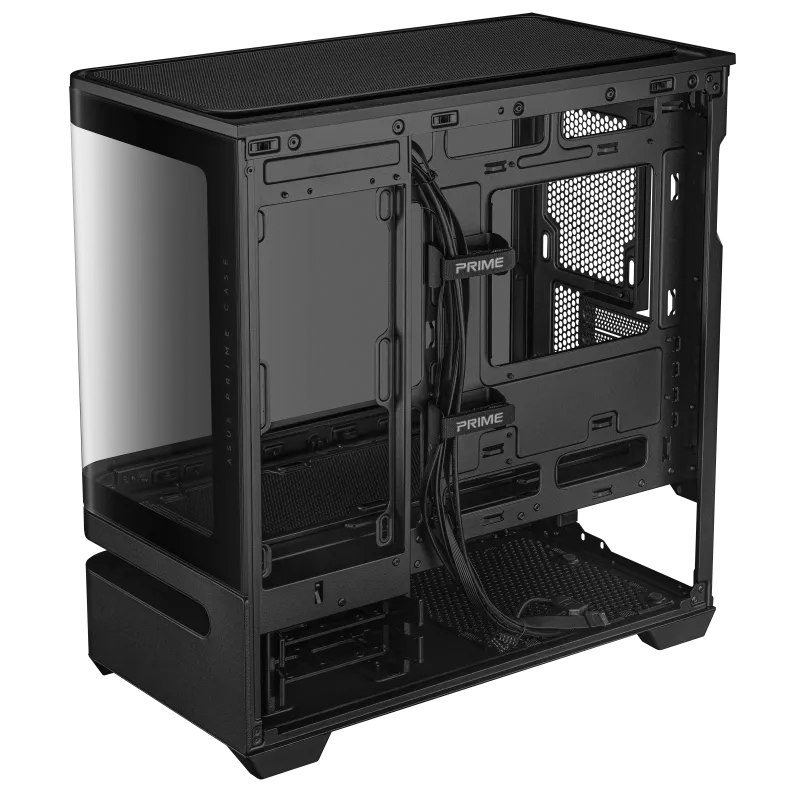
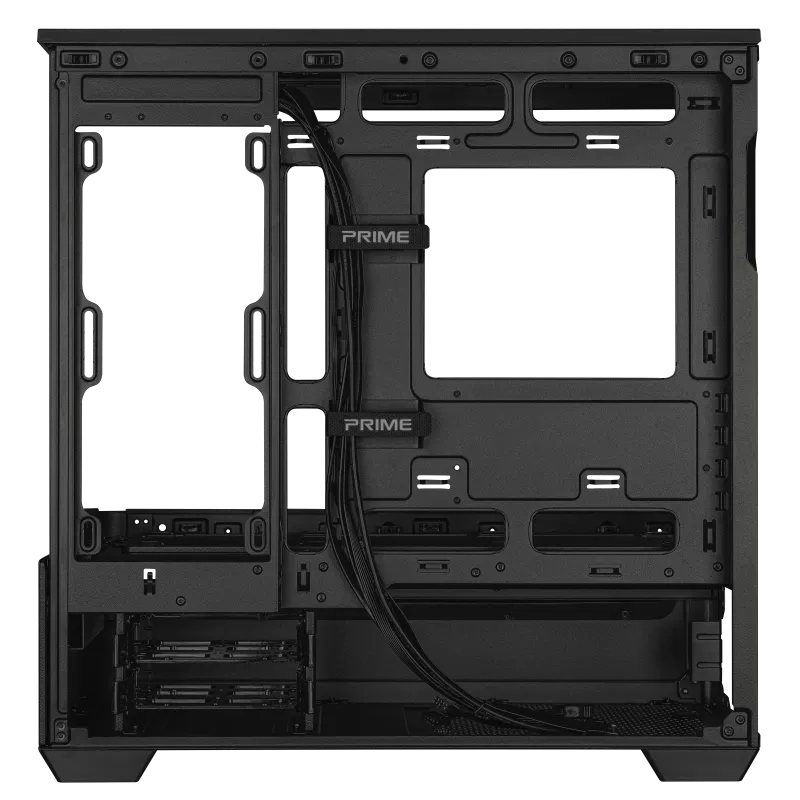
Both the top and bottom panels have easy-to-remove dust filters, which is a huge quality-of-life bonus for anyone tired of dismantling their system every few weeks just to clean it. The top of the chassis also houses two Gen1 USB 3.2 ports, a single Gen2x2 USB 3.2 Type-C, and a combination audio jack, alongside the power and reset buttons. There’s also space on the rear panel to accommodate up to four expansion slots, so if you do happen to run out of connections, you can always drop in a PCIe USB card.
With generous internal clearance and side panels that slide away to grant easy access, building inside the ASUS Prime AP202 is refreshingly straightforward. While I was a little worried when I first removed the glass panel, it’s been designed to be as robust as possible, though you should still take care when removing it. The internal frame feels nice and sturdy, screw placement is intuitive, and even in a case this compact, cable management is easy. ASUS included dedicated channels to route your cables cleanly, and the 30 mm clearance behind the motherboard tray ensures that even thicker PSU cables can be neatly hidden.
ASUS has created something genuinely special with the ASUS Prime AP202. Delivering a rare mix of minimalism and flexibility, it proves that small form-factor cases don’t need to compromise on looks, airflow, or usability. If you’re chasing a build that’s compact and beautiful from every angle, this case deserves a top spot on your shortlist.

The Good
- Elegant curved tempered-glass design
- Excellent airflow and cooling flexibility
- Integrated ARGB lighting with Aura Sync
- Compact and spacious
The Bad
- Component size can restrict fan placement
- Extra care is needed when removing the curved glass panel






 SuBZeRO2K
 Spotify
 Anchor
 iTunes