
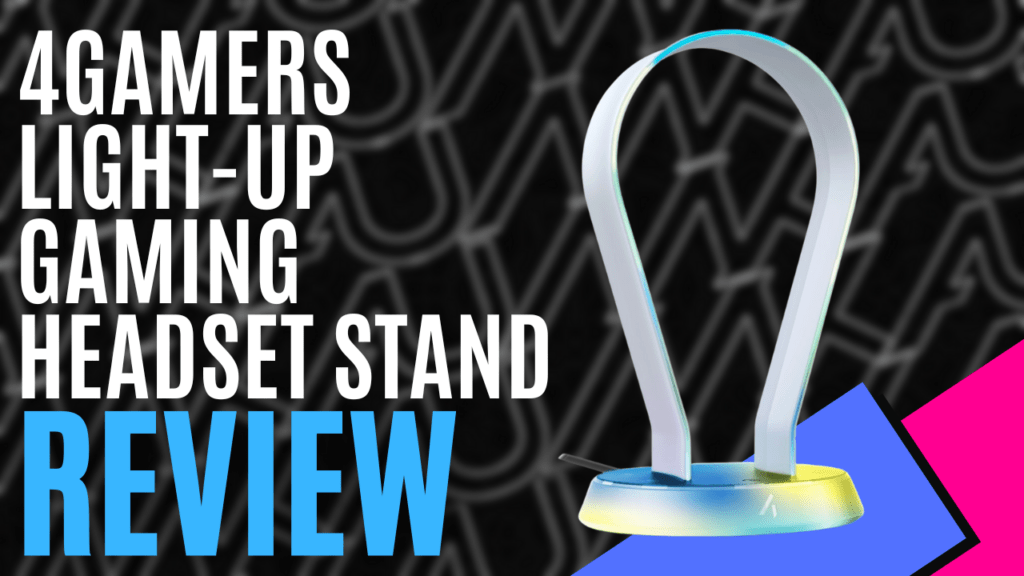
After a long gaming session or busy day in the home office, it’s easy to overlook essential desk accessories. When 4Gamers sent us their ‘Frosted Light-Up Headset Stand’ for review, I realised I finally had a proper spot for my headset, replacing my old habit of hanging it on the microphone boom arm. Without further ado, here is everything that you need to know about this budget-friendly desk essential.
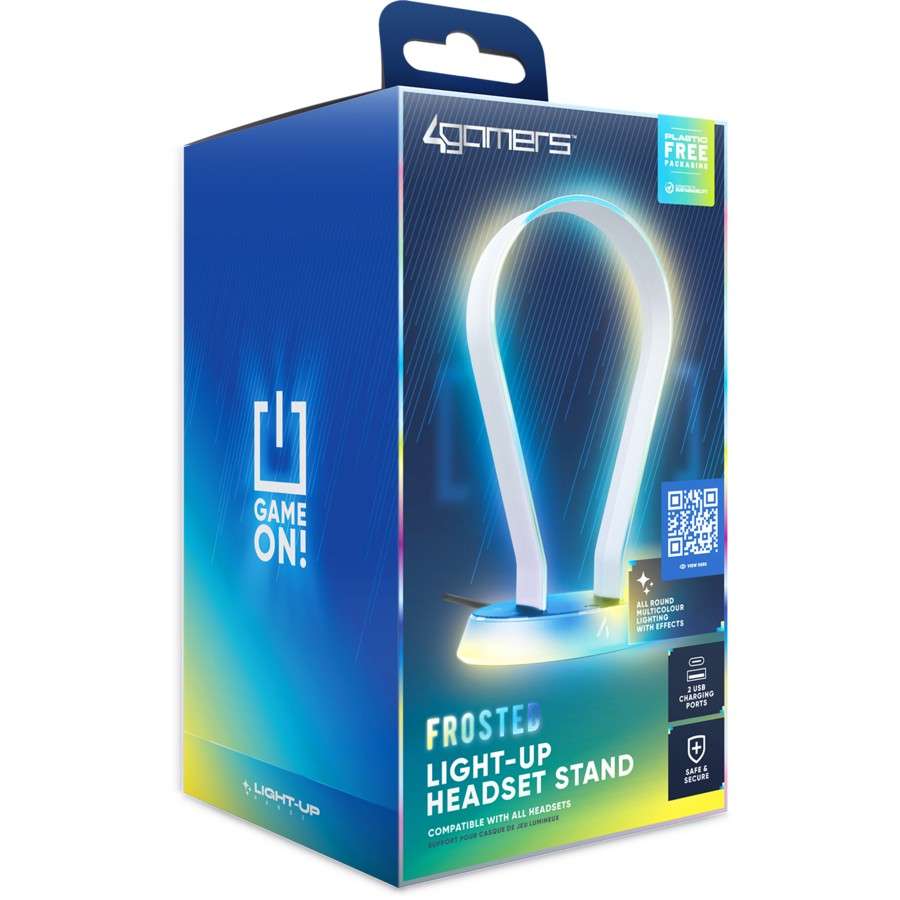
Before I dive into the big, bright-blue, plastic-free box and reveal the product for myself, I want to briefly touch on something I seemingly missed in my other 4Gamers product reviews. On every product box, I noticed a seemingly innocent QR code. Scanning the QR code led me to a product overview video on YouTube, which showcases the product in all its glory, while also briefly highlighting its features. I really loved this consumer-friendly experience. Not only is this a great way to inform potential customers, but it also mitigates a significant risk associated with people opening the packaging to take a sneak peek.
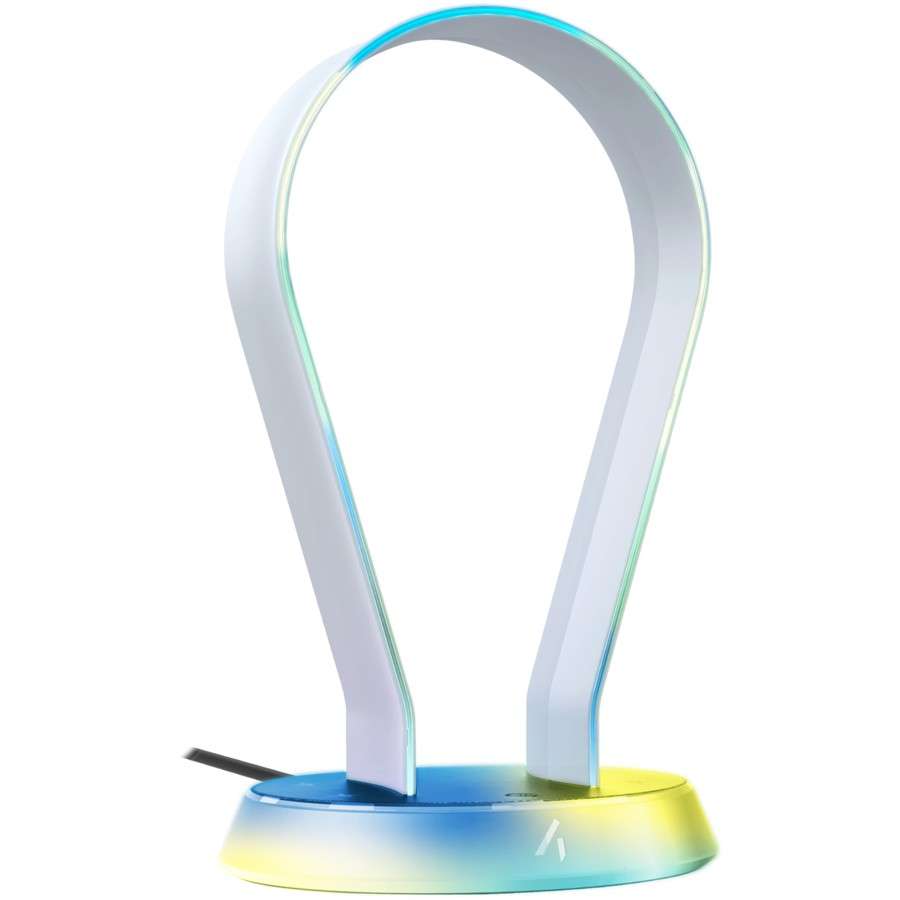
In the box, you’ll find your quick start guide and, of course, your brand-new resting place for your headset. The base of the stand is covered with a textured, non-slip rubber pad, which prevents slippage across your desk or preferred countertop. The chamfered oval base with ‘4Gamers’ logo emblazoned onto the centre front edge, and a function button situated toward the front edge, is wide enough to remain nice and stable on the desk, while also being small enough not to take up too much valuable desk real estate.
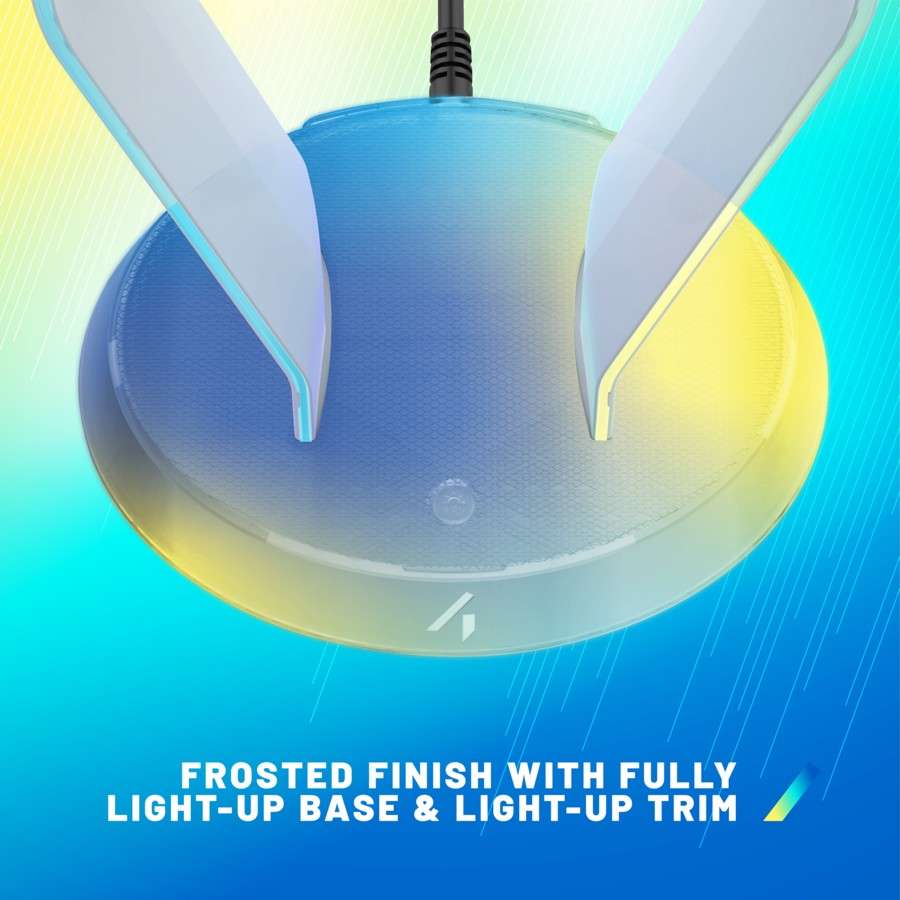
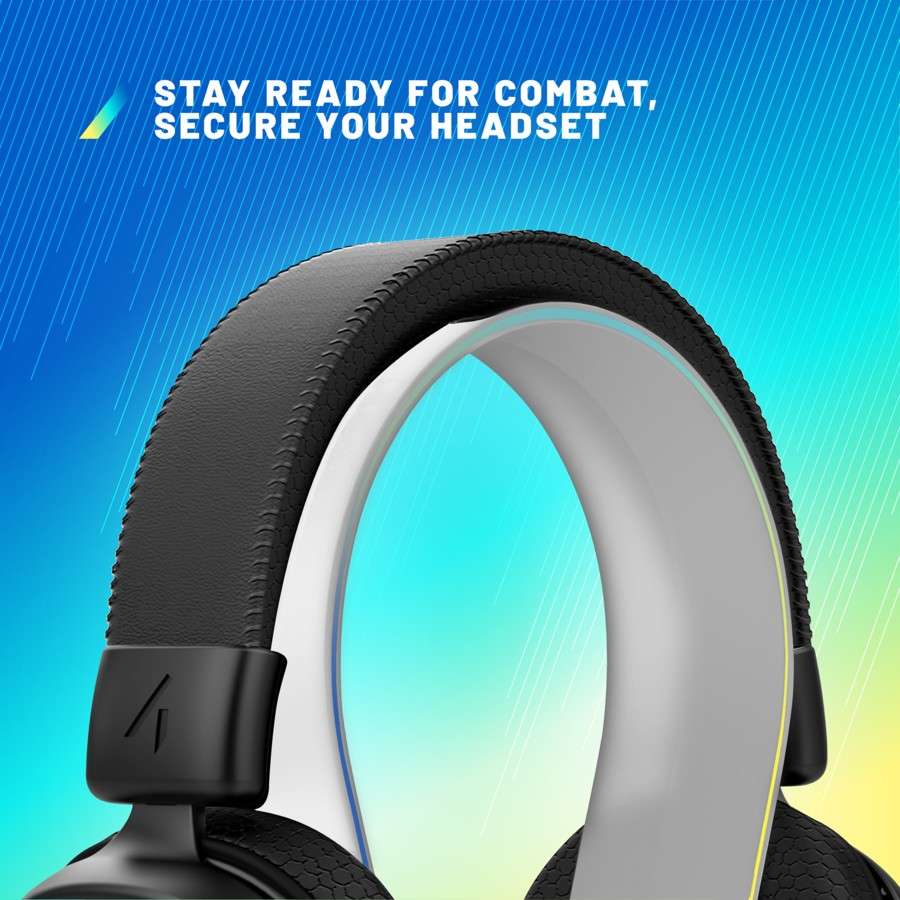
Moving around to the rear edge of the base, you will find the attached braided USB Type-A connection cable, a USB Type-A connection port, and a USB Type-C port, which can be used for charging your favourite wireless headset, tablets, phones, and more. The headset rest itself has a shallow concave, which provides a nice, snug fit when you’ve placed your headset over the top of the horseshoe-shaped upper portion of the stand.
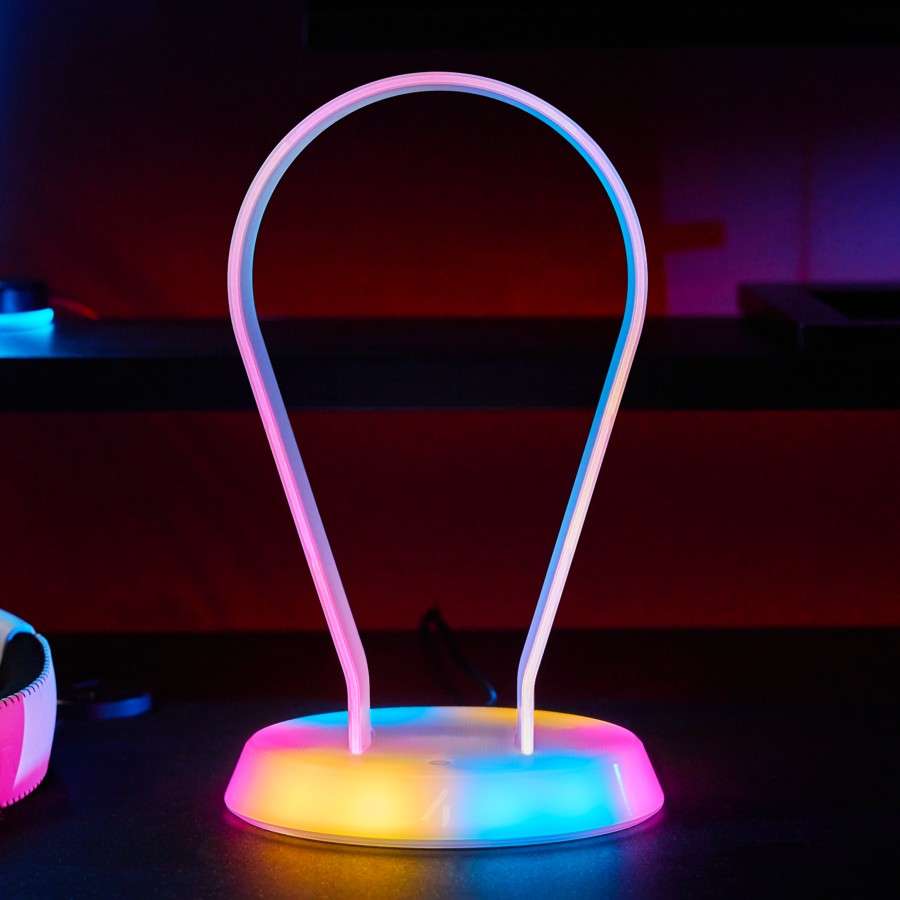
With the PS5 Pro standing vertically to my left and the ‘4Gamers Frosted Light-Up Headset Stand’ placed on the opposite side, the frosted white look of the headset stand paired really nicely with my console and immediately became part of the family. Having plugged the USB Type-A cable into a 2.5A USB power hub, it was time to illuminate the night and check out the 12 built-in RGB lighting effects. Switching between the presets is as simple as pressing the function button on the base of the stand.
Cycling through the presets, there are 5 animated presets and 7 static lighting colours to choose from. My personal favourites are the solid red and blue static colour options, as well as the fading animated colour cycle option. I grew very fond of just kicking back and watching the hues change as the lighting switched colour. The lighting itself is bright enough to turn your headset into a lovely showpiece without being obnoxious, and if you find it distracting, simply holding the function button for 3 seconds will turn the lighting on or off.
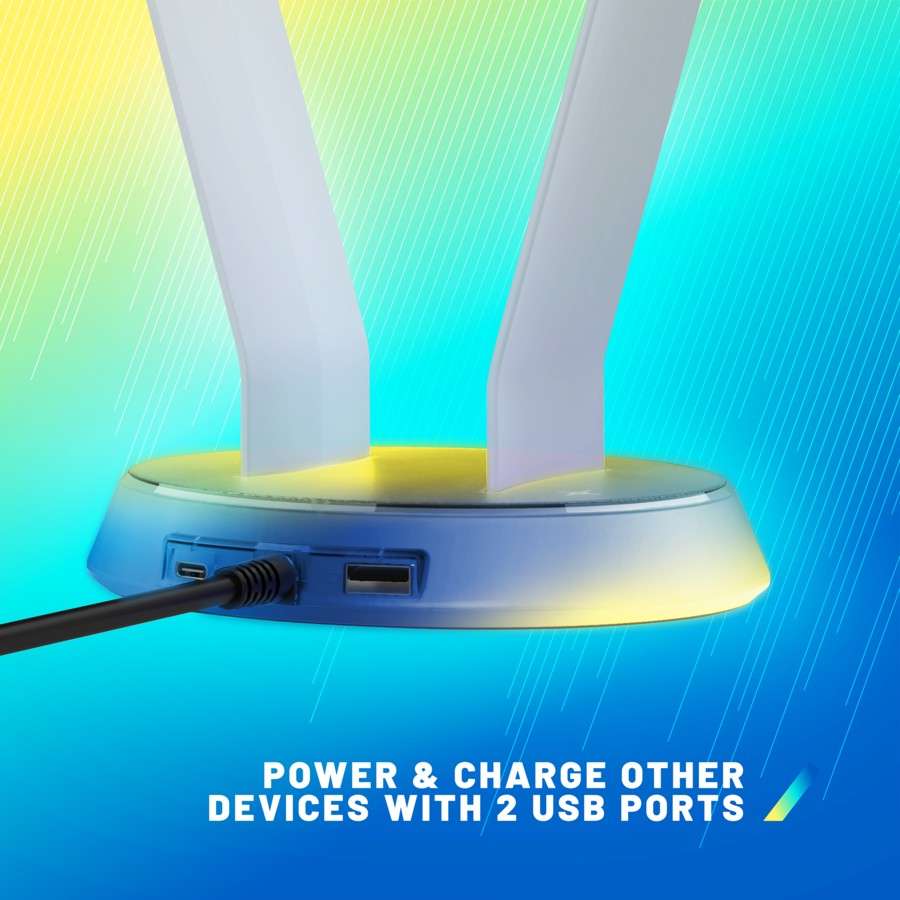
I found the USB charging ports on the rear to be a very handy addition to the already impressive combo, allowing me to simultaneously charge my controller and my Razor Barracuda X Chroma, which kept me more than ready for the next giant gaming session. The only issue I encountered was that I couldn’t use the fast charge features of my mobile phone, which was likely because my phone requires a proprietary cable connected to a 45A power brick to utilise the feature.
I did find that the charging speed seemed a little faster when connected via the USB Type-C connector. With the headset stand plugged into a spare USB port on the PC, I also discovered that I could run my mouse and keyboard when connected to the rear ports of the headset stand, which was a significant win for connectivity yet again.
Honestly, I never thought I would be able to do so much with a humble headset stand, yet here we are. The ‘4Gamers Frosted Light-Up Headset Stand’ is more than just a budget-friendly essential desk accessory; it is a beautifully crafted productivity powerhouse that serves a purpose far beyond its intended use.
Whether you are looking to create a gorgeous-looking space for your headset, charge devices, or utilise the USB ports to boost productivity on your PC, this humble headset stand is a must-have for any desk. The only thing that could make this incredible accessory even better would be a better explanation of the connectivity potential.
The Good
- Plug and play
- Simple operation
- Wide variety of RGB lighting
- Rear charging capability
- Connectivity with keyboard and mouse on PC
- Stable lightweight design
The Bad
- Better explanation of potential needed







 SuBZeRO2K
 Spotify
 Anchor
 iTunes