
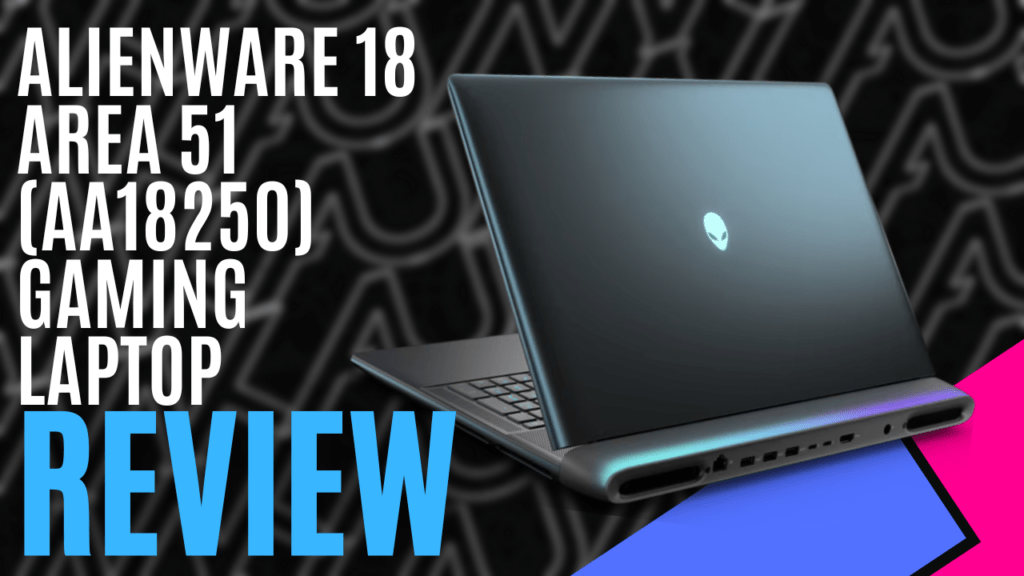
Alienware has never been subtle about its ambitions, and as its flagship model, the Alienware 18 Area-51 Gaming Laptop proudly stands at the top end of the portable gaming market. Built specifically for gaming, it’s available in several pre-defined configurations, but true to form, Alienware also gives you the option to customise almost every component.
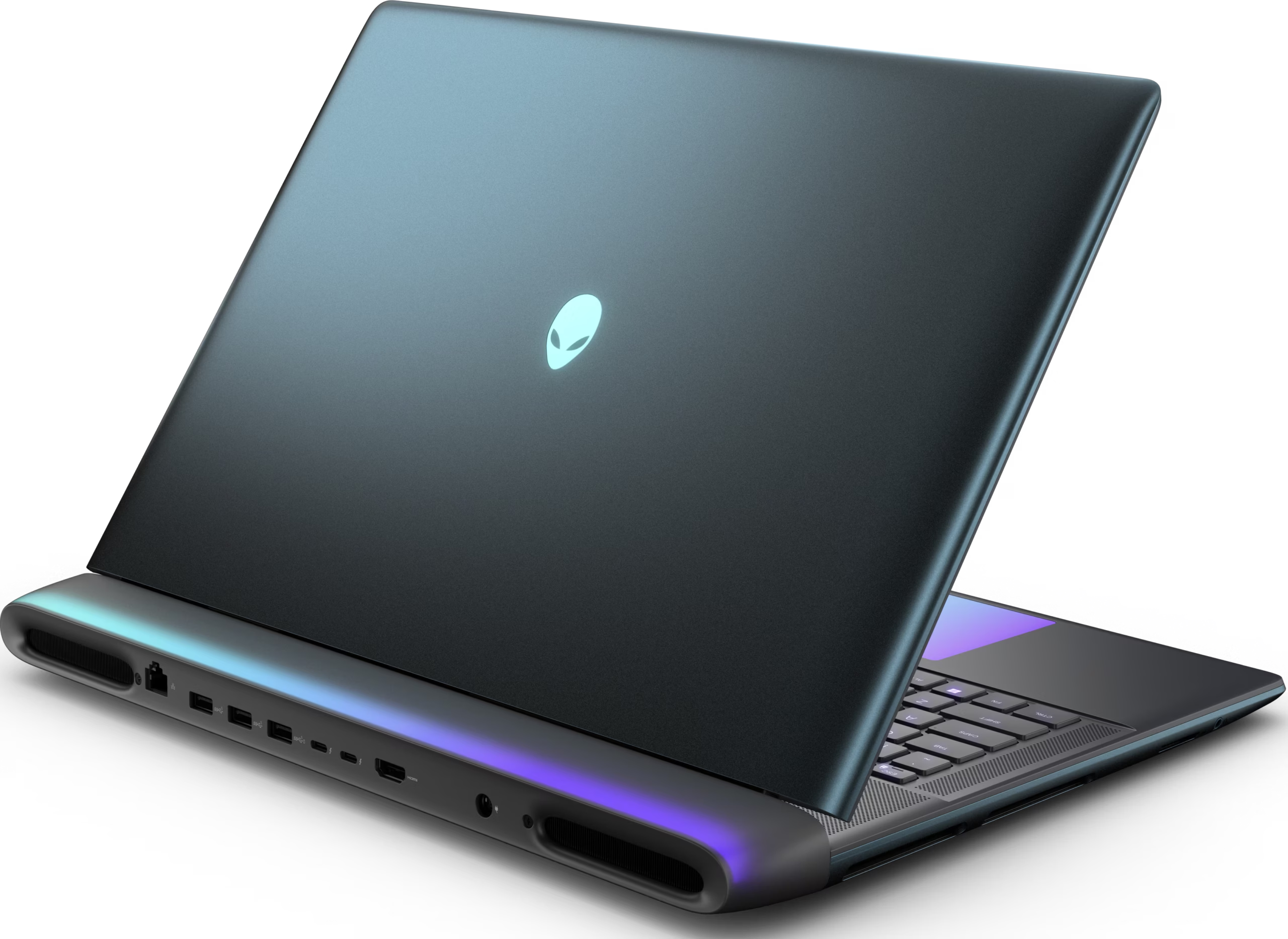
Alienware’s design language has always leaned into sci-fi aesthetics, and as its name suggests, the Alienware 18 Area-51 Gaming Laptop continues to embrace the concept. Bold lines blend into smooth curves with a Liquid Teal finish, and gorgeous RGB accents draw attention to the Alienware logo and highlight the rear I/O panel and exhaust vents.
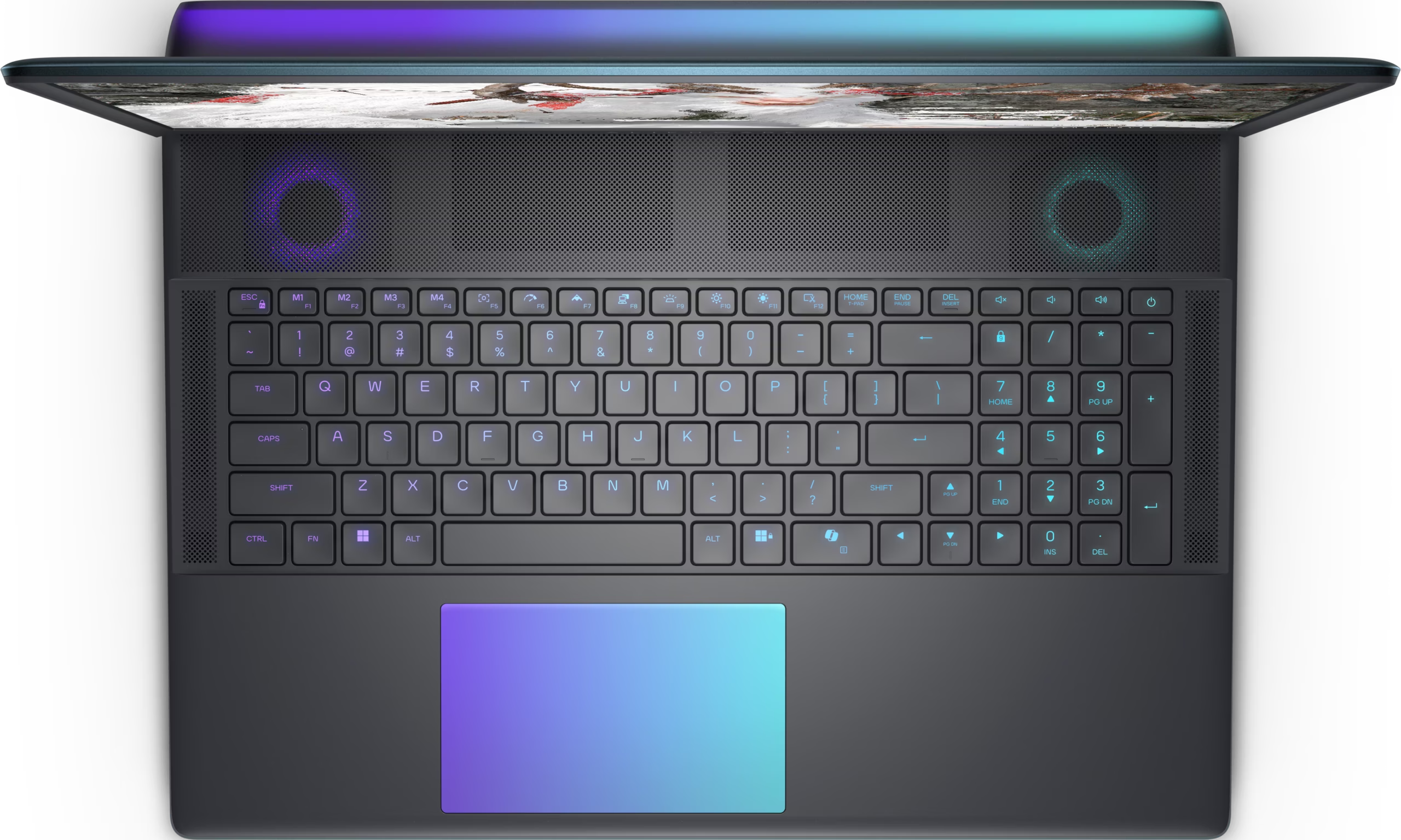
As flashy as that may sound, it feels incredibly robust. Although it weighs in at a little over 4kg, you can feel that it’s been built with quality materials. The hinge is almost as wide as the screen, offering just enough resistance to keep the monitor locked in place and preventing any flex. It also features a full-sized keyboard with per-key RGB backlighting and a generously sized RGB multi-touch touchpad, both of which are amazingly responsive and feel great to use.
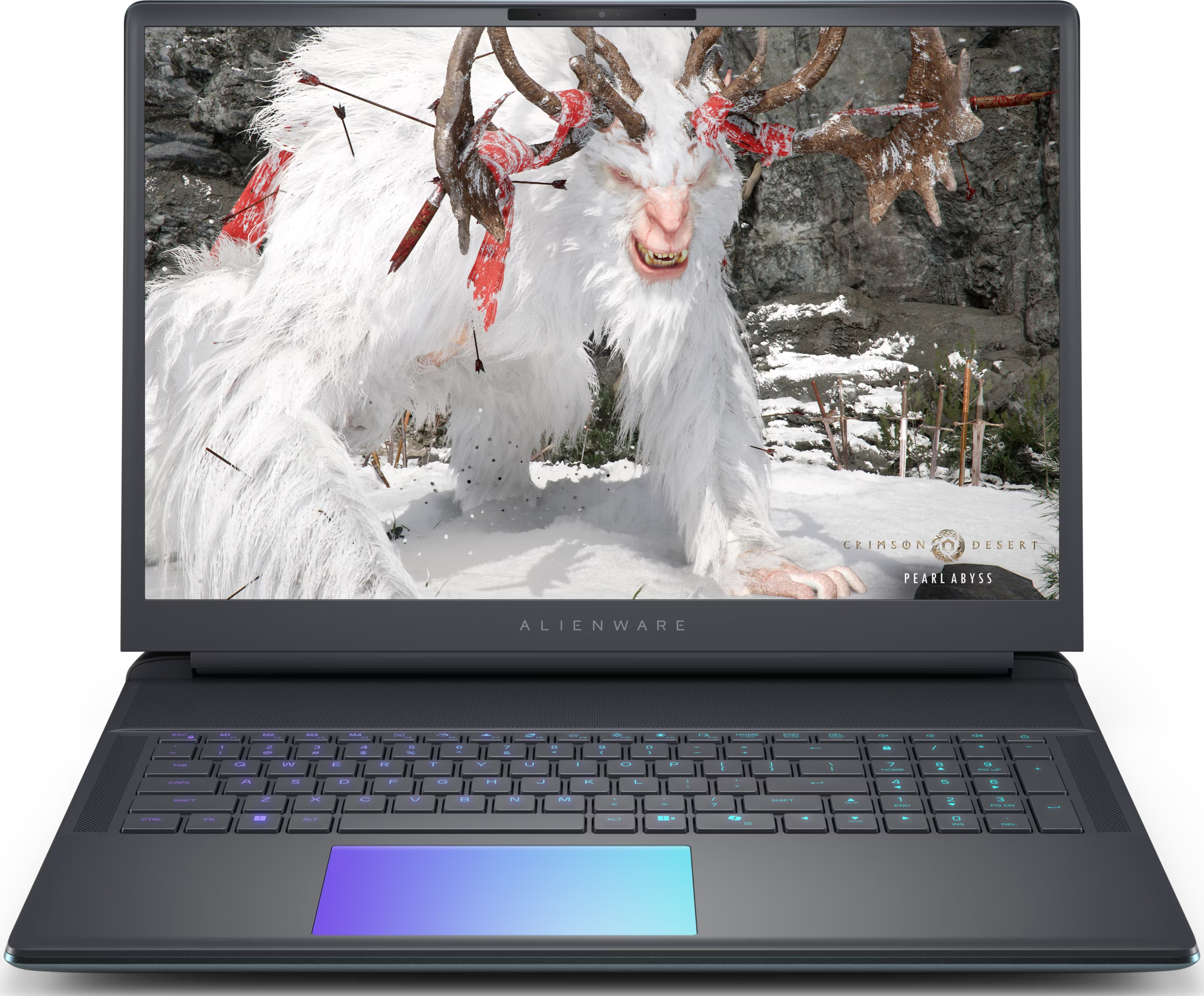
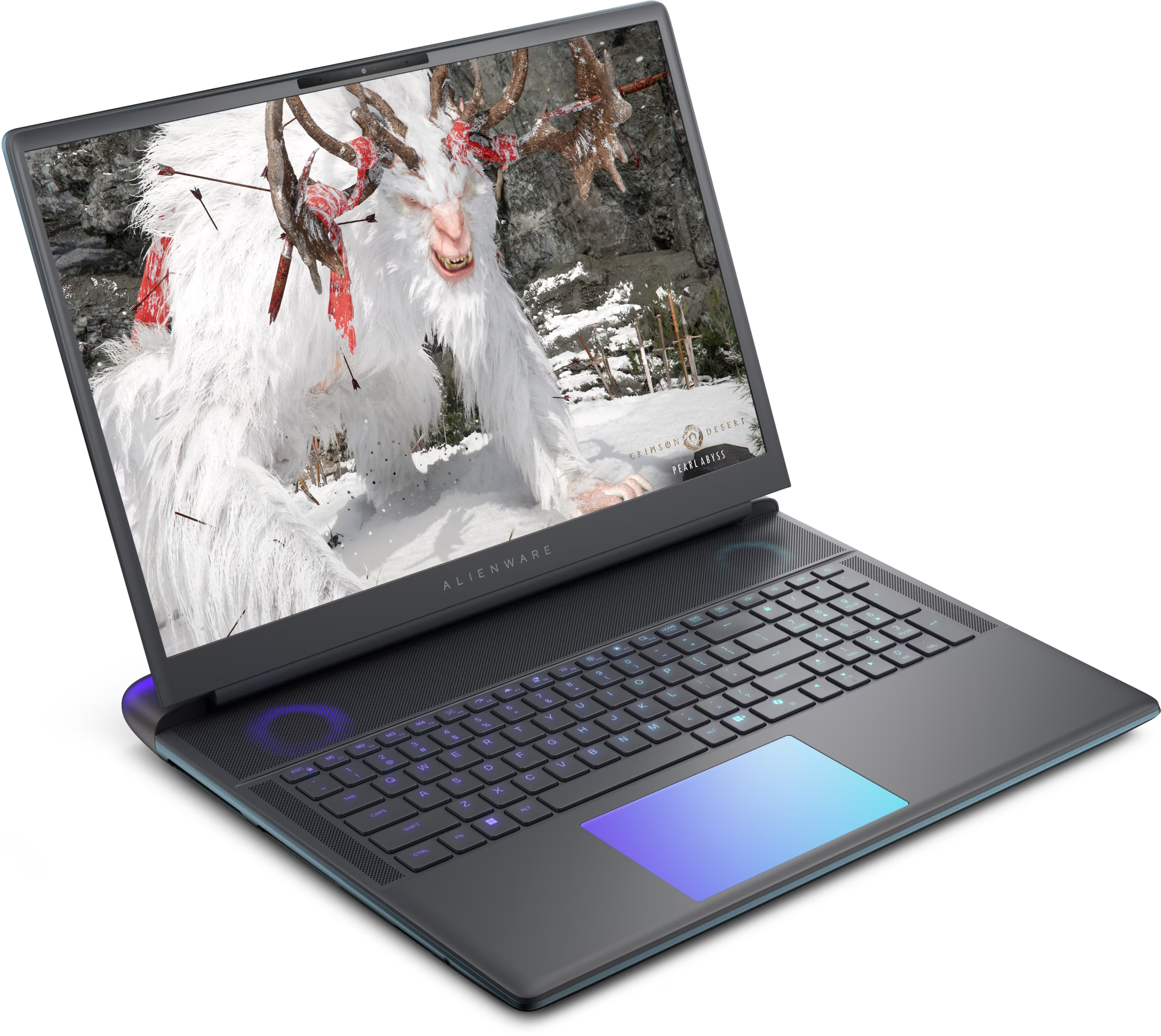
Alienware’s AlienFX, found in the Alienware Command Center, gives you the tools to configure the various RGB accents as you see fit. You’ll also find a host of other systems within the Alienware Command Center, including tools to monitor system performance or automatically tune it based on your game library.
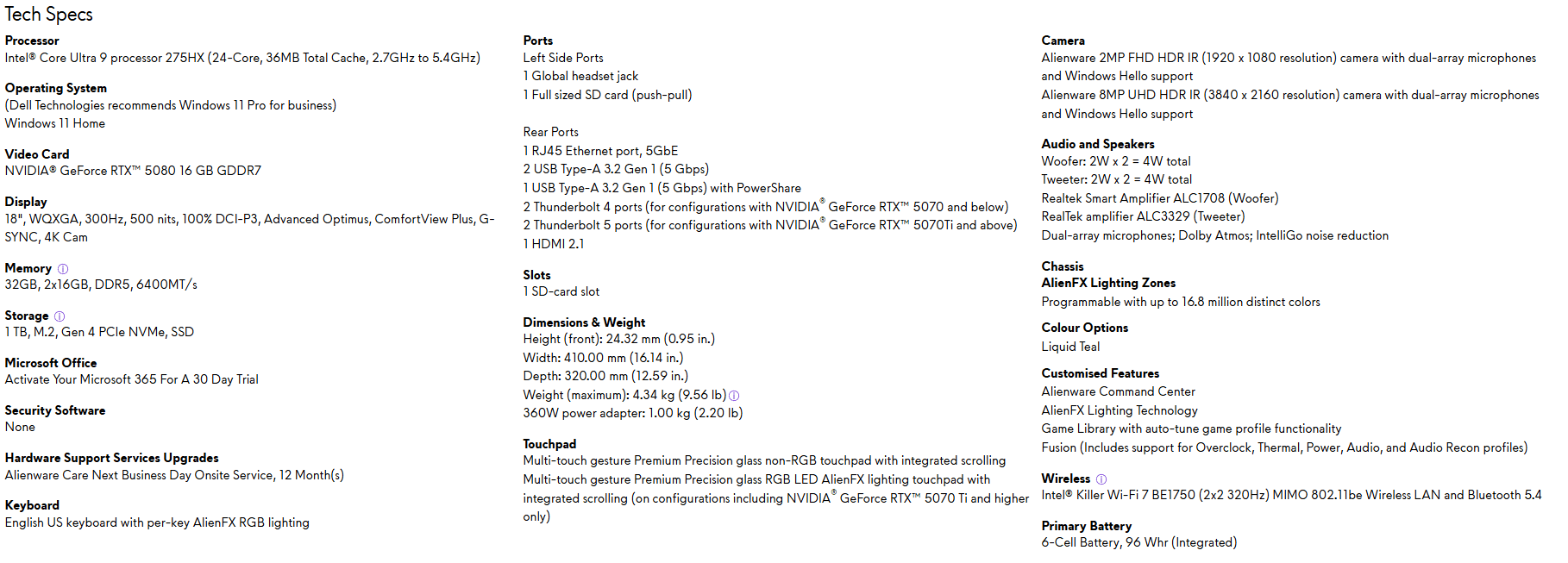
All 18-inch models feature a 300Hz WQXGA display, with full DCI-P3 coverage for maximum colour recreation, rich contrasts, and a peak brightness of 500 nits. Fast-paced shooters benefit greatly from the high refresh rate, with G-SYNC and Advanced Optimus helping to keep it smooth. Creators, on the other hand, will love the colour reproduction and the clarity of a 2560×1600 resolution.
As the highest-performing pre-built model on offer, our review unit came with the 24-core Intel Core Ultra 9 275HX processor, an NVIDIA GeForce RTX 5090 GPU with 24GB GDDR7 memory, and 32GB of 6400MT/s DDR5 RAM. It’s an incredible combination that chewed through everything I threw at it, but it is sadly let down by only having a 1TB SSD for storage.
Cyberpunk 2077 remains my go-to benchmarking title, and after loading in, I adjusted the resolution to match the screen before setting every graphics option to the highest available setting. With Path-tracing set as high as I could, the system comfortably maintained 115 -120 FPS.
Colours were bold, shadows were deep, and the motion was buttery smooth. If I scaled the resolution down, the frame rate jumped significantly, allowing me to fully utilise the 300Hz refresh rate.
Given the focus is on gaming, I was particularly excited to see a total of five USB ports, all cleverly hidden on the rear panel between the ventilation ports. Three USB Type-A Gen-1 ports offer 5 Gbps transfer speeds, with one also supporting PowerShare. There are also two USB-C Thunderbolt ports on the back, although the version will depend on the GPU option you choose. Models with the RTX 507Ti or better come with Thunderbolt 5, while anything below that is Thunderbolt 4
Sitting next to these are an HDMI 2.1 port and an RJ45 Ethernet port supporting 5GbE, though I dare say you’d be more inclined to use the Intel Killer Wi-Fi 7 wireless connection. Hidden along the left panel, content creators will appreciate the SD card port, and if the 8W woofer/tweeter speaker combination doesn’t do it for you, you’ll also find a 3.5mm headset jack.
Ultimately, the Alienware 18 Area-51 Gaming Laptop delivers exactly what a flagship gaming laptop should: overwhelming performance, a stunning 18-inch 300Hz display, and a chassis that looks and feels as premium as its price tag suggests. Yes, it’s heavy, and the 1TB storage capacity might be lacking, but that can be upgraded. If raw power, visual clarity, and build quality top your priority list, Alienware’s Area-51m 18 delivers.

The Good
- Incredible performance for gaming and content creation
- Robust build with a premium finish
- Plenty of I/O ports for connectivity
- Gorgeous 300Hz WQXGA screen with amazing colour production
The Bad
- Heavy chassis makes it less portable
- Limited storage space unless upgrading






 SuBZeRO2K
 Spotify
 Anchor
 iTunes