

Back in April, Sammy checked out the Alienware 34” 240Hz QD-OLED (AW3425DW) Gaming monitor. He gave it top marks, so when the Alienware 32” Curved Gaming Monitor (AW3225DM) appeared in the office, I decided it was my turn to see what all the hype was about.
Before I do that, however, I need to address something I don’t normally consider: the packaging.
I’m in two minds about how the Alienware 32” Curved Gaming Monitor (AW3225DM) comes packaged. On the one hand, I applaud the use of cardboard over foam, but on the other, I have concerns. The internal support is cardboard, and they have used as little as they can to prevent the monitor from moving around during transit, which is great because it reduces waste, won’t take up as much bin space, and it’s recyclable, but that isn’t the concern. We received a box with a significant hole in it and could see the screen…
Fortunately, when we checked over the contents, the monitor was in perfect order. Had the hole not been there, I wouldn’t be bringing it up, but witnessing how close we were to explaining a broken screen got me thinking about how some extra packaging could have prevented a hole that size. I couldn’t ignore it.
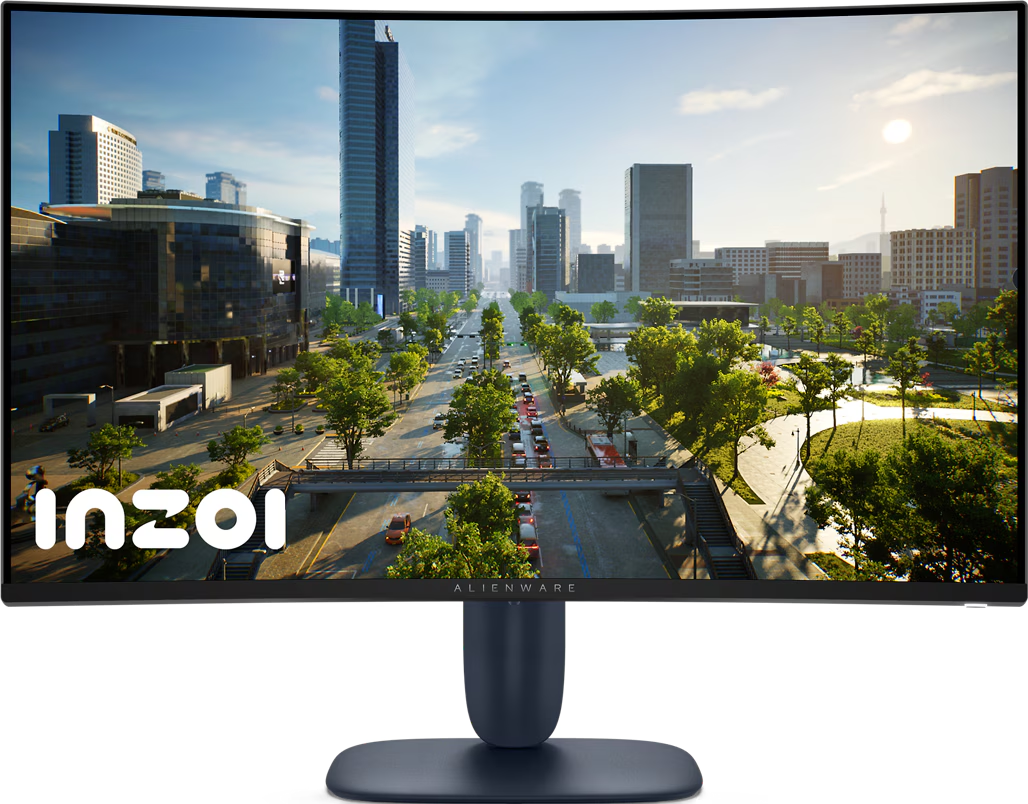
Although it looks almost identical to the monitor Sammy reviewed, the Alienware 32” Curved Gaming Monitor (AW3225DM) we received is a very different beast, with the first obvious difference being that it is not an ultra-wide monitor. This isn’t a concern for me, as I prefer the standard 16:9 aspect ratio anyway; 21:9 feels wrong. Unlike the 34” model, the Alienware logo on the back has a mirror finish instead of lighting up with RGB. That doesn’t affect the performance, but the remaining differences that do are a little less obvious.
We received the Quad-HD version, which uses a Vertical Alignment panel and comes with a 180 Hz refresh rate. However, it is available in a 4K, benefitting from a QD-OLED panel and offering a smoother 240 Hz refresh rate. Additionally, the Alienware 32” Curved Gaming Monitor (AW3225DM) I checked out supports AMD FreeSync + VESA, whereas the 4K version is NVIDIA G-SYNc Compatible + VESA, and it has a slightly different appearance to the units we checked out.
The vertical alignment panel can’t quite match the response time Sammy experienced, though it is still quick. Depending on which mode you select, it can be anything from 1ms GTG in Extreme mode, 2ms GTG in Super Fast, and 4ms GTG in Fast mode.
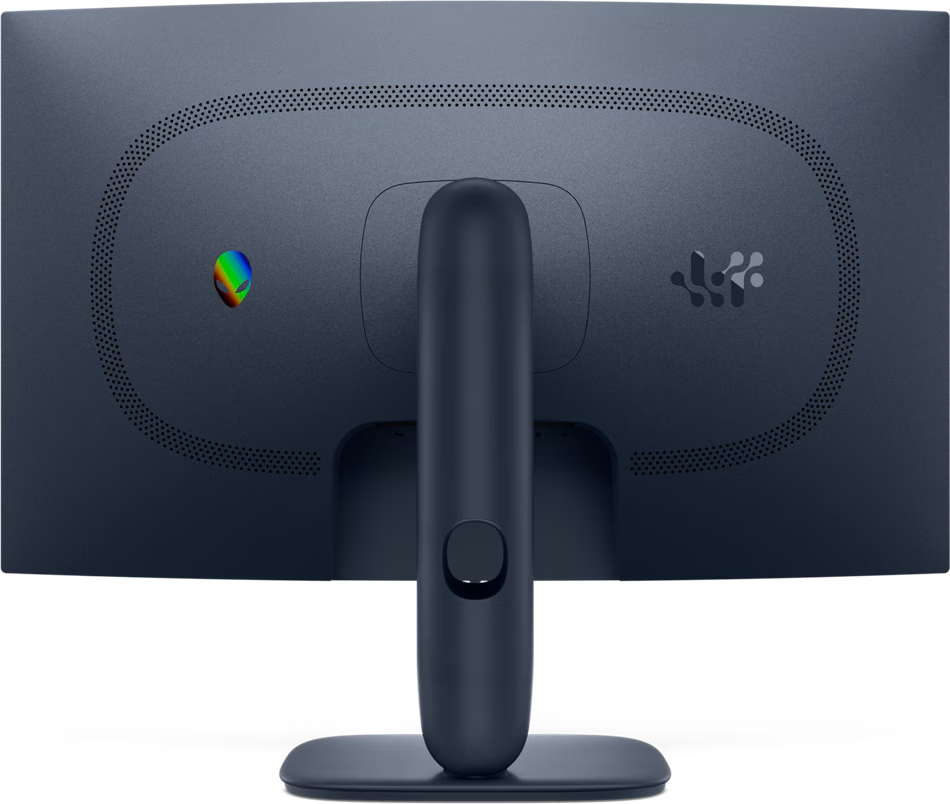
It comes with VESA DisplayHDR 400 certification, whereas the QD-OLED models have VESA DisplayHDR TrueBlack 400, a slightly lower colour gamut rating of 95% DCI-P3, and a substantially lower contrast ratio of 3000:1.
Realistically, unless you’re editing a cinematic masterpiece, absolutely can’t do without true black, or you need to show colours that most of the population can’t differentiate between, the Alienware 32” Curved Gaming Monitor (AW3225DM) has an amazing display.
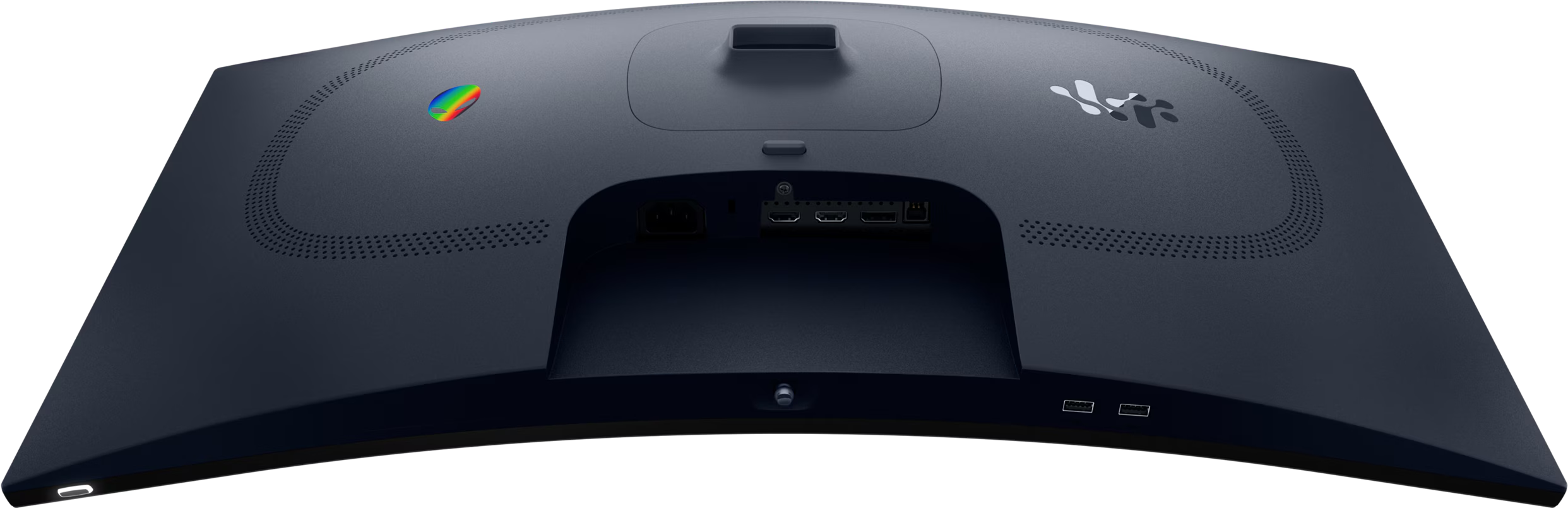
You can connect up to three devices to the Alienware 32” Curved Gaming Monitor (AW3225DM) using any combination of the HDMI ports supporting HDCP 1.4 and 2.3 and a DisplayPort 1.4, along with one 1.8m length of cable for each port type. There are also two 5Gbps Type-A USB downstream ports, one of which has charging capabilities. Just connect the included USB Type-B cable between your PC and the monitor, and boom! Extra USB ports.
If you’re just looking at numbers, the Alienware 32” Curved Gaming Monitor (AW3225DM) doesn’t compare to the 34” at all, but when you use it, those numbers hardly matter. Sure, it might lag behind a little, but it’s half the price of the QD-OLED display. As a gamer, it exceeded my expectations, and as a content creator, it is more than enough for editing the type of videos you see on YouTube.
The Good
- Great gaming performance
- High refresh rates
- Great colour reproduction
- Enough inputs for your whole gaming setup
- Options to connect and charge peripherals
The Bad
- Packaging doesn’t appear to offer much protection
- RGB accenting replaced with a mirrored surface






 SuBZeRO2K
 Spotify
 Anchor
 iTunes