
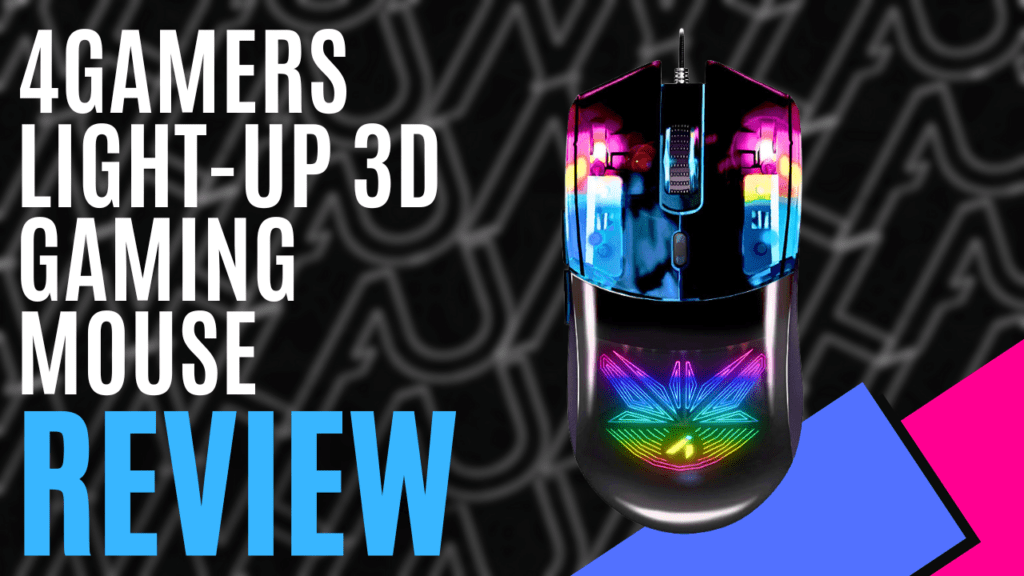
I’ve had a busy week gaming and exploring while checking out some of the latest gear from the fantastic folks at 4Gamers. It feels like only days since I was telling you all about the ‘C6-100 Strike’ headset. Up next, we will be focusing on the unsung hero of any desk, the mighty gaming mouse. Today’s mighty mouse is none other than the ‘4Gamers Light-Up 3D Gaming Mouse’. This mouse may not have a cool name like the TT Commander Pro; however, what it lacks in a cool name, it certainly makes up for with its impressive performance and stunning visual features.
From the moment I picked up the brightly coloured packaging, my eyes were immediately drawn to the centre, where a birds-eye view of the mouse with its lights on is displayed. I may not be the biggest fan of RGB lighting, but I must admit that I found myself excited to crack open the plastic-free packaging and wrap my chunky fingers around my new gaming companion. Inside the box, you will find your regular quick start guide, which contains little more than a pictured tour of the mouse and button functions, legal information, and some technical support links.
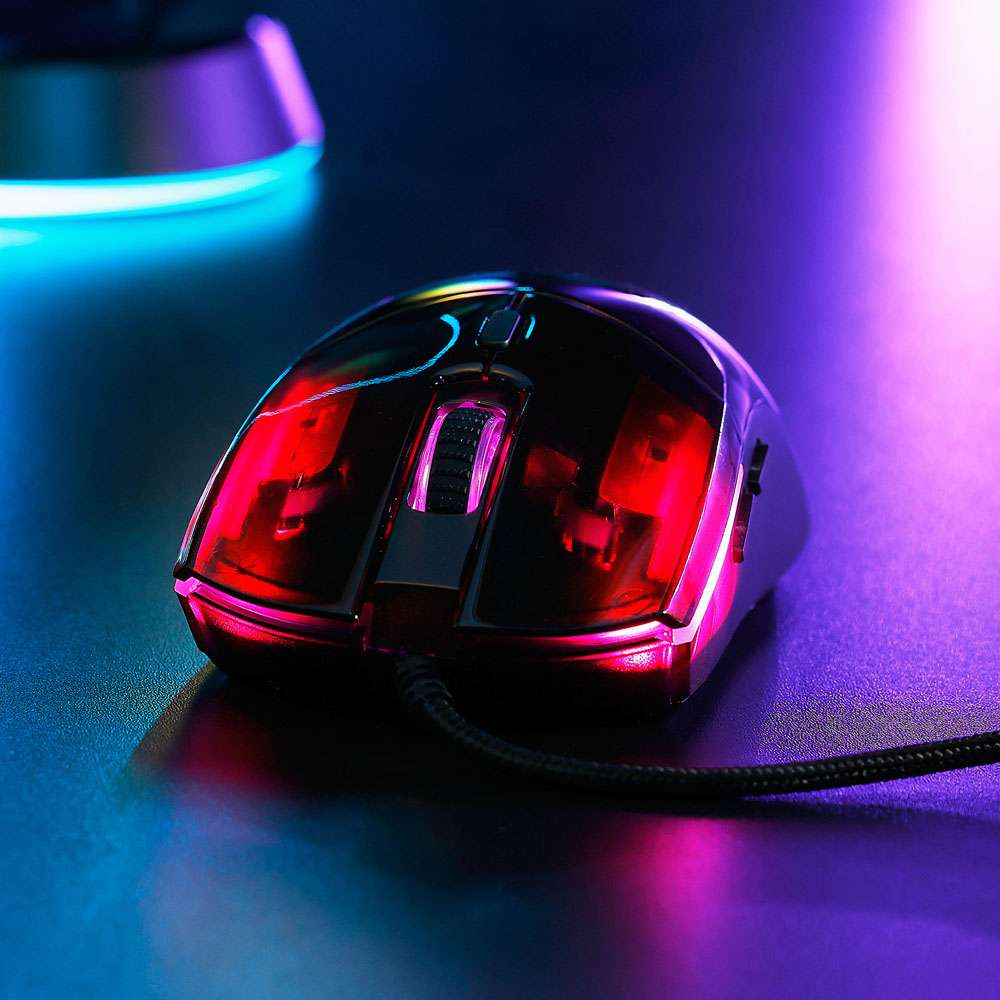
Having freed my new friend from its cardboard cage, I was greeted by a sleek-looking mouse, black in colour, with a translucent top and a smooth texture. At the same time, the sides and bottom are semi-translucent and frosted, which gives the piece a really nice texture to the touch and makes me feel like it won’t slip right out of my hand.
Having disconnected my ‘TT Commander Pro’ from the PC and prepping to plug in the ‘4Gamers Light-Up 3D Gaming Mouse’, I noticed that the ‘4Gamers mouse’ was slightly heavier than the TT Commander, which rolls in at a pretty hefty 140ish grams. This was an immediate concern for my poor wrist after a lengthy gaming session, which I will address later.

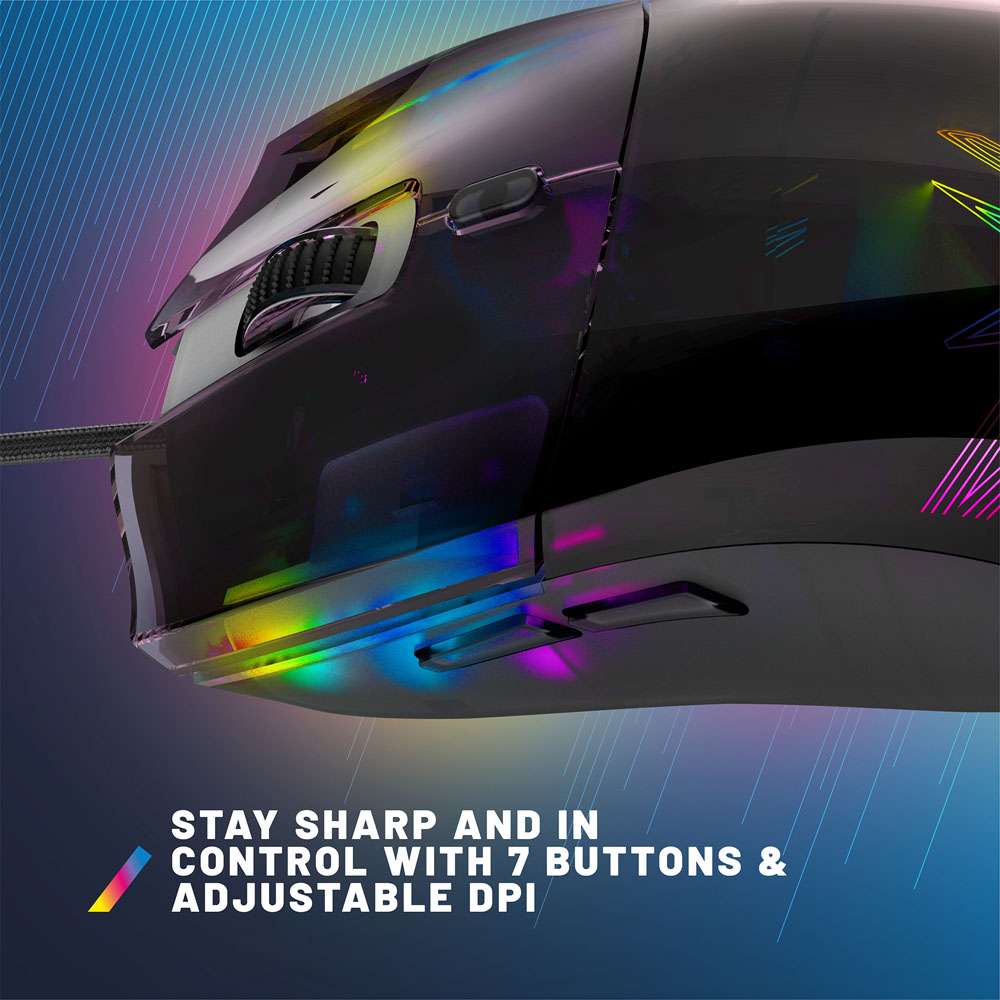
Setup couldn’t be any easier, simply plug the braided USB Type A cable into a spare Super Speed USB Type A slot on your preferred device, and you’re ready to go. Swapping between the 6 preset DPI modes that range from 800, 1600, 2400, 3200, 4800, and, for the absolute monsters, 7200 DPI is changed by simply quickly pressing the DPI button located directly beneath the scroll wheel. Holding down the DPI button for 3 seconds will toggle the RGB lighting effects on and off.
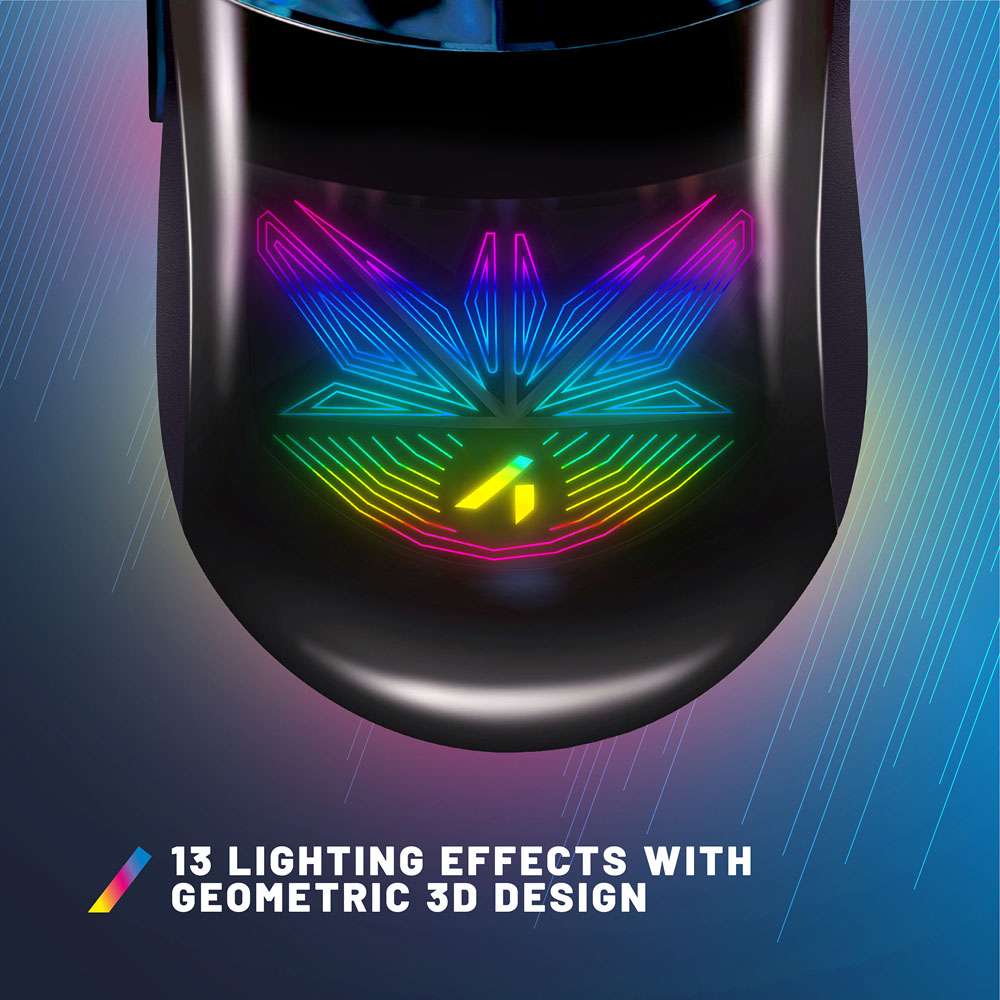
Finding your preferred lighting effect and selecting from the 13 different presets is achieved by pressing the DPI button and the rear side button simultaneously. I may not be the biggest fan of RGB, but I can’t deny that seeing the 3D leaf-like geometry shape on the palm rest lit up looked so cool that it was almost a shame to have to cover it with my hand to go and play some games.
Finding my groove while fixing up some mistakes I had made while working on some new Twitch redeems I had been working on, I found that the mouse glided effortlessly over my ‘True Apparel Divine Mouse Mat’, which I previously reviewed. Button clicks were just as effortless, thanks to the minimal travel needed to initiate a button press. Scrolling felt very accurate and smooth, though after a while, I did find the texture of the scroll wheel to be a little abrasive on my finger.
My general daily use of scrolls and clicks while toiling away and scrolling through news feeds was incredibly comfortable. Ergonomically, it felt as if this mouse was specifically designed for my chubby little hand. Although I still had some concerns about the weight during longer gaming sessions. Could my poor wrist handle the weight? Let’s find out.

Easing into the gaming session with a couple of hours of Halls of Torment, I was still finding that the mouse was very comfortable, so for science, I decided to crank it up a notch and dive into some musical madness in Beat Hazard 3.
A few more hours fly by as I frantically try to destroy every enemy in sight, and still, no pain or any kind of discomfort. It wasn’t until about hour 9 during a hectic run in Space Jump that I started to really feel the weight; my wrist was certainly feeling a little strained, but it was more just exhaustion rather than any kind of discomfort or pain.
Ultimately, this is a win for ergonomics, although I would have preferred a slightly lighter weight, especially for titles involving heavy movement, where reaction and speed are crucial to survival.
The ‘4Gamers Light-Up 3D Gaming Mouse’ may not have a cool name that rolls well off the tongue, and may be a little on the heavier side of life, but it sure is a comfy ride that really knows how to throw its weight around. RGB lighting effects give this mouse a wide variety of personalities to suit any RGB-Head’s flavour.
Ergonomics that are so comfortable that you can almost forget you’re even holding onto it. Easy to set up, visually appealing, and a price that even your wallet will appreciate. If you are in the market for a budget-friendly gaming mouse that’s sure to get the job done, then this mouse is one to look out for. Available now at Big W for $29.95.

The Good
- Stunning RGB Lighting
- Ergonomic design
- Plug and play setup
- Minimal button travel
- Easy to use
The Bad
- A little too heavy for fast-paced gaming
- The Scroll Wheel texture is abrasive







 SuBZeRO2K
 Spotify
 Anchor
 iTunes