
I’ve been lucky enough to review several Acer products during my time working with MKAU Gaming, but nothing as prestigious as their Predator series, so you can only imagine how excited I was when we were asked to check out the Acer Predator X32 X3 Gaming Monitor.
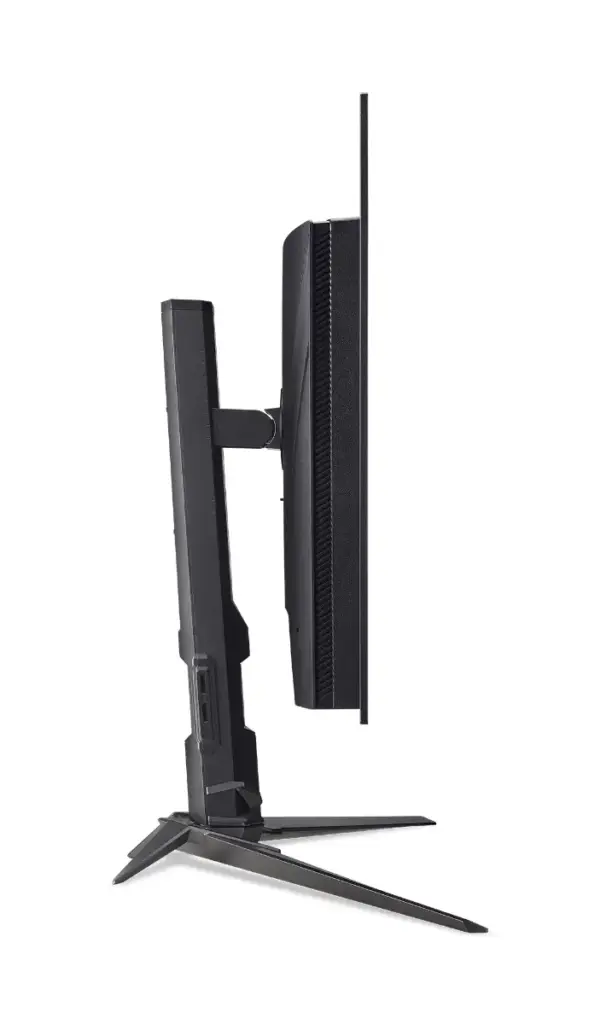
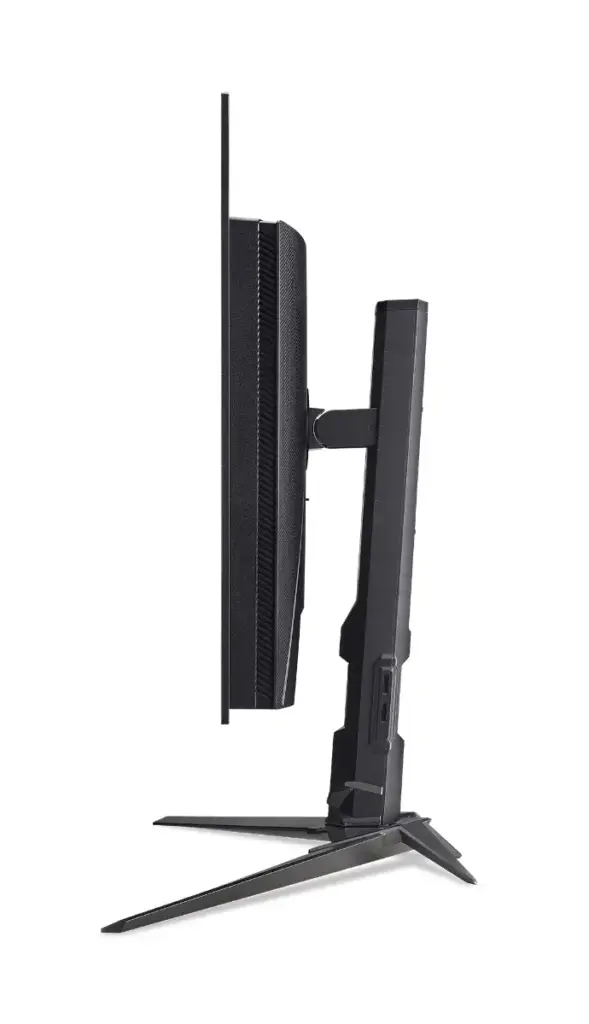
Assembly is a breeze, with the supporting arm screwing onto the base before clicking onto the back of the monitor using a simple spring mechanism. The minimalistic base features sharp and aggressive angles, and it’s been designed to reduce the amount of space it takes up on your desk. It’s also been designed with cable management in mind, with the neck having a hole to pass cables through, keeping them organised and tidy.
There are two HDMI v2.1 ports, which means the monitor can properly support the type of HDMI that PS5 and Xbox Series X use, and a DisplayPort v1.4 can support a total of three input methods. Next to these, you’ll also find a USB Type-C, a USB Type-B, and two USB Type-A ports, which have a built-in KVM switch, so you can use it as a USB Hub between several devices, and an audio output for you to connect a set of headphones should you choose to.
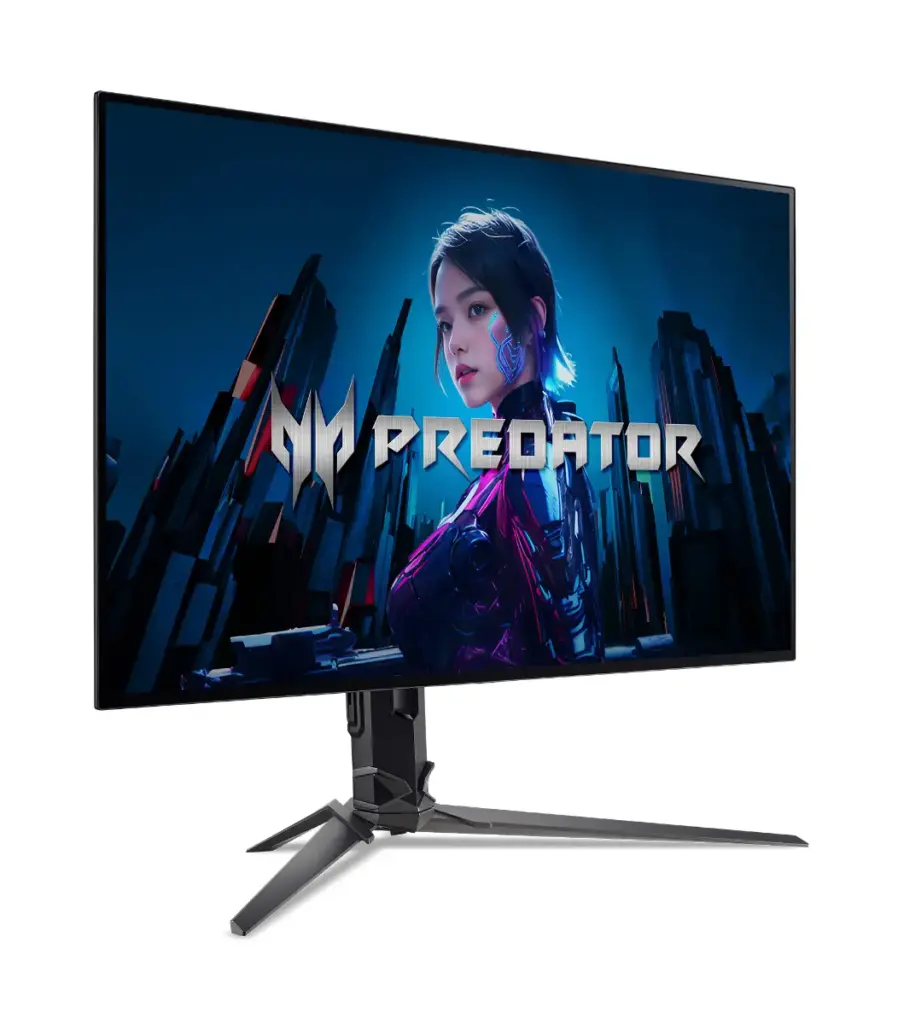
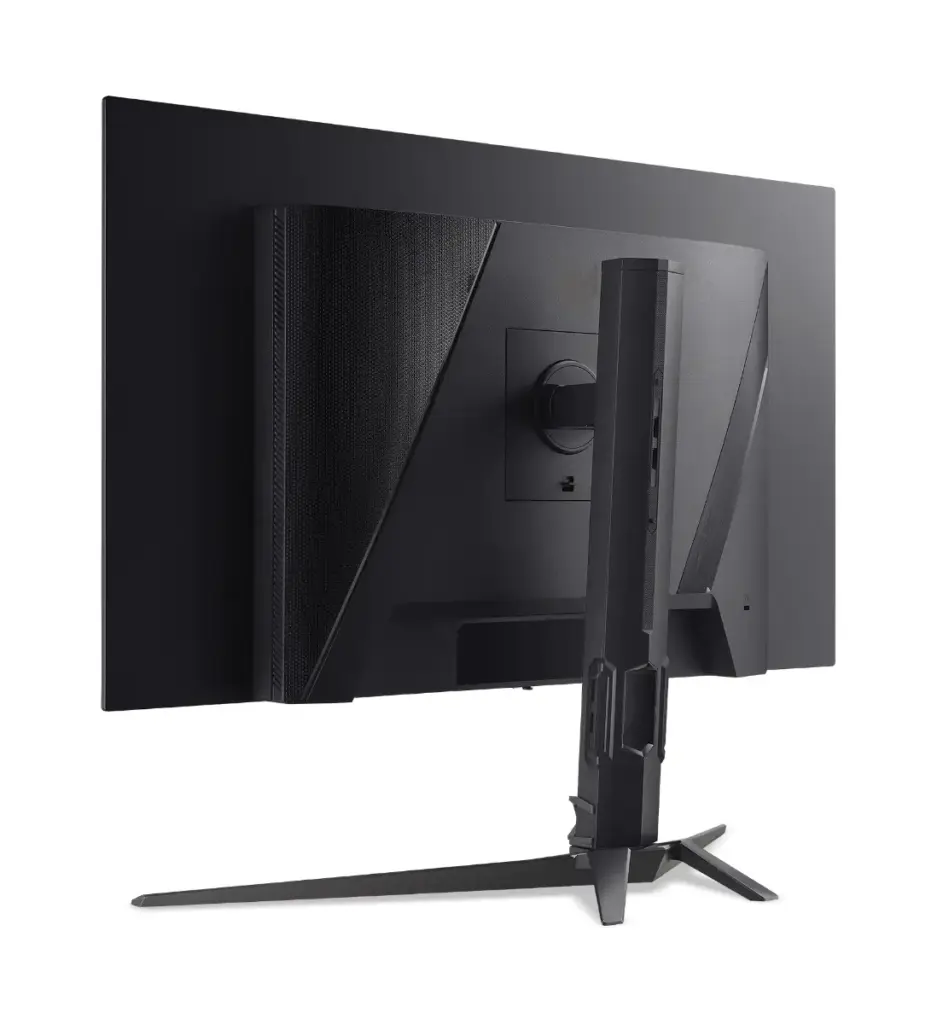
You won’t necessarily need to do this, however, as the Acer Predator X32 X3 Gaming Monitor does have two speakers built into it. They’re decent for a bit of background noise – watching YouTube and the like, and they’ll do in a pinch, but like most speakers built into a screen of any description, they can sound a little flat.
Given how tall the stand is, I expected to be able to rotate the monitor into a portrait perspective while mounted to the stand, but this isn’t the case, and it can only be attached to the supporting arm in a single orientation. It has a small range of tilt, but I don’t feel it’s enough to warrant writing home about. However, it can slide up and down on the supporting arm and tilt forward and backward to a reasonable angle; -5 degrees to 35 degrees, according to the website, and the supporting arm can swivel up to 30 degrees each way.
Where the Acer Predator X32 X3 Gaming Monitor shines, however, is in its overall performance. It’s a 31.5-inch monitor capable of supporting 4K resolutions at 240Hz with a response time of 0.01ms, but if you switch it out to 1080P, the refresh rate jumps up to supporting 480Hz. So long as your system performs to this level, gameplay, animations, and watching movies are smoother than half-melted butter. It also supports AMD FreeSync Premium if you’re running an AMD GPU.
The Acer Predator X32 X3 Gaming Monitor uses OLED technology, which is great for displaying colours that meld into each other, as well as providing deeper blacks, meaning that it is incredible for watching movies or playing games with a heavy focus on graphical storytelling – think of games like Cyberpunk 2077. This is because it can support 1.07 billion colours with a colour depth of 10-bit and brightness level of 1000 Nit, and it has a colour gamut of 99% DCI-P3 with a native contrast ratio of 1.5 million to 1. In short, colour reproduction is incredible, which is great for gaming but even better for editing photos and videos.
The IPS panel uses an anti-glare surface, and Acer has included various technologies meant to prevent eye strain. These include Bluelight Sheild Pro, a digital version of those blue light-blocking glasses some people have taken to using, but it does so without applying a yellow filter over everything, and Flicker-free, which provides additional power to the screen that prevents the screen from noticeably flickering.
Regarding performance monitors, the Acer Predator X32 X3 Gaming Monitor is a great option if you can justify (and afford) the investment. The fact that it can support 4K resolutions at 240Hz with a colour range of 1.07 billion colours makes it ideal for editing photos, videos and animations, and if your system can support it, that’s equally incredible for playing games, particularly story-driven, highly detailed games. Having a possible refresh rate of 480Hz at 1080p feels like overkill, but the option is there when every frame counts towards victory.

The Good
- Displays 4K resolutions with a high refresh rate
- Insane refresh rates when resolution is dropped to FHD
- Stylish and simple design
- Incredible colour reproduction
The Bad
- Monitor positioning feels limited
- No support for NVIDIA G-Sync







 SuBZeRO2K
 Spotify
 Anchor
 iTunes