
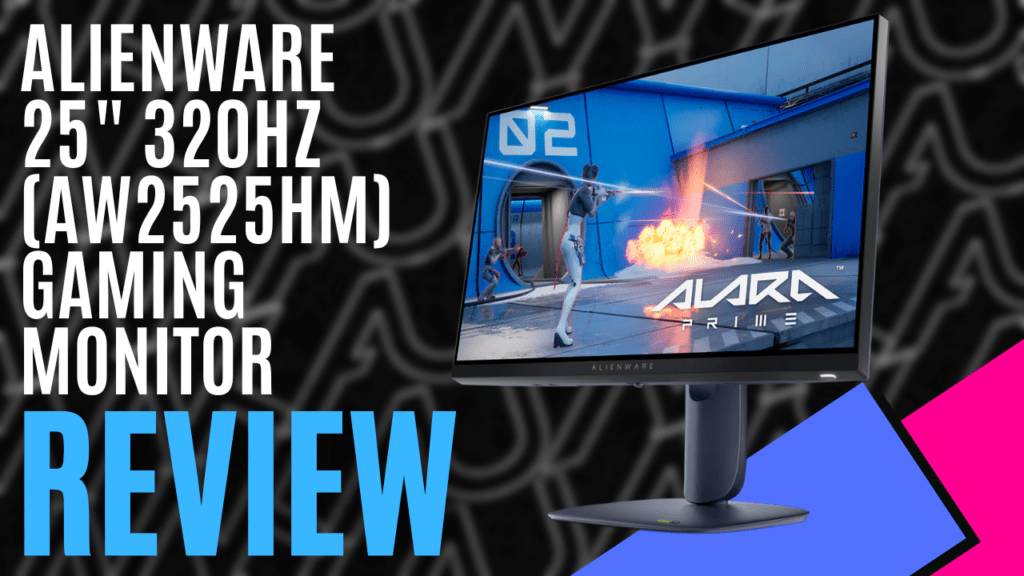
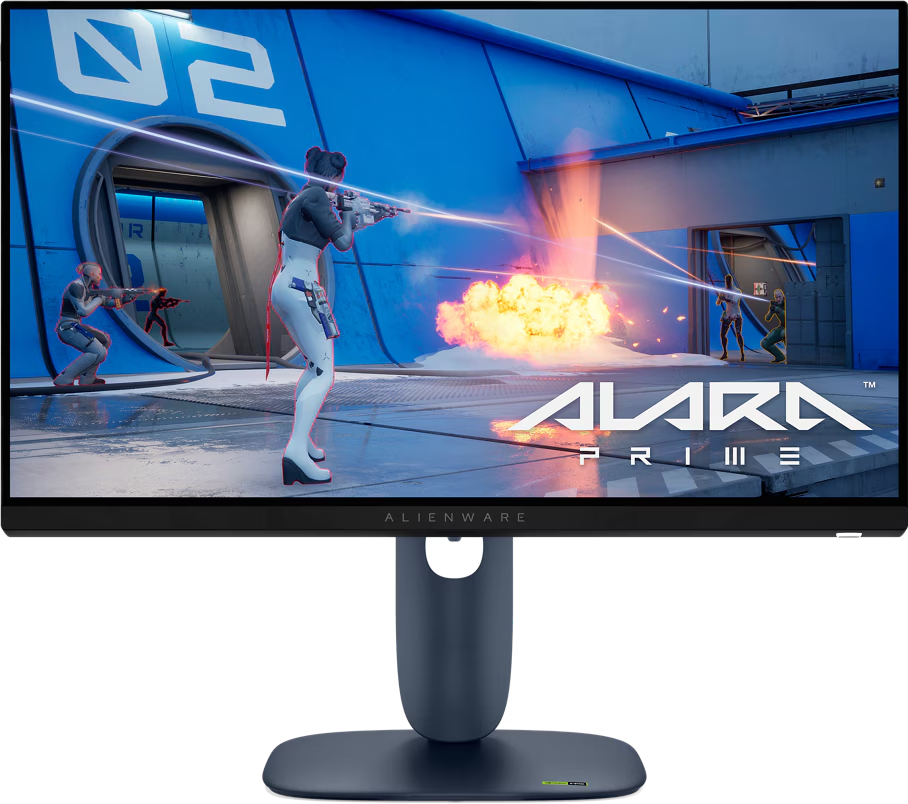
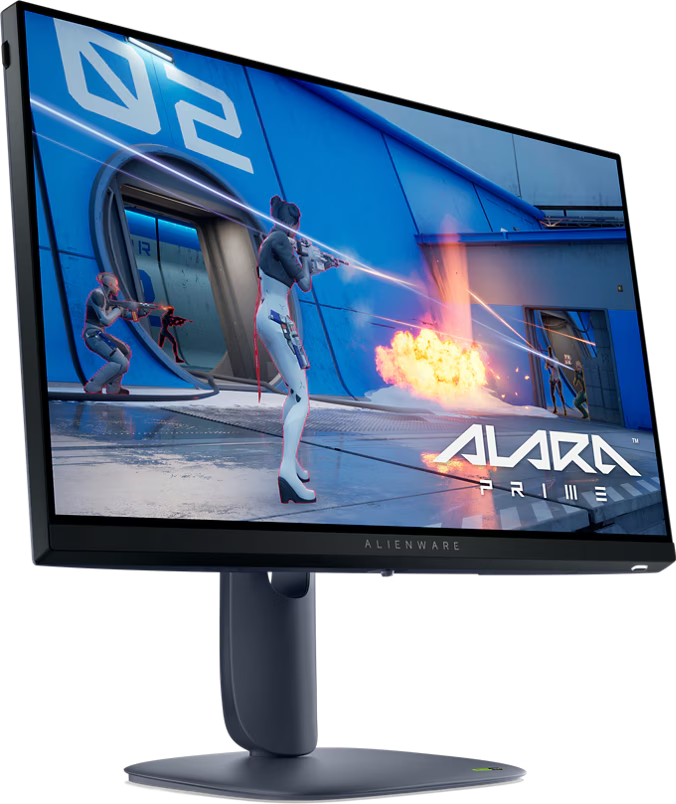
When it comes to monitors, I usually lean towards something a bit larger, and I’ve been rocking a dual 27-inch setup for a while now, but every so often, a smaller screen surprises me. That’s exactly what happened with the Alienware AW2525HM gaming monitor, a 25-inch gaming monitor that doesn’t scream for attention, but delivers when it comes to pure speed.
In a world filled with Quad-HD and 4K displays, you might be thinking that a Full-HD screen is a bit outdated, but in the world of competitive gaming, it all comes down to speed. The Alienware AW2525HM monitor has an incredible refresh rate of up to 320Hz with a response time as low as 0.5ms GtG.
Combined with VESA AdaptiveSync, AMD FreeSync Premium, and G-SYNC compatibility, you’re getting a stutter-free, tear-free experience regardless of your setup, making it perfect for eSports-style games, such as CS:GO, Valorant, and Overwatch.
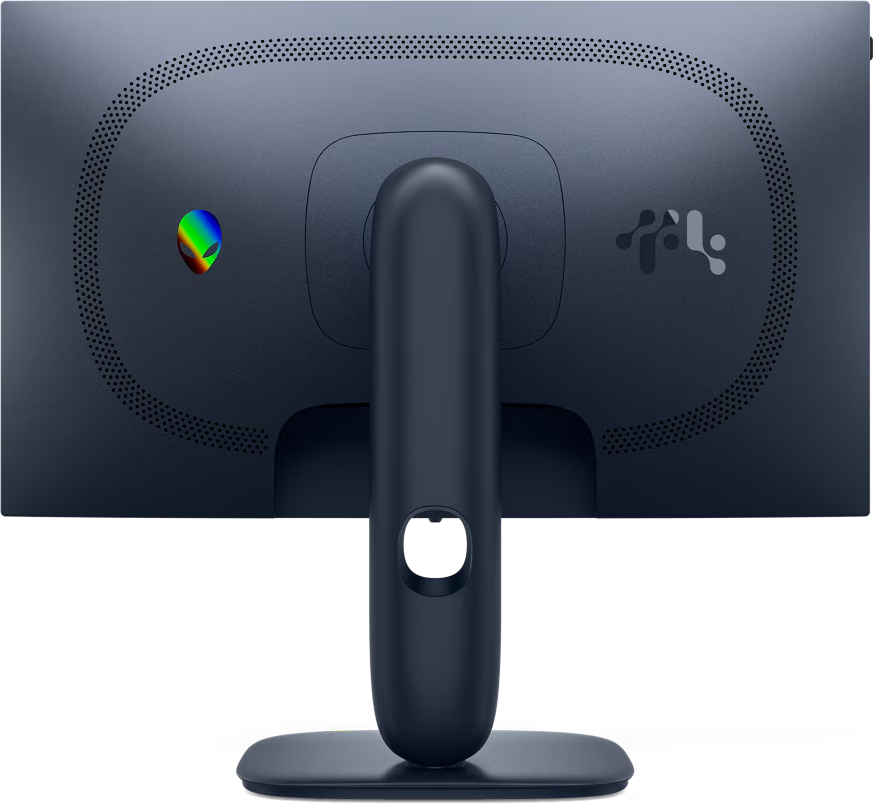
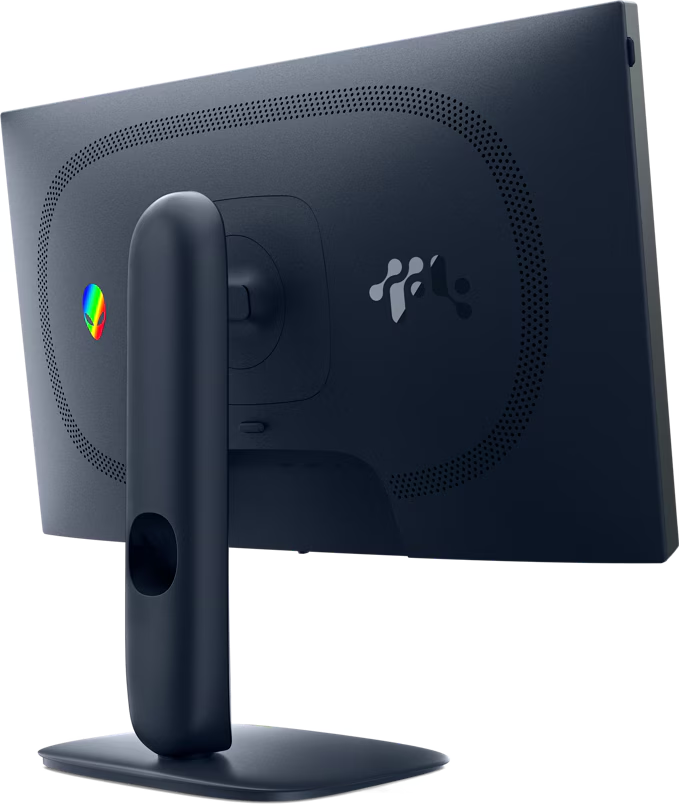
Connectivity-wise, you’ve got two HDMI ports, both of which can support HDCP 2.3 and 255Hz, a DisplayPort 1.4, making use of that sweet 320Hz refresh rate, and a trio of 5Gbps USB ports. The two USB Type-A ports can both be used to connect peripherals, with one of them also offering the ability to charge a device, which could come in handy with the retractable headphone holder located on the side.
Setup is straightforward, with the stand snapping into place and held securely with a winged screw, and it offers a wide range of motion, so that you can adjust it into the perfect position. It can swivel up to 20 degrees each way, tilt between -5 and 21 degrees, and pivot 90 degrees each way, while the mounting arm allows it to raise or lower by 110mm, with a handy hole making cable management simple.
While the sRGB colour gamut sits at a respectable 99%, the IPS panel is only capable of supporting 16.7 million colours, which might sound like a lot, but it does mean that colours won’t naturally blend through the shades.
If you were using it to edit photos, you would notice blocks of colour in place of a smooth transition. This is why I would suggest avoiding this monitor if you were looking for something suitable for editing content, but when you’re using it to play fast-paced games, which is what it’s designed for, you won’t notice this.
What surprised me most, however, was the very competitive price point. As a high-performing monitor, I had expected to find it priced over $700 on the Alienware website, but I was pleasantly surprised to see it listed for less than $350. Sure, you might be missing out on some of the fancier features, but for a monitor with this level of performance to be priced so well is almost unheard of.
The Alienware AW2525HM gaming monitor might not be a productivity powerhouse or a content creation display, but it’s not trying to be. It’s built for speed, and it does that exceptionally well. If you’re a competitive gamer who needs every possible edge, this monitor is worth a serious look.
The Good
- Incredible refresh rate
- Plenty of connection options
- Easy cable management
- Wide range of motion
- Competitive pricing
The Bad
- Limited colour production
- Restricted to 1080 (FHD)







 SuBZeRO2K
 Spotify
 Anchor
 iTunes