
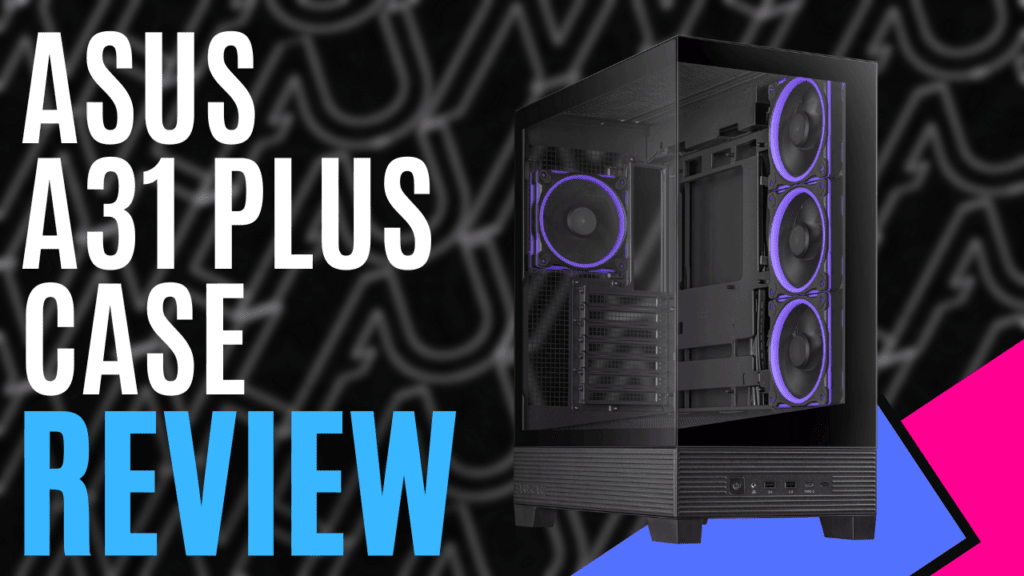
I’ve been looking at changing out the case of my PC for a while now, and given my appreciation of flashy lights, I’ve been quite drawn to those that would proudly show off the internals. As luck would have it, ASUS has allowed me to properly check one out without committing to the purchase.
As a mid-sized tower, the ASUS A31 PLUS case features tempered glass on the front and left-side panels, offering unobstructed views of your build. It’s capable of mounting a variety of motherboards. It will take ATX, Micro-ATX, and mini-ITX without issue, but it has also been engineered to take BTF motherboards—those featuring connectors mounted to the back of the board. Combined with a 34mm space for cable management, your build could be one of the cleanest in your gaming community.
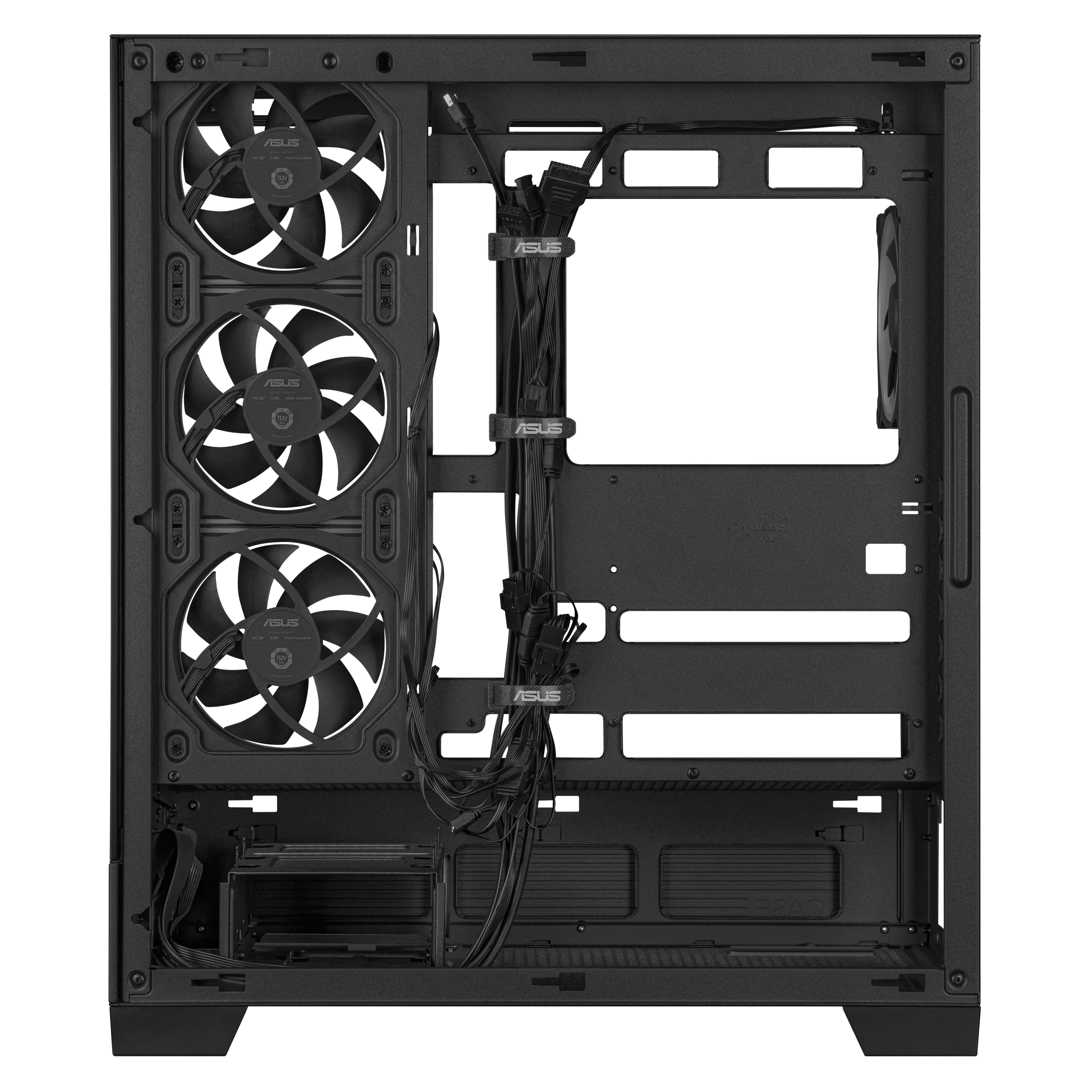
With the front of the case being left open, allowing light to flow into the whole case, the three 120mm fans that would normally be mounted on the front panel are instead attached to the right side towards the front, and this lines up with grating on the right-side panel, allowing air to flow through.
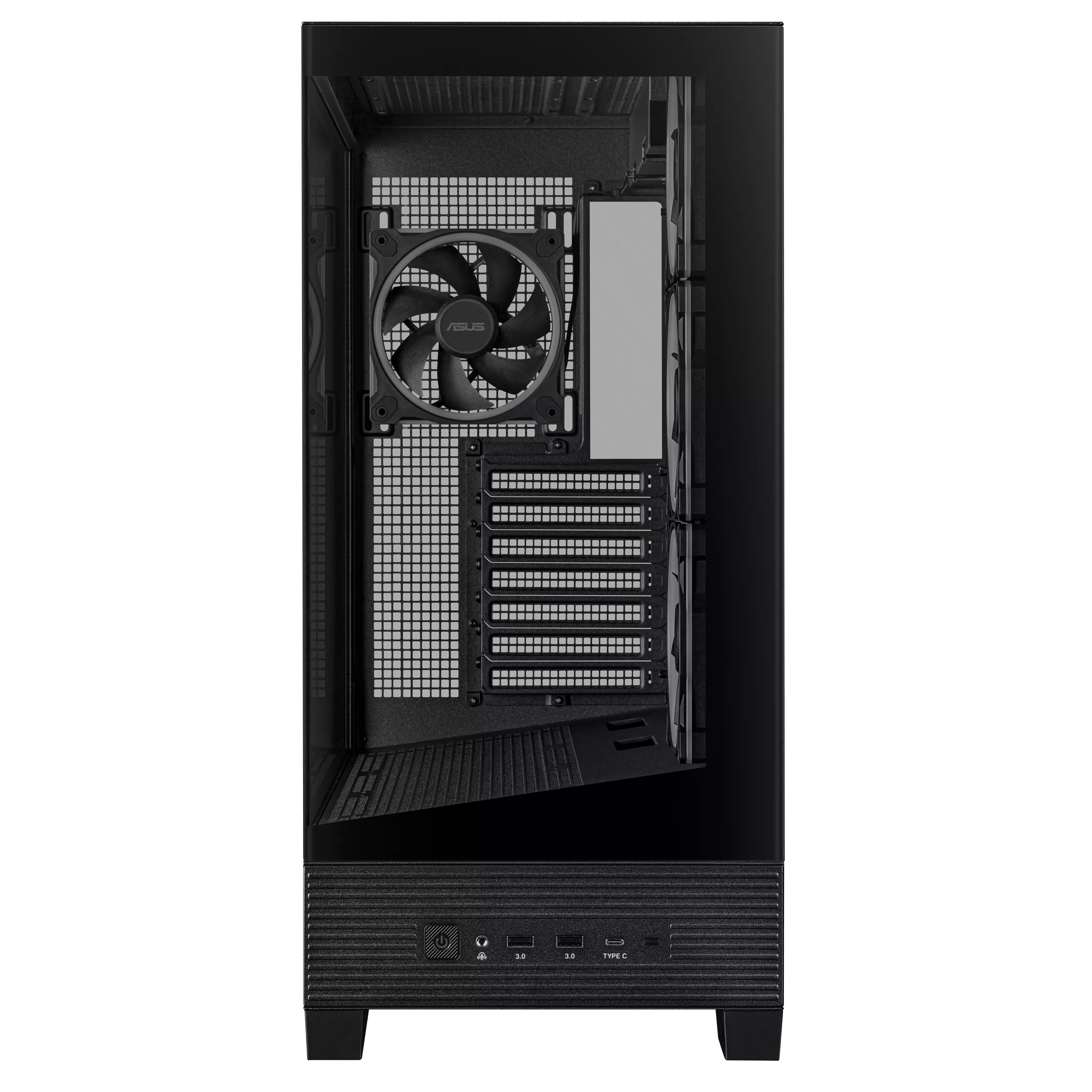
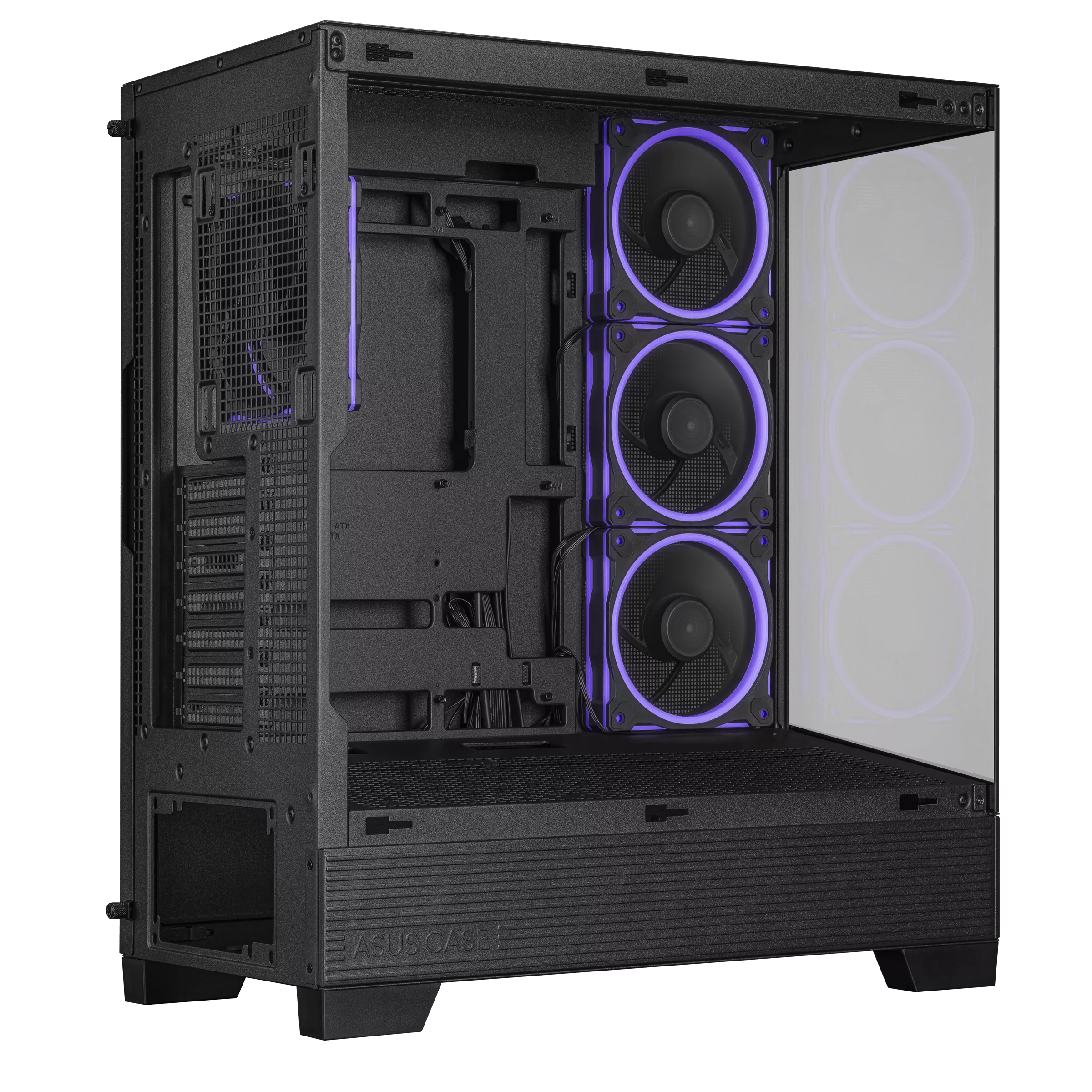
A fourth fan, also sized at 120mm, is mounted to the rear panel, and these are all capable of ARGB, with a ring around the fan and other elements of the casing allowing your chosen colour to flow through. Alongside these, the included case-mounted I/O connector cables match the colour of the case, helping to maintain a clean and colour-coordinated appearance, focusing attention on the components you decide to install.
The rear fan can be replaced with a 120mm radiator, but if you’re after something a bit bigger, the top-most panel can house a radiator up to 360mm long, but if you would rather use a CPU-mounted cooling tower, there is enough space for one up to 165mm high. Additional cooling can be added by mounting fans on the lower floor panel, which is slightly angled at 8 degrees. ASUS has found that this angle provides slightly better airflow throughout the system. Still, it means you’ll have more visibility for any ARGB fans you might install here, making for a visually stunning build.
The top and bottom panels also house removable dust covers, which are attached to the chassis by magnets attached to the removable section. As easy as they are to remove, they are designed to appear to be built into the case rather than a removable part.
Other elements, such as the side covers, are held in place with thumbscrews, and while these are easy enough to use, I don’t feel like they are as intuitive as some of the other cases I’ve recently checked out.
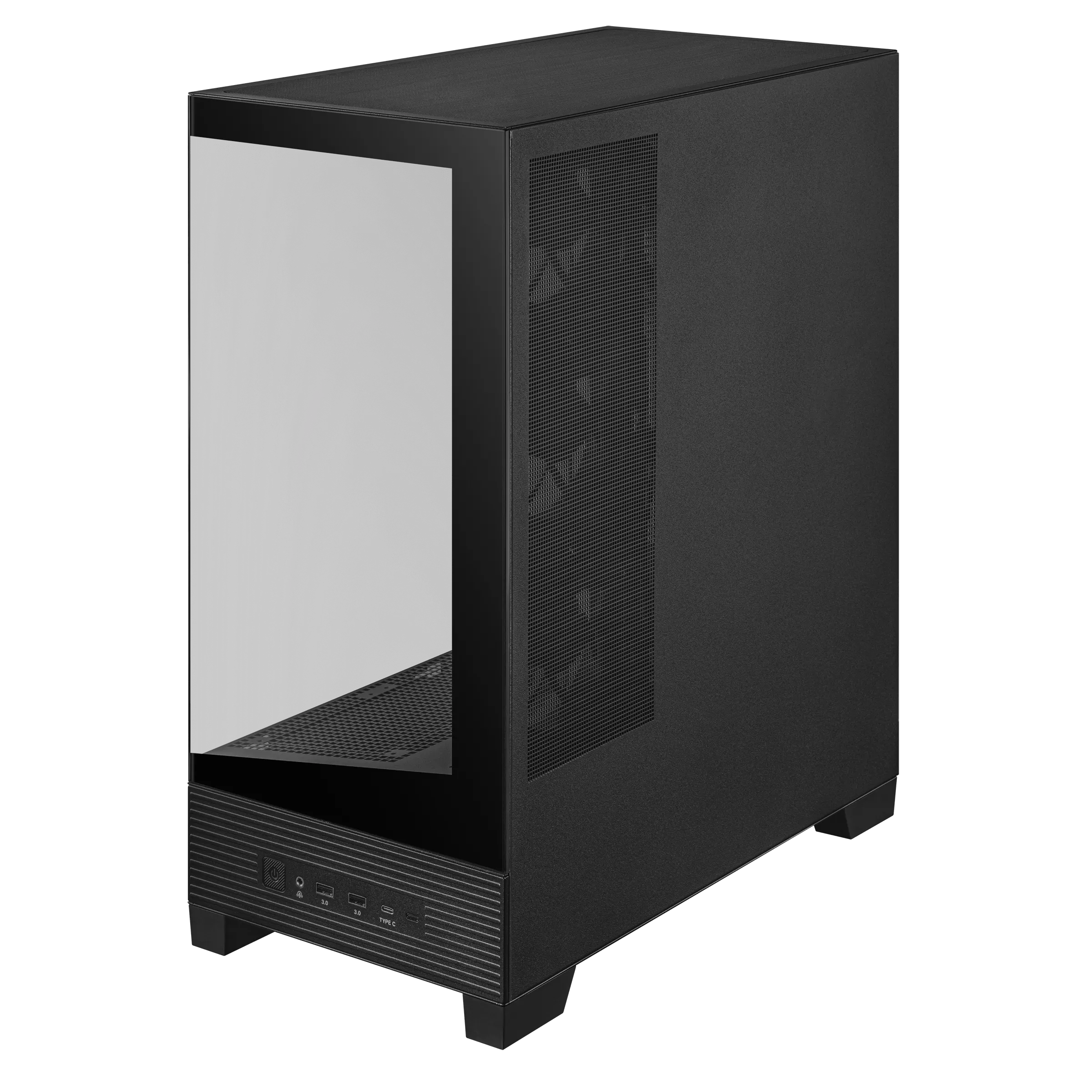
The lower section of the case features a textured panel that almost replicates the appearance of corrugated iron. Within this section, you’ll find a couple of slots to mount 3.5” drives and house the power supply. On the front, you’ll find the case-mounted I/O ports: the usual power and reset buttons, a single USB 3.2 Gen 2×2 Type-C, two USB 3.2 Gen 1 Type-A ports, and a combination 3.5mm headset socket.
Available in black or white, the ASUS A31 PLUS case has everything you need for a perfect build. With the right motherboard, cables are virtually invisible, drawing attention to your carefully selected components. The spacious internal design offers space for expansion, either adding additional cooling solutions or displaying some of your favourite collectibles for a truly unique and personal build.

The Good
- Tempered glass build offers unparalleled viewing
- Pre-installed colour-coordinated fans and I/O cables
- Engineered to make cables virtually invisible
- Ample space for expansion
The Bad
- Panels are secured with thumbscrews







 SuBZeRO2K
 Spotify
 Anchor
 iTunes