
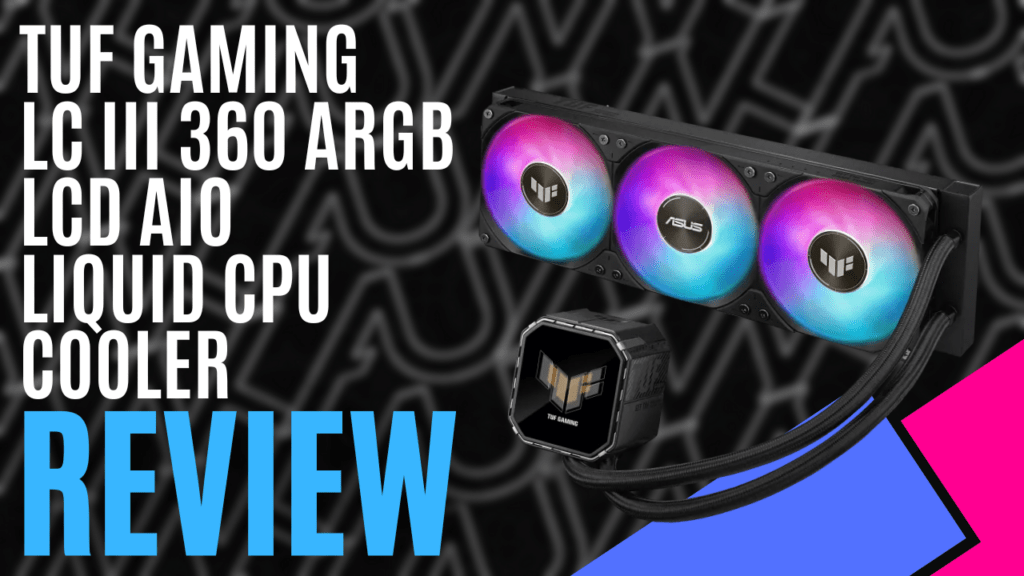
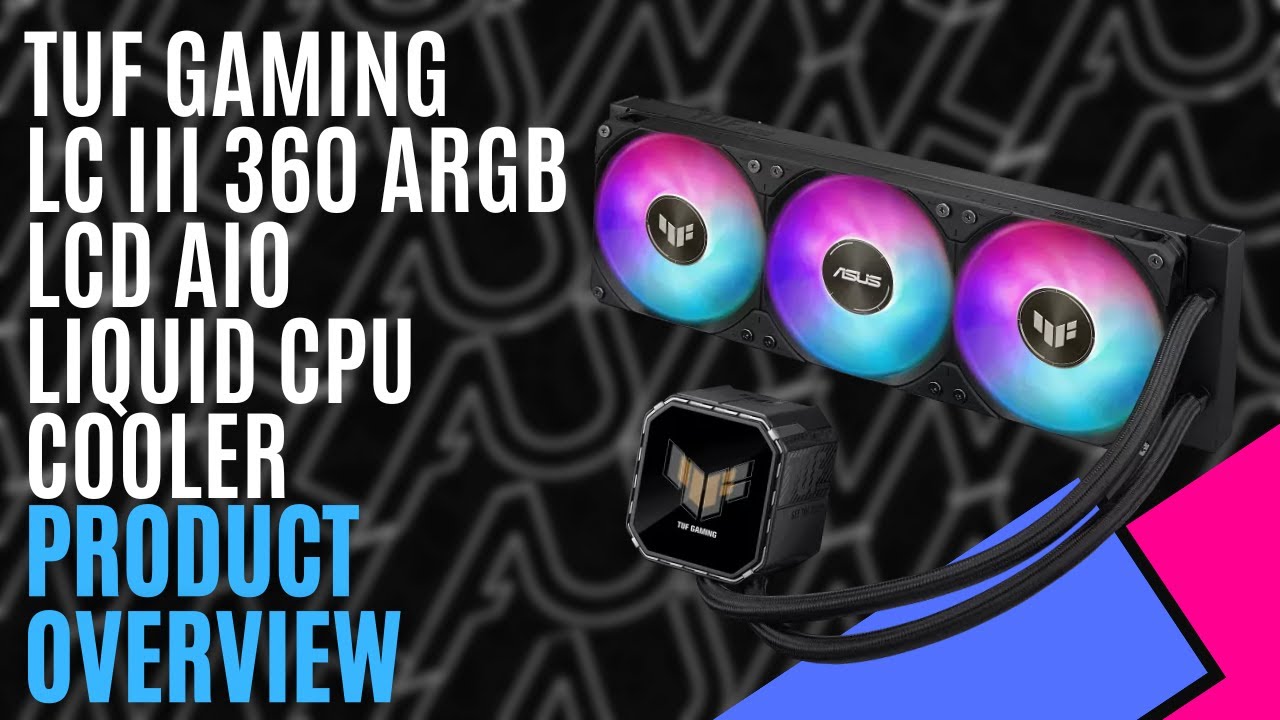
ASUS has been refining its all-in-one coolers for years, and I’ve been fortunate enough to check out a small selection of its range. Most recently, I’ve been looking at the ASUS TUF Gaming LC III 360 ARGB LCD, a cost-effective, ready-to-install liquid-cooling solution that features a 2.8-inch LCD screen mounted on the pump head.
With matte black accents, angular patterns, and subtle branding, it gives it a rugged yet refined look and fits right in with the TUF Gaming aesthetic. Integrated ARGB lighting adds just enough flash without feeling excessive, and works seamlessly with ASUS Aura Sync to keep your build lighting consistent across all components. The attention to visual balance is clear: bold enough to stand out, restrained enough to feel purposeful.
The radiator fits standard measurements for a 360 mm setup, measuring 397 mm long, 120 mm wide, and 27 mm thick, but what I appreciate most is how simple it is to install. ASUS has pre-installed three 120 mm ARGB fans on the radiator, so there’s no fumbling around with separate fan mounts or cable mess.
A single combined cable that handles both power and lighting, cutting down on clutter and making cable management refreshingly easy. For anyone who’s ever spent half an hour untangling fan connectors, this is a breath of fresh air.
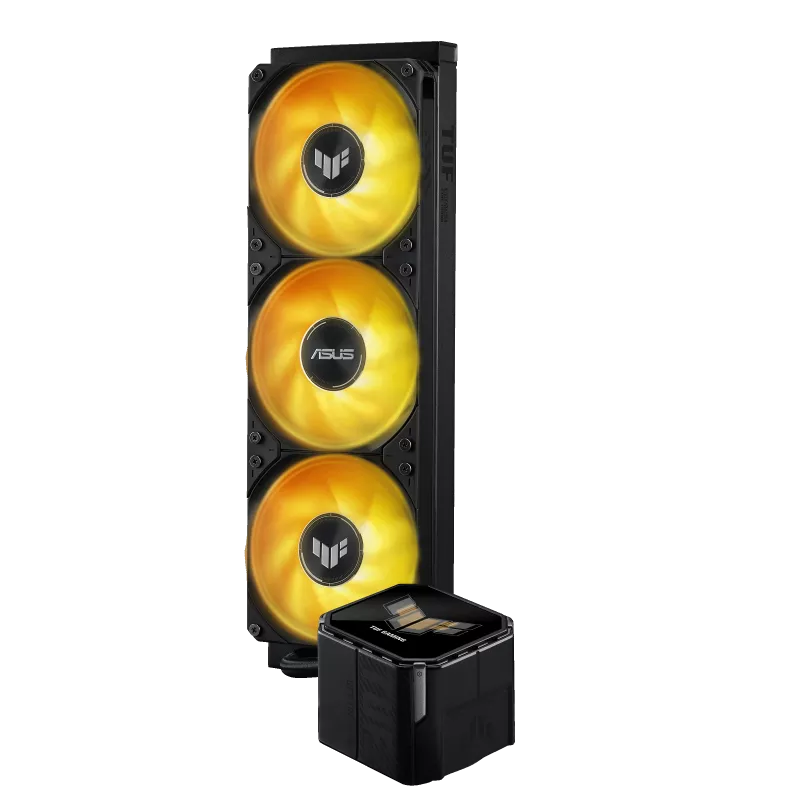
Rated for speeds up to 2600 RPM, the fans deliver up to 90.78 CFM of airflow each, with static pressure up to 3.82 mmH₂O. That means they’re capable of forcing air through dense radiator fins with ease, translating into strong cooling even under sustained CPU loads.
At full tilt, the fans are rated to generate just over 37 dB(A), which is noticeable but not distracting. When controlled via PWM, they settle into a near-silent hum during lighter tasks.
Compatible with Intel’s LGA 1851, 1700, and 1200 sockets, and AMD’s AM5 and AM4 platforms, ASUS claims the new three-phase, six-slot, four-pole pump design achieves up to 30% better efficiency and twice the lifespan of previous models.
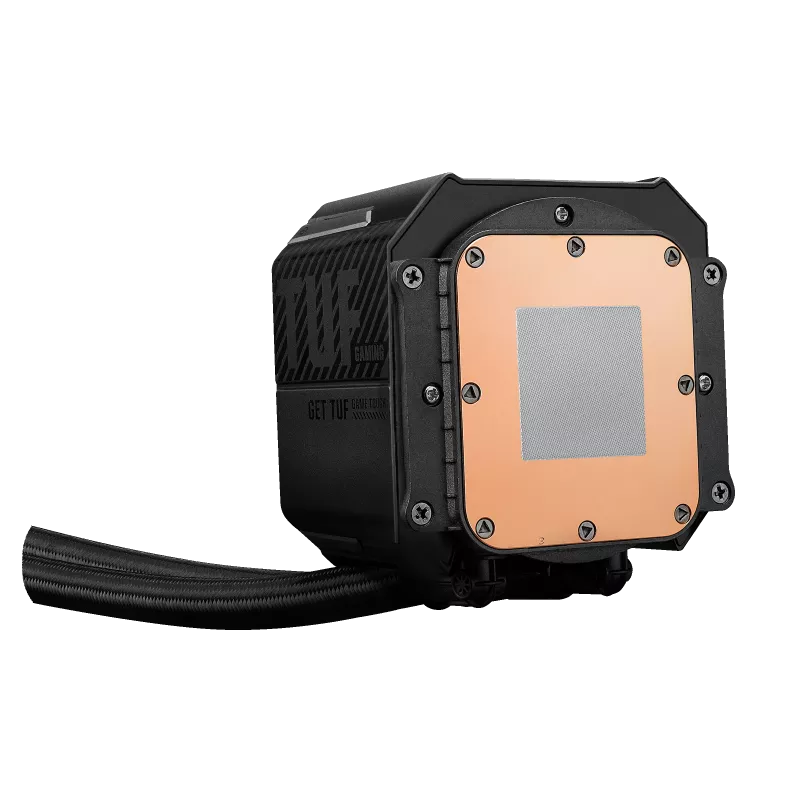
The large copper cold plate comes with pre-applied thermal paste to ensure optimal heat transfer, before pumping through 400 mm of flexible sleeved rubber tubes and into the aluminium radiator.
Of course, the star of the show is the 2.8-inch IPS LCD display. It can display system vitals such as CPU temperatures, voltages, and clock speeds in real time, making it ideal for monitoring your system.
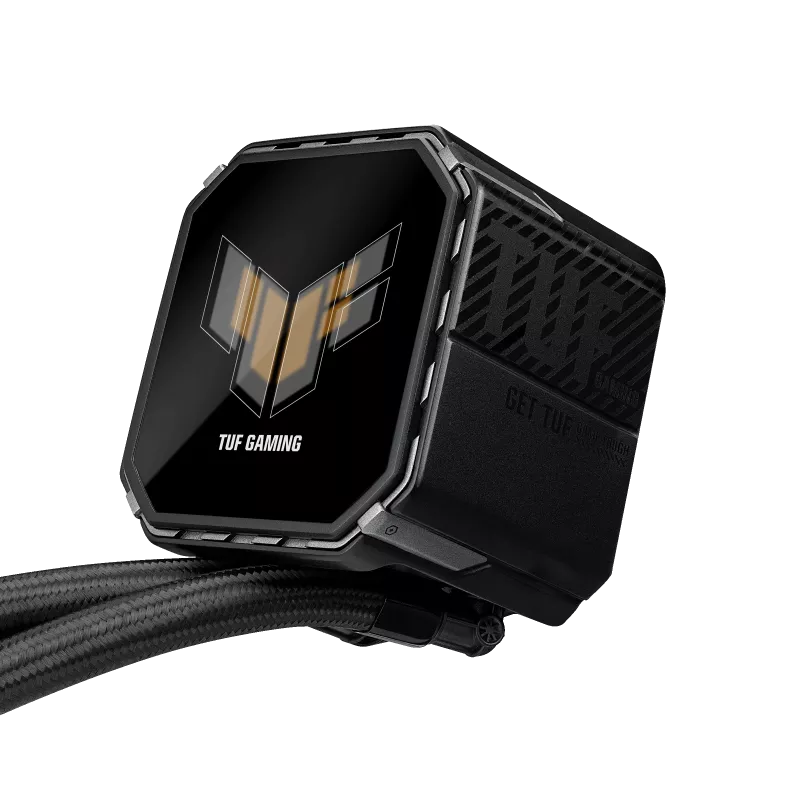
You can also load up your own custom GIFs, MP4s, or static images for that extra bit of personal flair. It’s the kind of feature that transforms a functional part of your build into a centrepiece, and the ASUS InfoHub software makes setting it up straightforward.
While the ASUS InfoHub software doesn’t quite match Armoury Crate for customisation, it’s very straightforward to use. It’s here that you can toggle the display between hardware stats and custom visuals, including animations that pulse with your CPU usage or a subtle logo loop that matches your colour scheme.
Whether you’re upgrading from an older AIO or building from scratch, the ASUS TUF Gaming LC III 360 ARGB LCD nails what most gamers want in a modern AIO: cooling power that keeps up with high-end CPUs, aesthetics that enhance your build, and convenience that makes setup less of a chore.
It’s practical without feeling plain, and flashy without being over-the-top—the perfect middle ground for anyone chasing both performance and personality in their cooling setup.
The Good
- Sleek LCD with real-time monitoring and custom animations
- Easy to install thanks to pre-attached fans and streamlined cabling
- Excellent thermal performance, even under heavy CPU loads
- Tried and tested TUF Gaming design and durability
The Bad
- Integrated fan block limits individual fan replacement
- Software feels a little basic compared to Armoury Crate







 SuBZeRO2K
 Spotify
 Anchor
 iTunes