
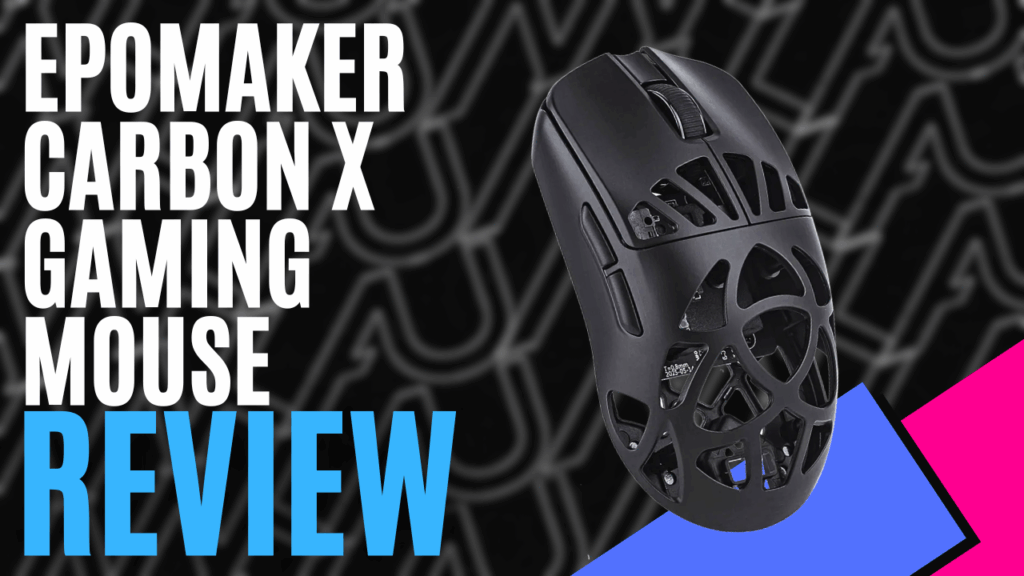
I don’t think I’ve ever got my hands on anything from EPOMAKER before, so this is a first for me. God, I love going in blind; it makes the experience even more exciting since it feels like not a lot is a surprise anymore, sadly. EPOMAKER’s ‘CarbonX Mouse’ is definitely throwing me in the deep end with a sleek and interesting take on the gaming mouse experience.
Unboxing, you will find a modest little supply. Besides the mouse itself in black, included is a wireless dongle, spare slides, a USB- A to USB-C charging cable and the manual.
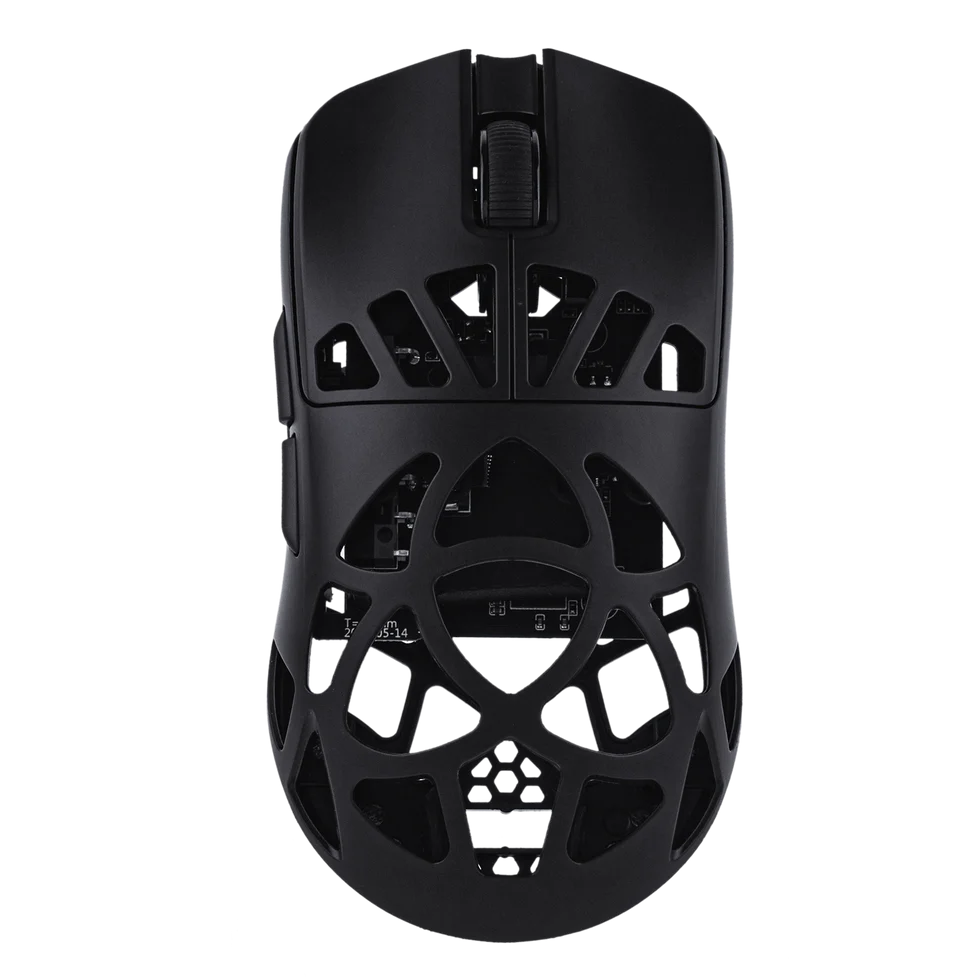
The first thing you will notice about EPOMAKER’s Carbon X is the insanely quirky cage design. I actually really love the look of the triangle cutouts in the carbon fibre shell, adding not only style but a lightweight 50-gram hollow frame for superior movement and effortless glide.
It really felt easy to flick this mouse across a mousepad, perfect for competitive gaming and surprisingly solid in build as hell. The downside of this, though, is you can see all the guts and inner workings through the holes; interesting but not necessarily the nicest look up close.
This 5-button design (with 4 programmable buttons) has two top finger-controlled buttons, two left thumb buttons on the side, and a scroll wheel button. It also has what I consider a medium arch in angle, as it contours to your palm. In its matte black finish, the mouse is soft and smooth but also comfortable, especially in my usual claw or finger grip style. Great for sweaty hands, might I add… (not me, of course…)
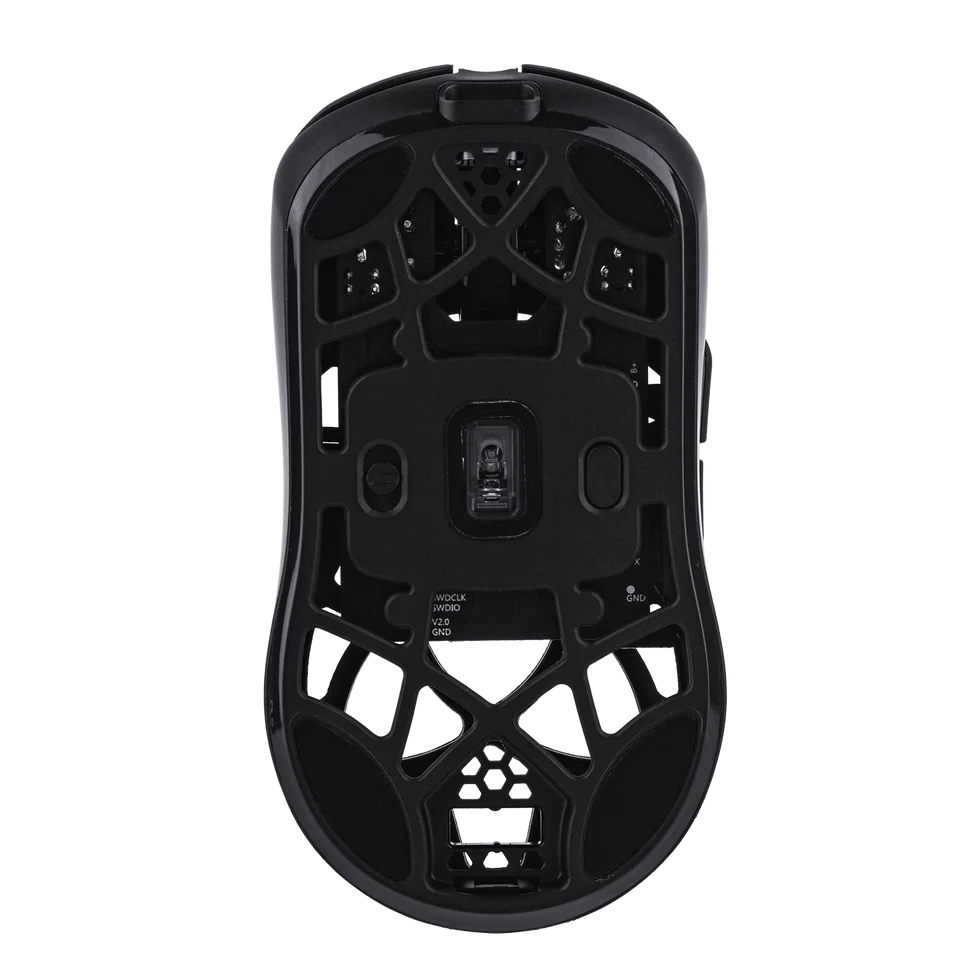
The cage design also transfers to the underside, shaving off even more casing to make it ultra light. Here you will find the 3 types of connectivity switch, DPI adjustment button and the PAW3950 sensor.
Tri- connectivity is available with a hardy and lengthy braided USB cable (my favourite, I’m old school and like reliability), Bluetooth and 2.4Ghz wireless. Both of these *felt* decently latency-free even with Bluetooth and connected seamlessly without any hassle, especially the wireless dongle connection.
Perfect for pairing with consoles or tablets as well as PC devices. Using wireless does require battery usage, with 8000Hz draining it quicker obviously, but it wasn’t very noticeable; the battery life was neither here nor there in being that noteworthy or anything worth writing home about.
Once in active use, the mouse is set at a polling of 1000Hz but can easily be customised right up to 8000Hz. Pair that with the PAW3950 sensor that has the ability to have 7 levels of DPI from 100 to an insane 30,000, and the responsiveness and more polished motion tracking feels almost up there with the top-tier mice.
I couldn’t really complain as it gets the job done at the end of the day, whether it be everyday office use or casual gaming. I really liked it for either use; it’s that easy to adjust on the fly. The mood can easily be changed with the DPI from typing to slaying beasts in a session of ‘Diablo IV’.
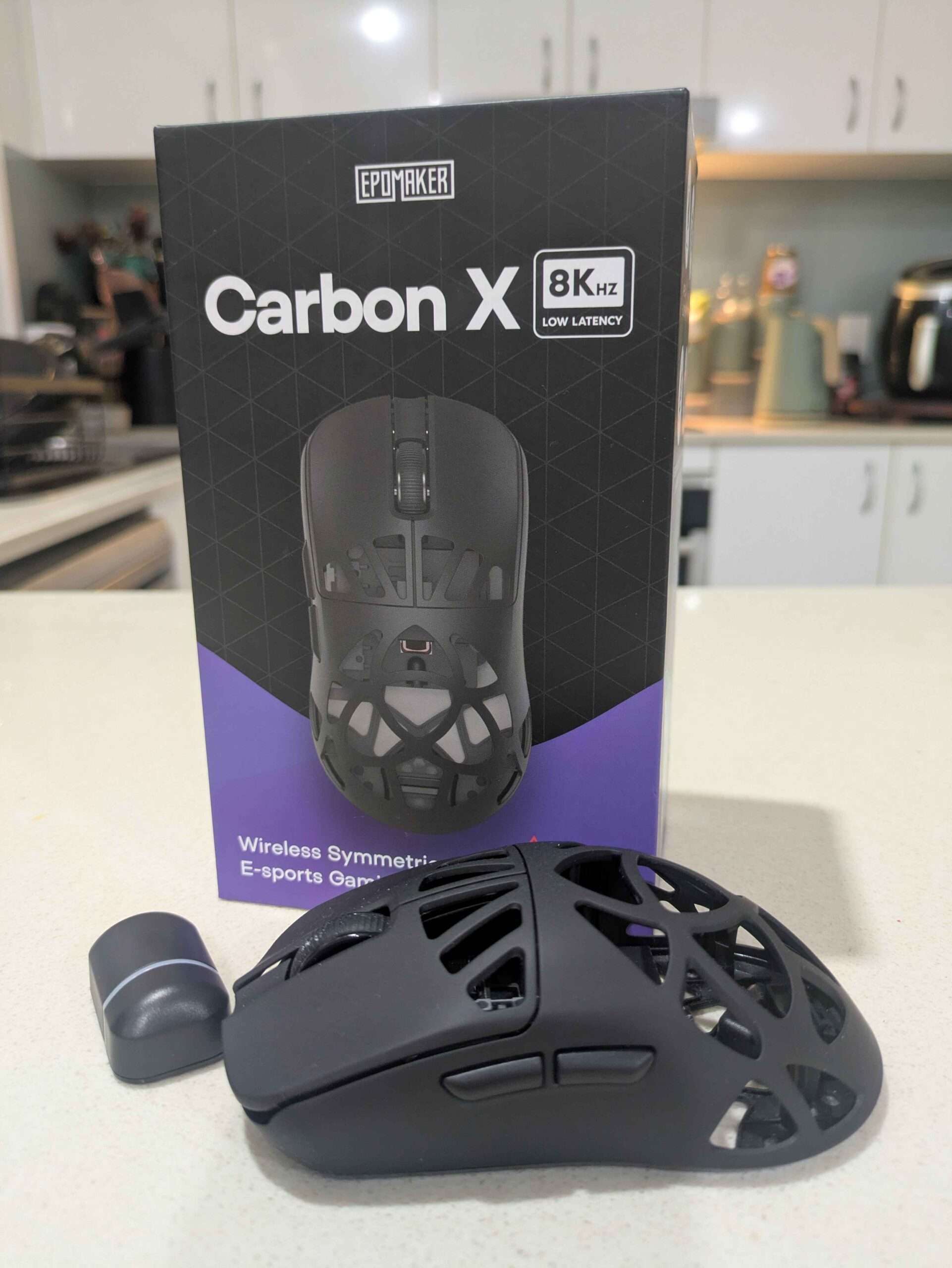
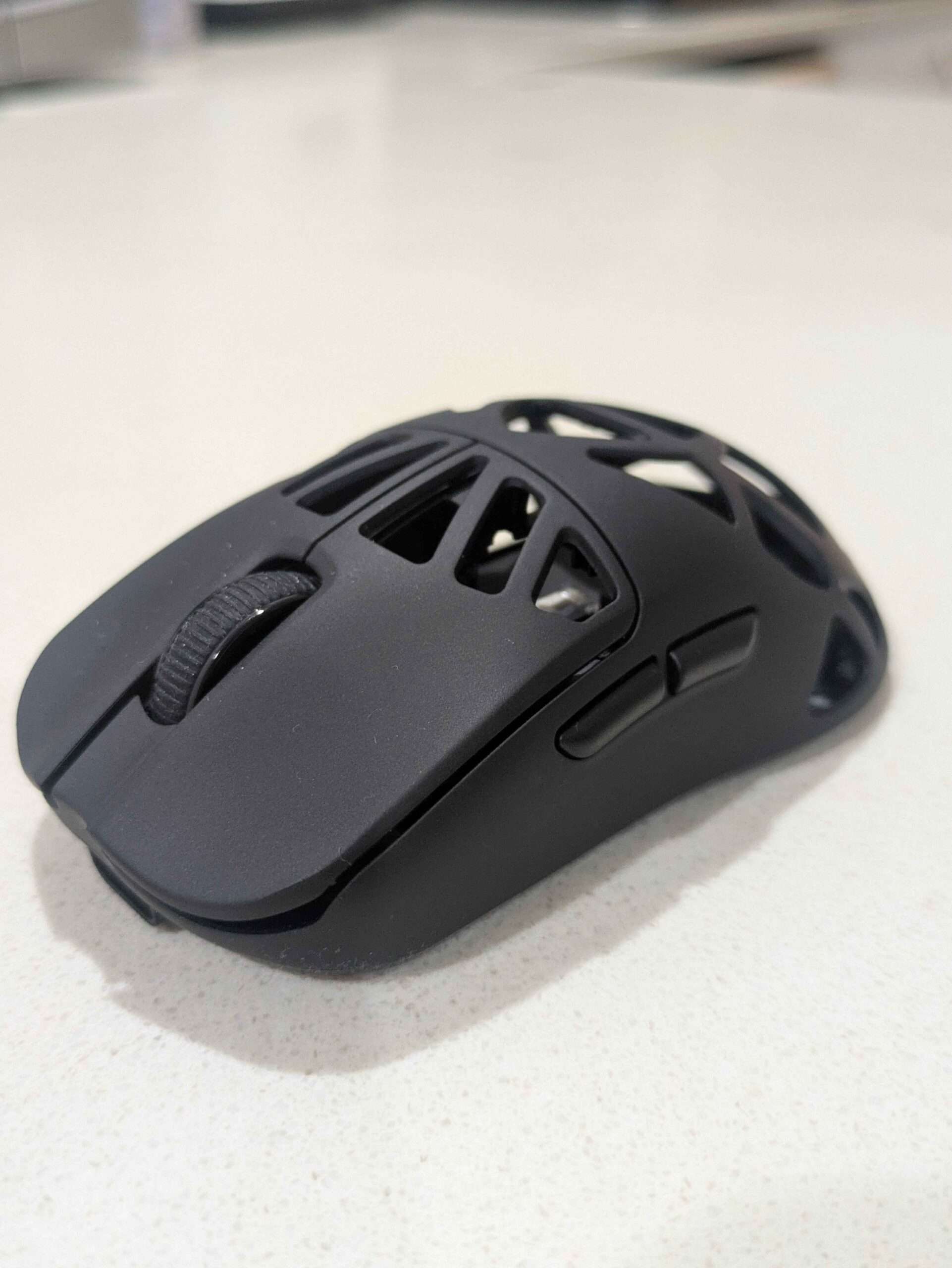
I can’t help but feel there is a missed opportunity for some RGB lighting flair with all the holes. With the unique cage design being so prominent, it would have been perfect to chuck some lighting displays inside of it. Especially as I stare at it blankly on my desk as I type away at this in the darkness of my room to elevate the look. At the moment it looks like just any other mouse.
Like the current trend, the software is all online-based with no download needed. I love this, frees up clutter on my desktop and is more easily accessible.
Here, via the Control Hub, you can program macros, change the 7 levels of DPI for custom experiences on the fly, change key response times and even adjust the one tiny light that symbolises the DPI setting. The software usage for this device is very minimalistic but easy to use, thankfully.
The EPOMAKER Carbon X may not be the most expensive mouse (AUD$79.99), but it is mighty for the price point. I was more than pleasantly surprised at its build and performance utility for its simplicity.
It’s eye-catching, sturdy as hell for its frame and comfortable in all the right places. Making it a solid competitor for all the big dogs out there in gaming and casual computing facets. It definitely covers all bases.

The Good
- Quirky design
- Lightweight carbon fibre shell
- Soft matte finish
- 4 programmable buttons
- 3 types of connectivity
- Very responsive and smooth
- 8000hz polling
- 7 DPI settings up to 30,000
- Easy-to-use software
The Bad
- Very basic customisation
- Lacks RGB styling
- Seeing all the guts







 SuBZeRO2K
 Spotify
 Anchor
 iTunes