
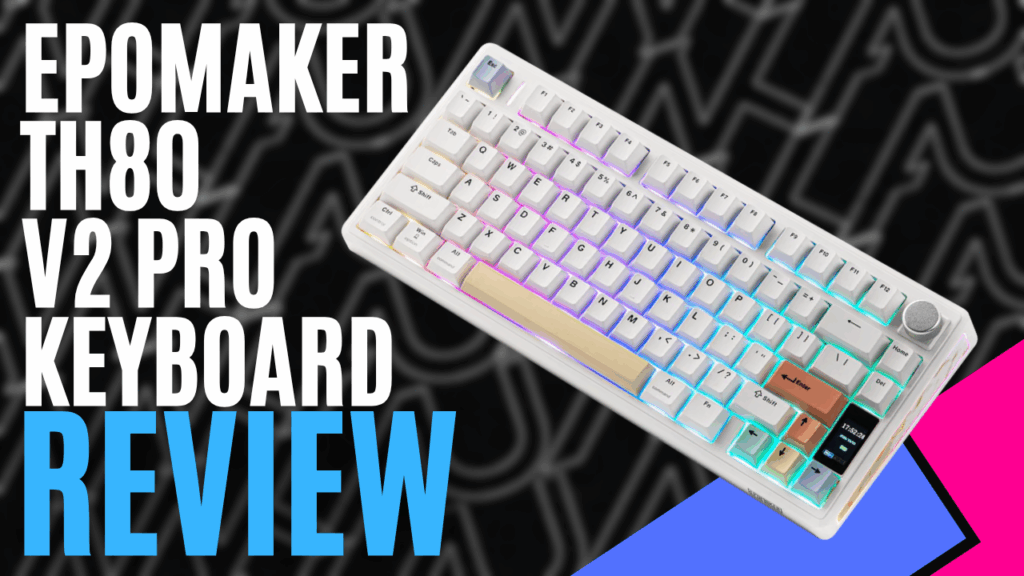
The EPOMAKER TH80 v2 Pro arrived at my desk for review. I have never used a 75% keyboard and was intrigued about whether it would affect my work and gaming lifestyle. With over 30 years of large-keyboard use, I was a little scared, but come along for the journey as I explore EPOMAKER’s latest offering in the mechanical keyboard market.
Opening the box, you are greeted with the keyboard, a USB A-to-C cable, a tool for swapping keys, a few spare switches, and an instruction manual. The dimensions are 32.3 x 14.1 x 4.7 cm, with a front height of 18.5mm and a reading height of 32.5mm, providing a comfortable incline. What surprised me, and not in a bad way, was the weight when I removed it from the box; the keyboard feels very solid at over 1kg.
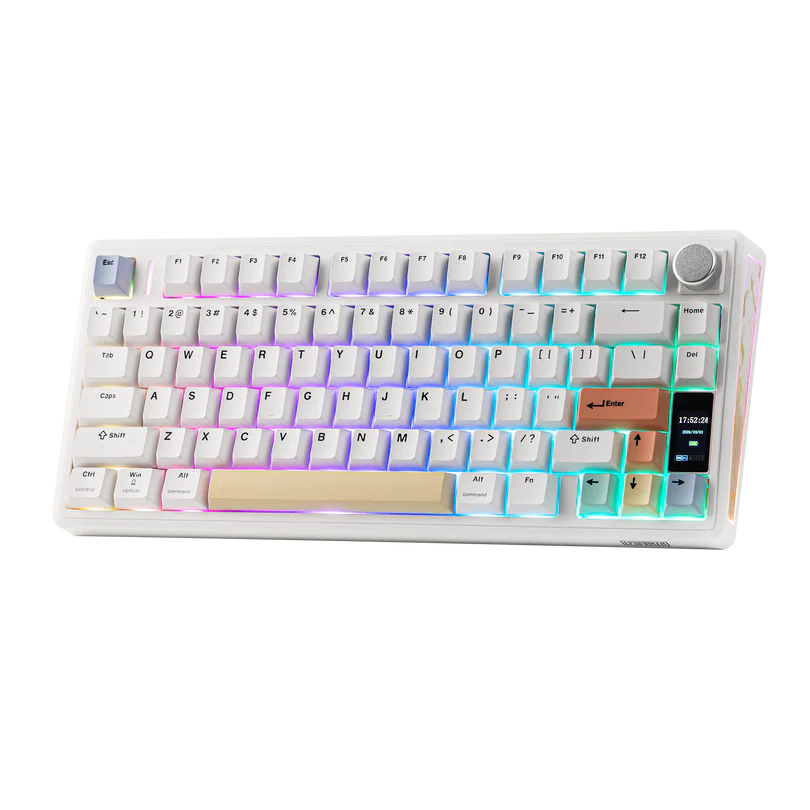
In total, the keyboard contains 75 keys, 1 knob, and a small LCD display. You can swap the knob out with the tool provided to add an extra key, namely the insert key. Currently, the knob is linked to the volume on my headphones, which I like, and you can even press it down to mute the headphones. Having never heard of EPOMAKER before, I did some research, and they have been around since 2019 in the keyboard market under the full name “Epoch of Makers”, specialising in high-quality mechanical keyboards known for their customisation and quality.
On the underside, you have four grip pads in each corner of the keyboard. You also have two adjustable feet on the topside of the keyboard so you can tilt it towards you. These feet have two adjustment settings: medium and high, or you can just leave the keyboard flat; it’s up to your personal preference.
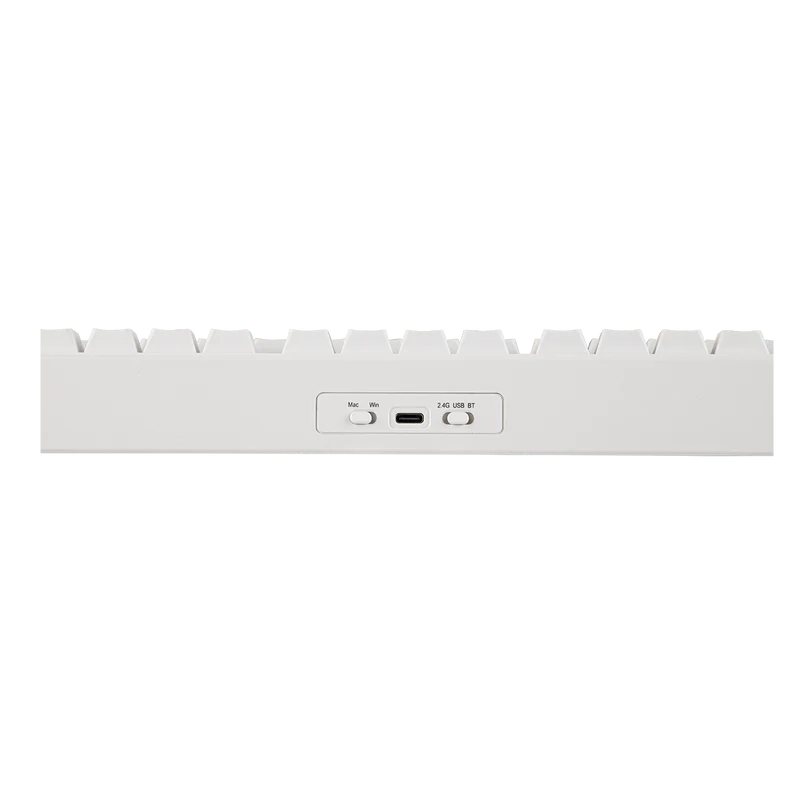
On the back of the keyboard, you have the USB#3 connection, a switch to toggle between Wireless, USB, or Bluetooth, and another switch to select between PC or Mac.
I really like the LEDs as well; they sit below the keys, since the keyboard I have for reviewing has solid white buttons. The LEDs provide a nice multicoloured wave around the keyboard as you work. My daughter has already eyed it off for her computer. You can change the colours or pattern to suit your style via the software or quick keys listed in the instruction manual provided.
Two things I had never tried, 75% keyboard as stated above and a wireless keyboard, so I was a little hesitant going in, but after a week of usage, I honestly think I am in love, and even touch typing while writing this review, it honestly only took an hour or two to get used to it. The EPOMAKER TH80 v2 Pro features a massive 10,000 mAh battery, providing 200 hours of use. Using tri-mode connectivity, you can connect to 2.5GHz wireless, Bluetooth, or USB, giving you the option to connect to a multitude of devices from your PC, Mac, tablets, and even your phone, with a low 2ms response time, all with anti-ghosting technology.
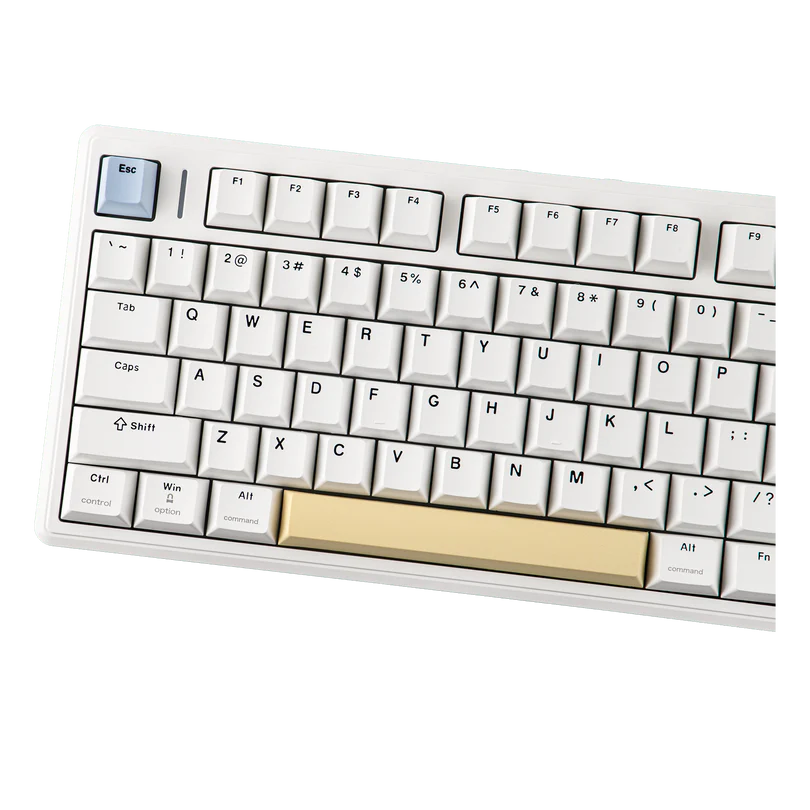
The keys are made of PBT plastic and feel very nice to use. It feels like a matte coating on top of them, not too sticky, but also not shiny, so your fingers slip off. The key strokes feel very solid with a nice smooth push back and no annoying clicking sound every time you select a key, like on most keyboards and are replaced with what the developer calls a “thock”, and I am going to run with that from now on, that’s exactly what it sounds like. This is delivered via a 5-Pin mechanical switch.
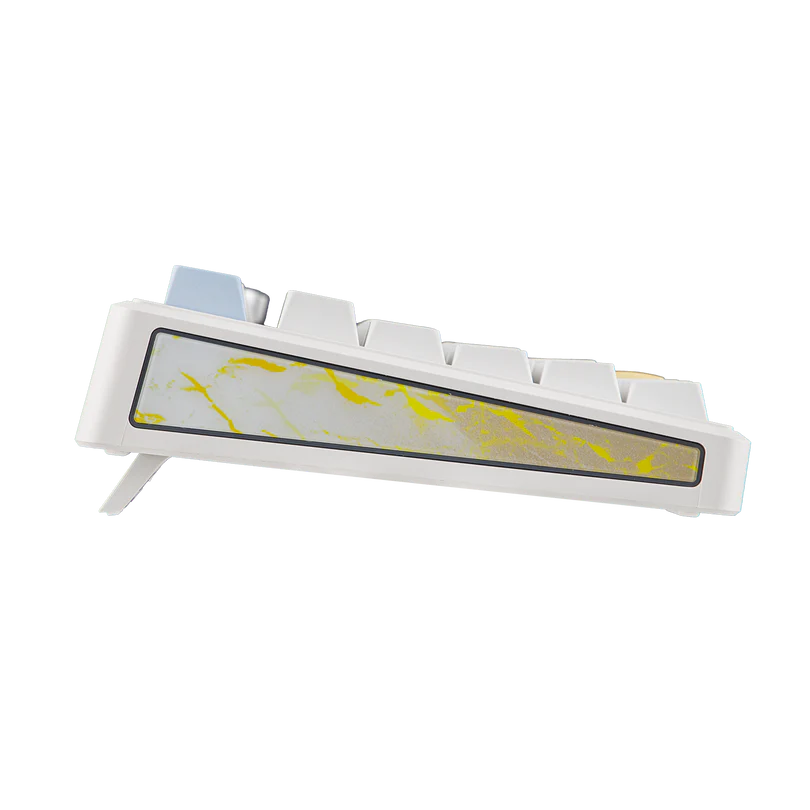
The keyboard has undergone the IXPE process, giving it that nice feel, and is paired with EPOM synthetic rubber, which includes noise-cancelling layers in the solid case, making for an essentially perfectly quiet combination. Sitting on the bottom right-hand side of the keyboard is a 1.06-inch screen that can show information like time and date, battery status, and function mode, and you can even put a GIF on it.
There is software available on their site: the EPOMAKER driver 3.0, low in size and not resource-intensive when running. This is mainly used to adjust your RGB and the information on the screen. I tried two different versions, but unfortunately, I couldn’t get it working. I would suggest this is due to the product not being released yet. In the instruction manual, you are given a list of commands for editing RGB settings without the software, and all of them worked flawlessly.
Overall, I think EPOMAKER has converted me to the 75% keyboard and to their keyboards in general. The solid, simple approach to mechanical keyboards is a no-brainer; you don’t need to reinvent the wheel.
EPOMAKER has put together a strong package with the TH80 v2 Pro, a blend of technology, tri-mode connectivity, and massive 200 hours of battery life, which really does position it strongly in the keyboard market. If you have always been curious or even space-poor on your desk, this keyboard is for you. Give it a go, you won’t regret it.

The Good
- Tri-mode connectivity for connection to Pc, Mac, Wireless and Bluetooth
- Sold heavy design
- Ability to swap keys
- LCD display for critical information
The Bad
- Couldn't get the software to work, being a new product
- Stopping my daughter from stealing it for her computer






 SuBZeRO2K
 Spotify
 Anchor
 iTunes