

LG continues to refine its OLED gaming lineup, and the LG UltraGear 27GS93QE-B stands out as a sharp example of how far the technology has come. It’s slim, stylish, and fast; exactly what you’d expect from one of LG’s latest UltraGear models.
OLED panels are famous for perfect blacks, and this one doesn’t disappoint. Every pixel emits its own light, delivering an amazing 1.5 million-to-1 contrast ratio that makes games look incredibly lifelike. The combination of realistic shadows and bright, popping colours makes even the most basic games come to life, but when you throw on something like Cyberpunk 2077, it’s like discovering a whole new genre of cinematic gameplay.
With a resolution of 2560 × 1440, it strikes the sweet spot between crispness and performance, offering sharpness suitable for productivity and a gorgeous visual experience for gaming, without the GPU strain associated with 4K.
This is even more pronounced with 98.5% DCI-P3 coverage, which allows for colours to seamlessly blend from one tone to the next. Benefitting from factory calibration, colours are as close to real as possible. However, if you feel the need to tweak things further, the LG Calibration Studio (True Colour Pro) provides the means to do so.
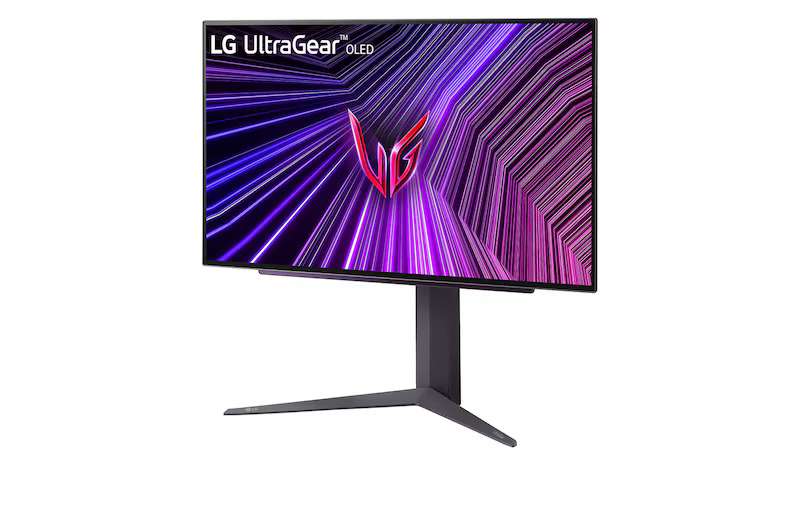
If you play fast-paced shooters, racers, or MOBAs, the 240 Hz refresh rate combined with an absurdly fast 0.03 ms response time is where this monitor really flexes. Paired with NVIDIA G-SYNC Compatibility, AMD FreeSync Premium Pro, and VESA AdaptiveSync, Motion clarity is phenomenal. There’s no smearing and no ghosting. Just buttery-smooth transitions.
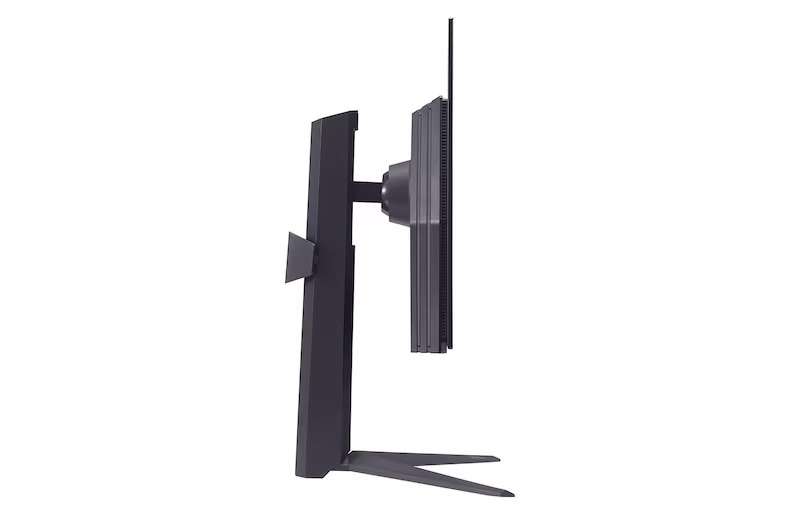
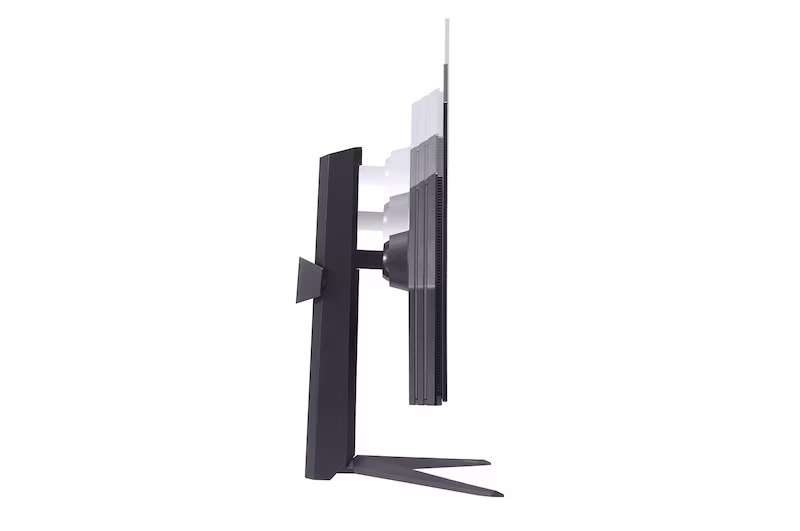
Assembly takes only a few minutes. Weighing 6.7 kg with the stand attached, it’s fairly heavy. However, it feels steady once on your desk. The stand offers tilt, height, and pivot adjustment, making positioning easy. It does not rotate, so keep this in mind when setting up your desk.
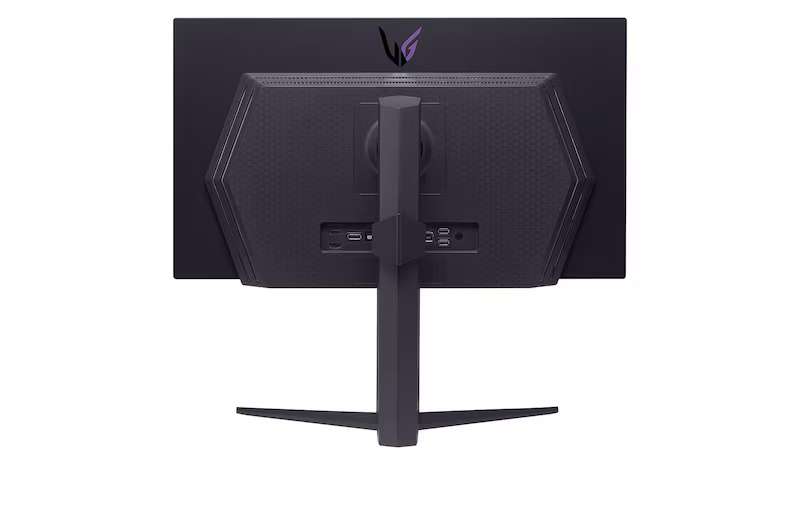
Connectivity is well covered, with two HDMI 2.1 ports, a DisplayPort 1.4, and an optical SPDIF output, giving the flexibility to switch between PC, console, and audio gear effortlessly. It also comes with a two-port USB hub, allowing you to connect peripherals to the monitor.
Console gamers benefit from full 120 Hz support, while PC players can push 240 Hz through DisplayPort, and you can easily switch between inputs using the included remote control.
This makes changing the input device incredibly easy. Rather than fumbling around to find the button on the back of the monitor, you point and click, just like you do on your TV. It also helps you switch through the monitor’s settings, which include a host of quality-of-life features.
Dynamic Action Sync helps to reduce input lag. Black Stabiliser brightens dark scenes, and on-screen crosshair and FPS counter options. These tweaks might seem small, but they genuinely enhance precision during play. Reader Mode reduces blue light for long sessions, while Smart Energy Saving cuts power use. There are even options for an on-screen crosshair and a built-in FPS counter.
There are a couple of concerns, though. I’m not a huge fan of a separate power brick—I would prefer an internal power supply rather than another chunk of plastic sitting on my desk or getting hot on the floor. While it is a personal gripe, there is enough unused space on the back of the monitor.
Another concern is the lack of cooling for the OLED panel. OLED can suffer from screen burn, and while LG does provide protection in the form of pixel shift and screen savers, I once again feel like the area behind the panel could have been better utilised.
The LG UltraGear 27GS93QE-B blends performance and picture quality, delivering exceptional contrast, precise colour, and esports-ready responsiveness in a clean and flexible design. If you’re looking for a fast, high-end OLED gaming monitor that doubles as a creator’s display, you won’t find much better.

The Good
- Gorgeous OLED panel with true blacks and vivid colour
- Fast 240 Hz refresh and 0.03 ms response
- Sleek, adjustable design with handy remote
- Excellent factory calibration and creator tools
The Bad
- No swivel adjustment
- External power brick
- Screen burn is still a concern







 SuBZeRO2K
 Spotify
 Anchor
 iTunes