
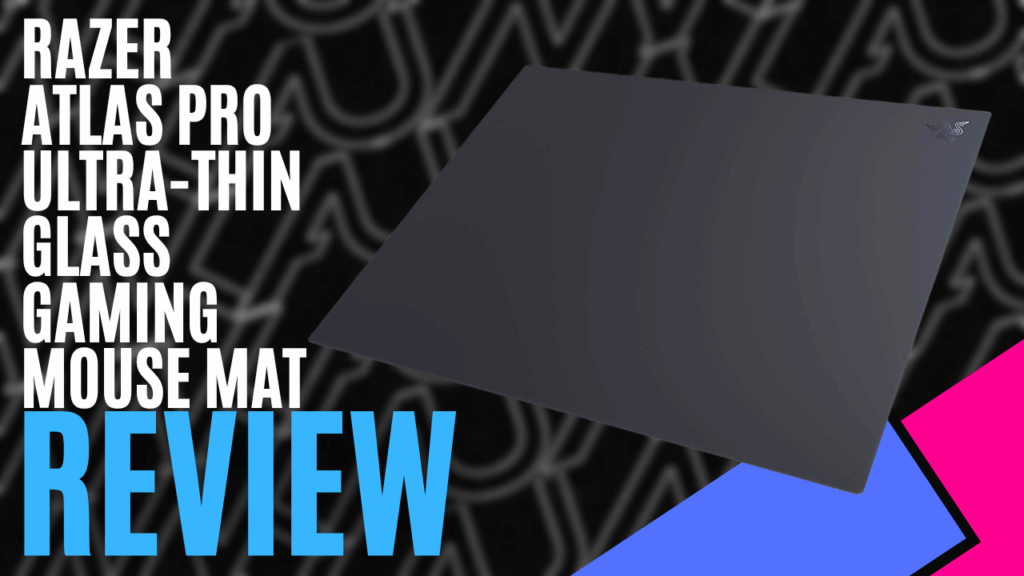
Tempered glass gaming mouse pad? Built for optical sensors and treated for quieter tracking with an ultra-smooth surface. I am hesitant, yet intrigued too! Razer has sent me their Atlas Pro Ultra-Thin Glass Gaming Mouse Mat for review.
Let’s set aside that intrigue as I take you through the specifications and results from my testing. You want to read this one to the end, as I believe you will be pleasantly surprised.
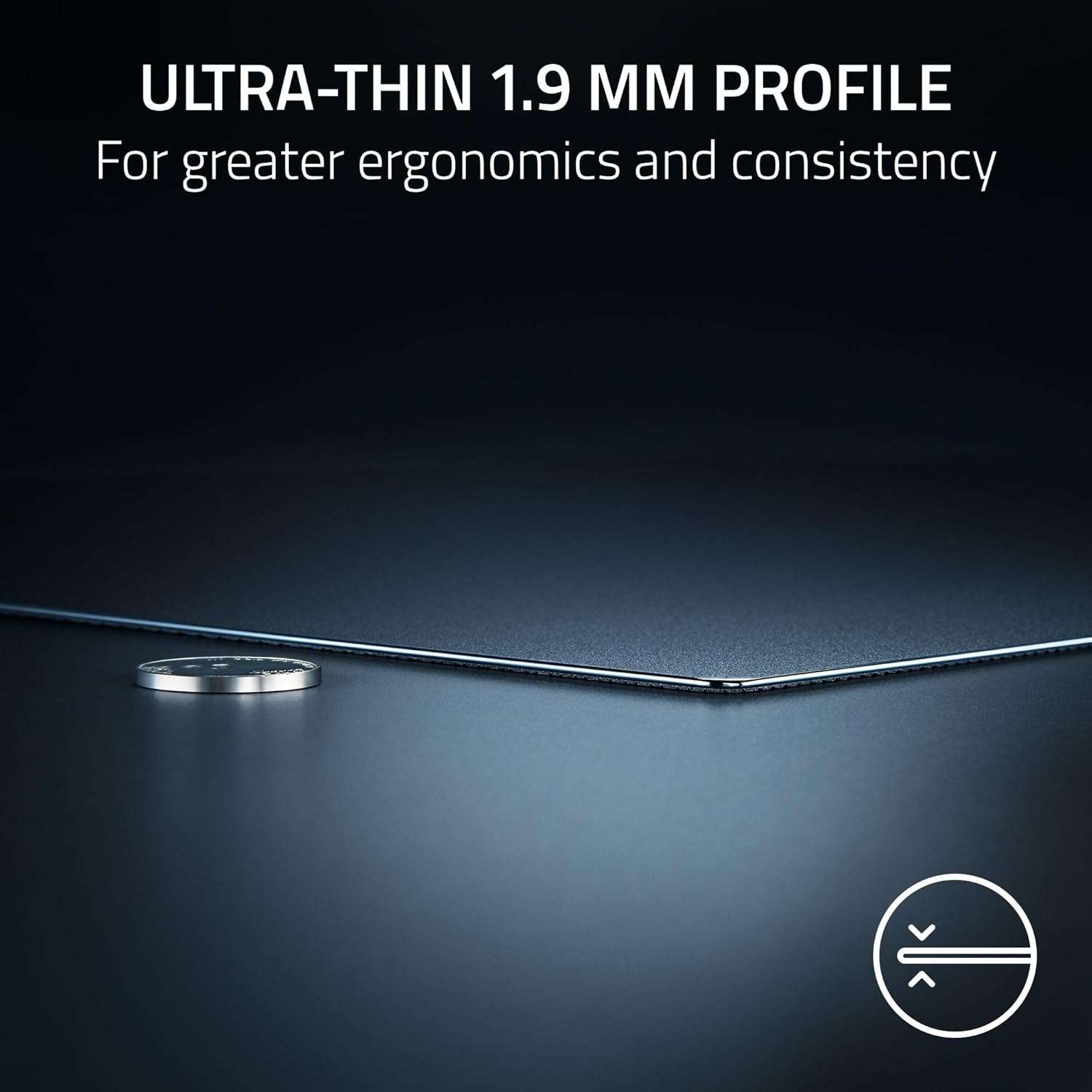
Opening the box, you are greeted with the Razer Atlas Pro Ultra-Thin Glass Gaming Mouse Mat, measuring 45cm (450mm) long, 40cm (400mm) high, and 0.5 cm (5mm) thick. You are also provided with a small instruction pamphlet with safety and care instructions, and the standard Razer sticker cluster, which I keep finding all over my house because my kids keep taking them and sticking them everywhere.
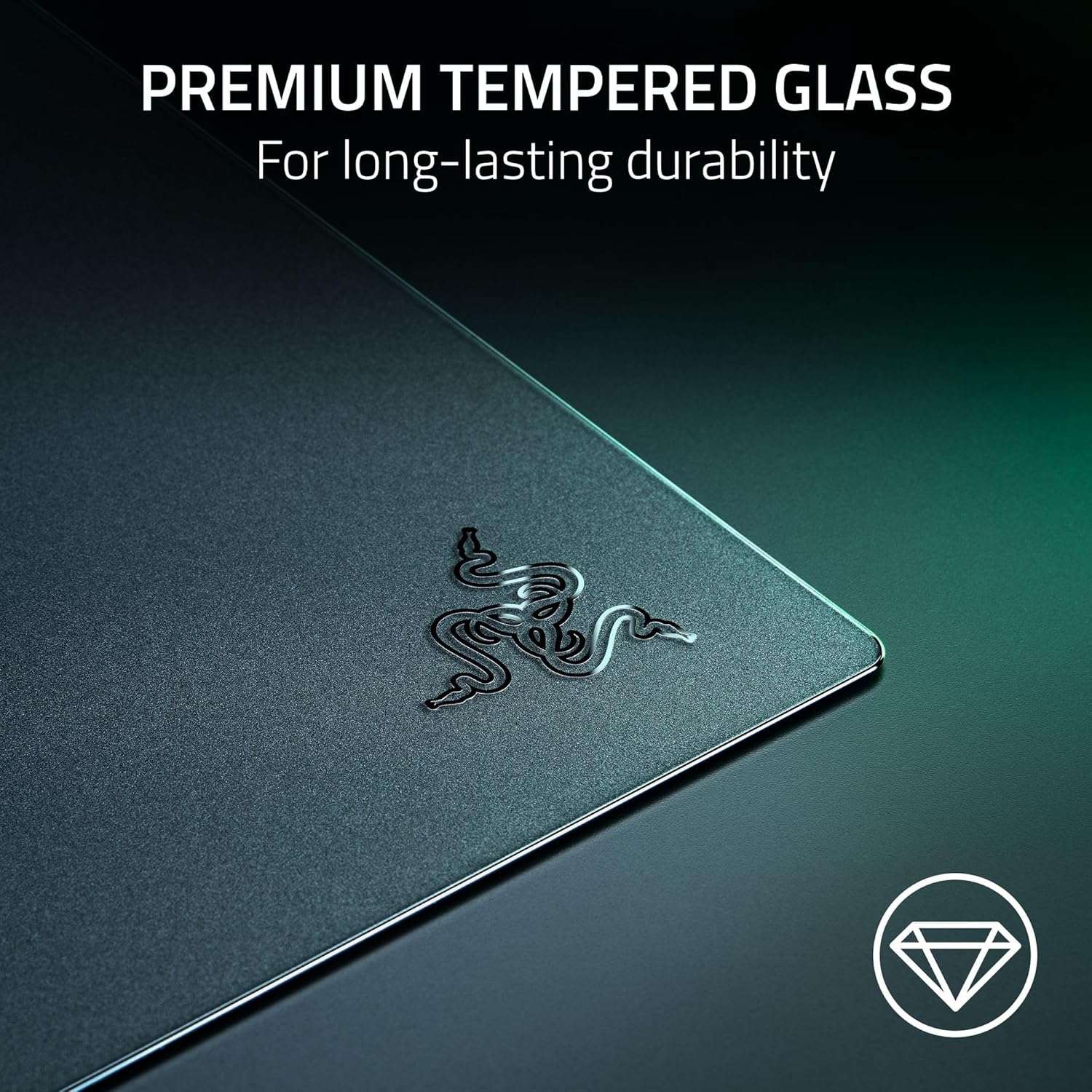
The Razer Atlas Pro Ultra-Thin Glass Gaming Mouse Mat is CNC-milled with rounded edges and is very textured to the touch. It has a matte black finish and the trademark Razer logo ghosted in the bottom left-hand corner.
It is quite confusing as it 100% feels like glass, yes, it has a polished, ultra smooth surface which Razer claims is for quick swipes and consistent glides, which after a lot of use I 100% agree with. The top coat is rated 9H on the hardness scale, which gives it a high scratch resistance.
The underside is made of small hexagonal rubber shapes that give it anti-slip properties, ensuring the pad doesn’t move during high-intensity and casual gaming. It did pick up all the dust off my desk when I inspected it after some use, but being rubber, a quick wipe down with a damp cloth or your hand easily cleans it. This is also Razer’s recommendation for cleaning the surface: a damp cloth.
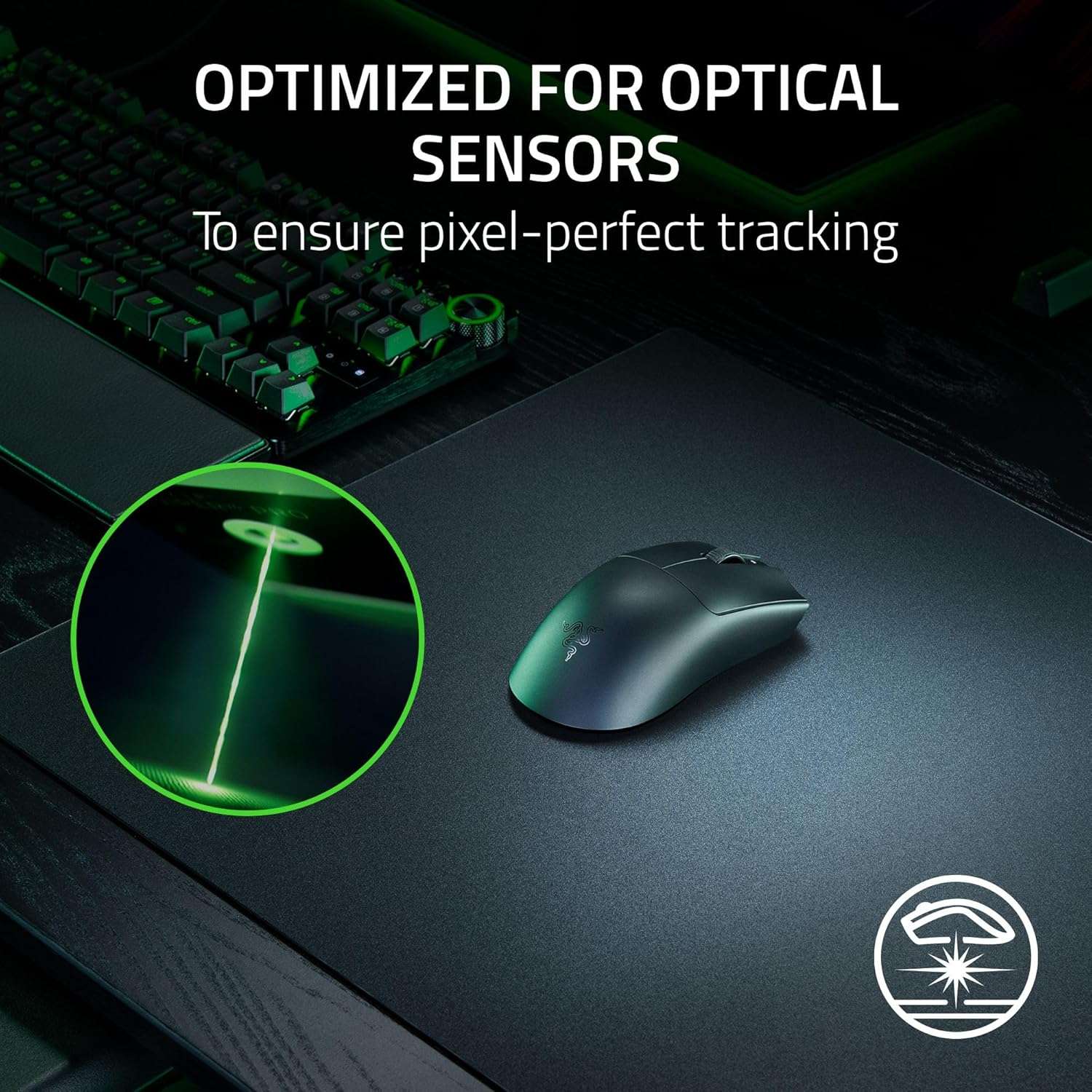
The top of the mat, while having a matte appearance, is highly polished and micro-etched with 2 μm laser texturing. What is that, you ask? 2 μm is the wavelength of the laser cutting device used for micro-etching in medical surgery and plastic processing, allowing the laser to create very small, precise cuts with minimal localised heating.
What does that mean for us gamers? It is optimised for optical sensor mice, like the Razer Viper V4 Pro (see review here), which I am currently testing it on. It also means reduced spin-outs and the ability for micro corrections, and it’s ultra-smooth to ensure flicks and slides are consistent, unlike the bumps and unevenness you can see in traditional gaming mats. This precise manufacturing also ensures lower movement noise, which is important for me as I start work very early in the morning when the house is still asleep.
The Razer Atlas Pro Ultra-Thin Glass Gaming Mouse Mat comes with a 1-year warranty, and if you purchase it from the Razer online store, you can return it within 30 days if you don’t like the way it handles, which is essentially giving you a chance to try it out and see if it fits your gaming style.
The only criticism I can really fault it with is that, coming into winter in Australia, it can be cold to the touch initially, but it does warm up after your hands have been using it for some time. That being said, the polished surface coating is very comfortable, and its thinness provides a more natural wrist position.
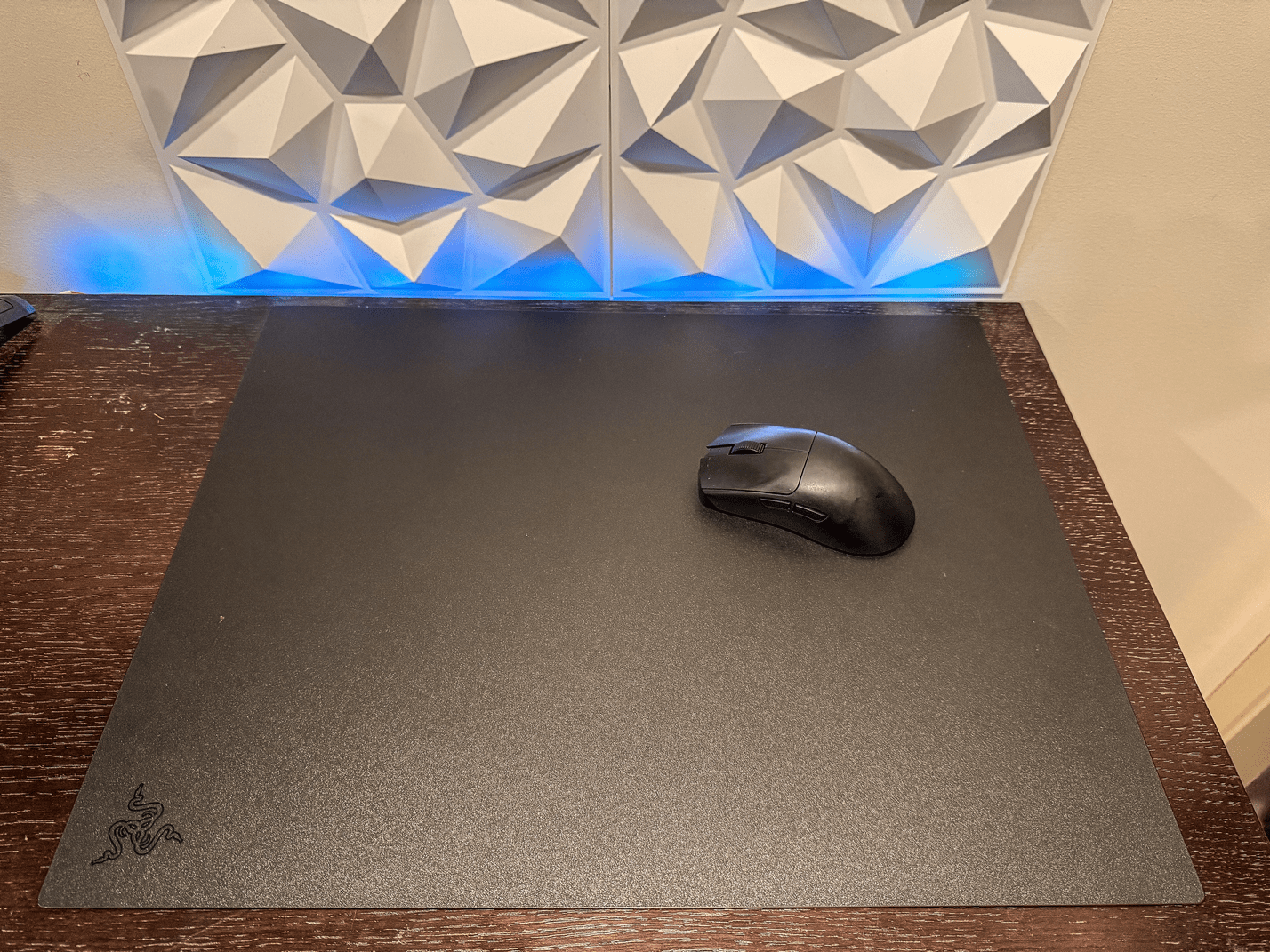
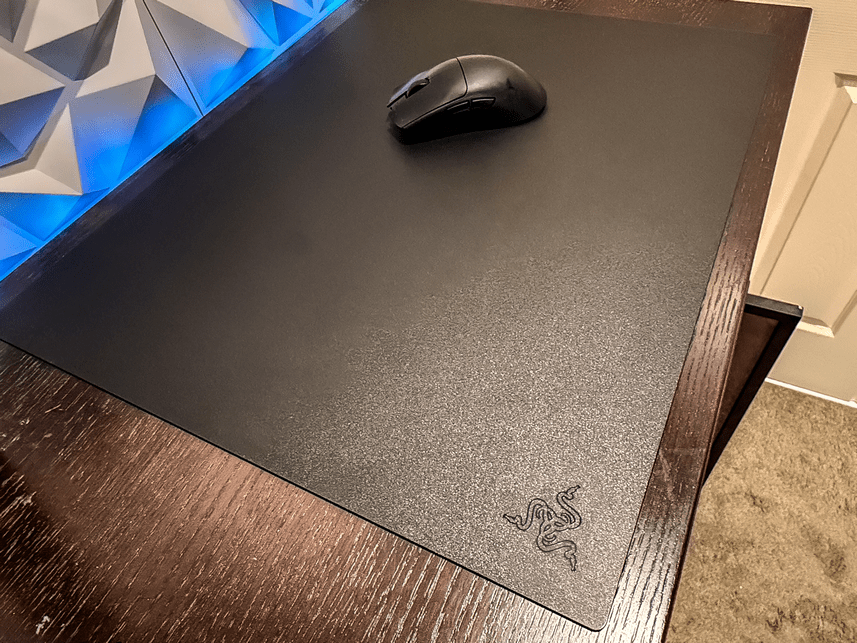
You would think, with it being solid, you would get wrist fatigue, but this isn’t the case; it is actually very comfortable, and I have been using it for nearly a week now with work and gaming. As mentioned, use a damp, warm cloth to clean, and it’s back to new.
You do lose some portability with the size being 45cm x 40 cm x 5cm, compared to a generic gamepad, which you can roll up. But the trade-off is a perfectly flat surface for gaming when you do arrive at your destination.
I’ve been using the Razer Gigantus v2 Pro Gaming Mat for a few months now, and after switching to the Razer Atlas Pro Ultra-Thin Glass Gaming Mouse Mat, I won’t be going back. Like I said initially, I was intrigued, but now, I am 100% converted.
The consistency of a perfectly flat surface, the way the mouse slides effortlessly, and the speed at which you can slide are perfect for gaming. The technology that has gone into the product you cannot see with the naked eye makes it look like a normal glass gaming mat. What is hidden is the consistent, proven polish and the technologically advanced product from Razer.
Razer has once again excelled and raised the bar for all manufacturers with the Razer Atlas Pro Ultra-Thin Glass Gaming Mouse Mat. If you are a serious gamer or just want that solid feel underneath your mouse and a more natural wrist position, this is a must-buy; you won’t be disappointed!
The Good
- Feel of the polished surface
- The technology in the micro etching ensures consistent scrolling with optical mouses
- Non-stick base doesn't move
- Milled edges make it stylish and comfortable when working near the edges
The Bad
- Cold in winter like a glass product
- Portability due to size







 SuBZeRO2K
 Spotify
 Anchor
 iTunes