
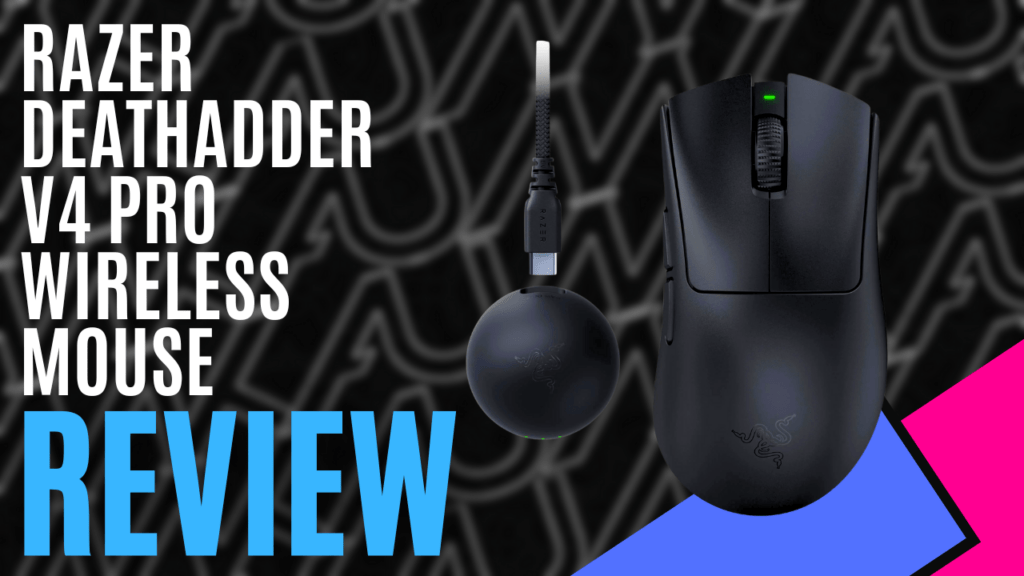
When it comes to legendary gaming mice, few names carry as much weight as the Razer DeathAdder. Since its debut in 2006, the DeathAdder line has established a loyal following due to its iconic ergonomic design and tournament-ready performance. Now, in 2025, Razer has returned with a vengeance: DeathAdder V4 Pro. As you’ll soon discover, this mouse isn’t just an upgrade; it’s a full-blown evolution.
With next-gen optical components, ultra-light construction, and esports-tier wireless performance, this mouse is built for serious players who demand precision, speed, and comfort without compromise. Whether you’re lining up pixel-perfect headshots in Valorant or dominating the late game in League of Legends, the DeathAdder V4 Pro aims to be the weapon of choice for the next generation of competitive gamers.
Now, let’s dive in and see if this sleek predator lives up to its legacy.
The DeathAdder V4 Pro retains the familiar, right-hand ergonomic DeathAdder silhouette, with dimensions of approximately 128 mm (length) × 68 mm (width) × 44 mm (height), making it better suited for medium to large hands.
Available in Matte Black (weighing in at an impressively light 56g) and Matte White (57g) finishes, the mouse features a smooth, soft-touch finish crafted from 90% post-consumer recycled plastic, providing a premium and eco-friendly feel while remaining highly rigid and lightweight.
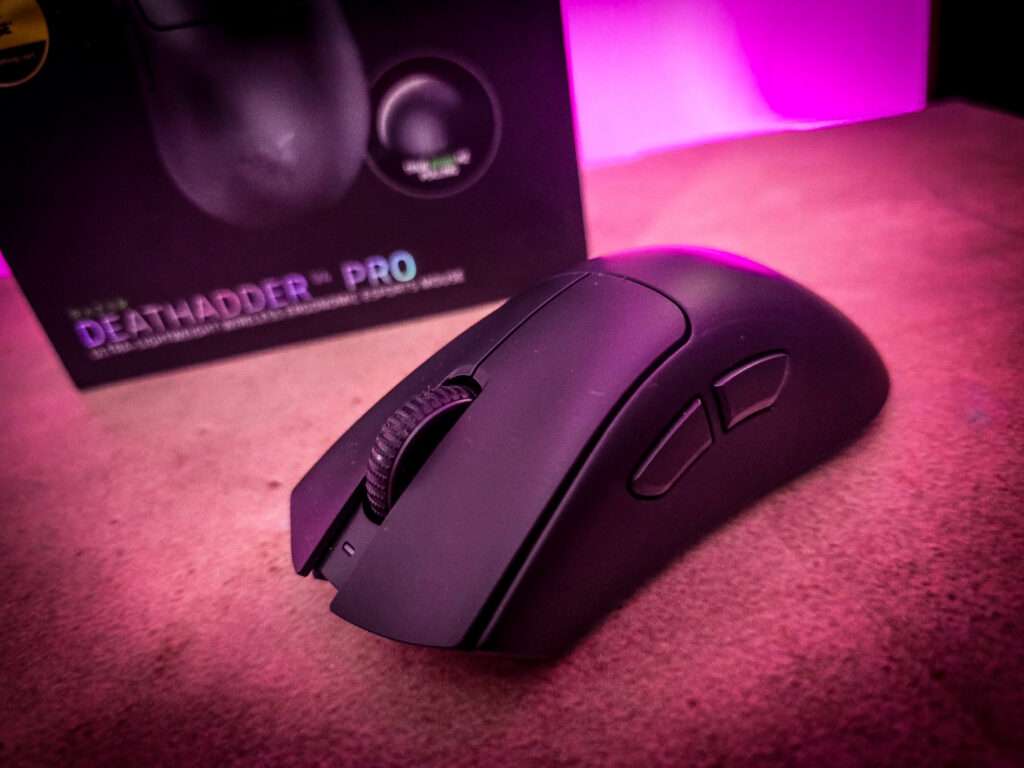
Sidewalls are reinforced for structural durability, providing a solid yet lightweight frame that is ideal for fast movements. Internals—buttons, scroll wheel, and optical sensor housing—are fully optical components (no mechanical switches), which lends to a greater lifespan and speed.
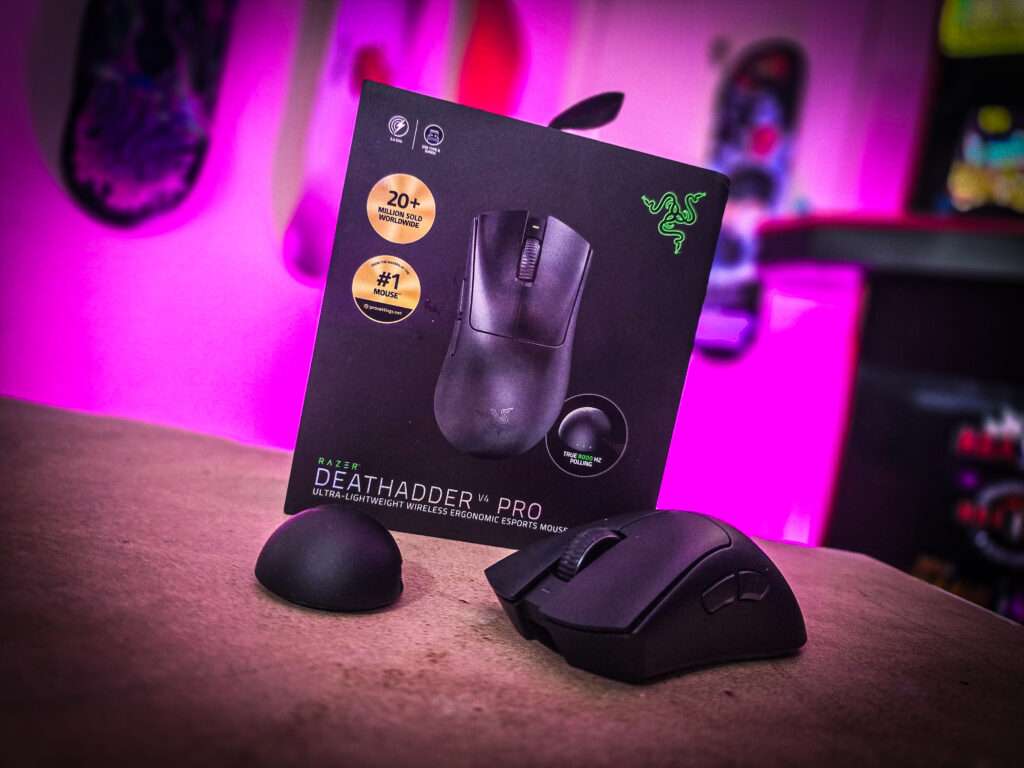
Appearance-wise, there are some downsides to the DeathAdder V4 Pro. First, there is no RGB lighting. Not a deal breaker, but if your aesthetic is to mix and match your RGB devices in your gaming setup, then this mouse might not be for you.
Additionally, as of this review, the DeathAdder V4 Pro is Right-handed only. Another feature that has not been added to this DeathAdder is Bluetooth. Though we’re listing it here, we didn’t find any loss of function or enjoyment reviewing this mouse without Bluetooth. Again, if your preference is for Bluetooth devices, be aware that this mouse does not have Bluetooth built in.
The Razer DeathAdder V4 Pro‘s strong suit is its incredible maximum limit of 45,000 DPI sensitivity! Battery life comes in close second, which maxes out at 150 hours on 1000Hz mode and around 25 hours on 8000Hz (as noted, a firmware update is needed to increase battery life hours). When we received the mouse, it was at approximately 28 per cent charge. Close to 30 minutes later, a quick charge via the provided USB-C cable (we truly appreciate Razer and their cord-providing abilities), it was ready to roll (or scroll). As of this writing, we have yet to even remotely look at charging it again, as it’s still powering along!
Teaming up with the lightweight design of the mouse, Razer has added an optical scroll wheel, which is made of no mechanical parts, instead opting for a light-based encoder. Some scroll wheels on gaming mice have a metallic feel or design, whereby after the wheel inevitably wears down, user discomfort and finger damage come barreling in to say hello. This optical design extends the lifespan compared to other mice on the market, making it a more financially sound choice.
The backbone of this mouse is its branded HyperSpeed Wireless. Included in the box is a half-sphere dongle, featuring built-in LED indicators that can be customised for various options (for our review, of the 3 available lights, we chose Connection Quality, Battery Level, and Polling Rate).
DPI rates can be customised for various levels within the Razer Synapse program, alongside power-saving options. A new feature for this mouse is the Mouse Mat Surface calibration, which allows you to set a tracking distance optimised for the surface you use the mouse on, as well as an asymmetric cut-off point (also known as lift-off and landing points), ensuring stability and continued control during intense gaming moments.
We previously discussed deal breakers, which are non-included features that may be hit or miss for your preferred gaming setup. However, we must advise of a possible deal breaker: the cost. Retailing at around $299, it’s an expensive investment for a mouse that, to the untrained eye, looks similar to others on the market.
Upon plugging in the dongle and connecting the mouse, Razer will automatically prompt you to download its Razer software. Interestingly, since we had already installed the software before this release, the dongle/mouse duo prompted an app update that was not previously available, before advising us to update the device’s firmware. It’s nice to have new devices, and their software makes you aware that it requires an update. We’re glad we did, too, as this firmware update unlocked/updated the battery life to the advised 150 hours.
The Razer DeathAdder V4 Pro is more than just the next chapter in a beloved lineage: it’s a bold statement about where high-performance gaming gear is headed. By combining ultra-lightweight engineering, cutting-edge optical technology, and refined ergonomics, Razer has crafted a mouse that feels as fast and fluid as your reflexes.
Though it’s slightly on the pricey side, it might lack flashy RGB and cater strictly to right-handers. Still, for players who care more about input speed, accuracy, and long-term comfort than bells and whistles, this mouse delivers in every critical area. Whether you’re an aspiring pro or just want your gear to keep up with your grind, the Razer DeathAdder V4 Pro earns its place at the top of the leaderboard.
In short: it’s fast, it’s focused, and it’s lethal.

The Good
- Ultra lightweight design
- Next-Gen optical sensor
- HyperSpeed Wireless
- Long battery life
- Advanced customisation via Razer Synapse.
The Bad
- High price cost
- Not suitable for left-handed users
- No RGB lighting
- No Bluetooth option







 SuBZeRO2K
 Spotify
 Anchor
 iTunes