
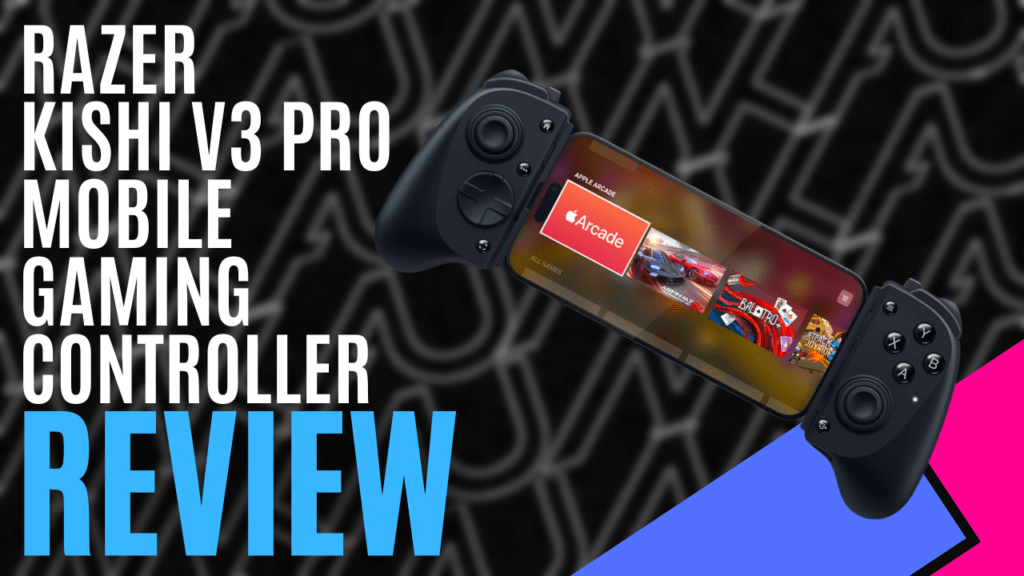
Razer is one of the leading brands in gaming hardware and has just released three versions of their latest mobile gaming controller, the Razer Kishi V3, the Razer Kishi V3 Pro and the Razer Kishi V3 Pro XL. We were fortunate to have our hands on the Razer Kishi V3 Pro to see how it enhances the mobile gaming experience, which is now available worldwide and ready to play on the go.
The three versions of the Razer Kishi have the same-sized controllers but are designed for different-sized devices. The base Razer Kishi V3 is compatible with Android devices and iPhone 15 onwards, the Razer Kishi V3 Pro is also compatible with those as well as tablets up to 8 inches or 20.3 cm, and the Razer Kishi V3 Pro XL is compatible with full-sized Android and iOS tablets. The Razer Kishi V3 Pro we got comes neatly packaged in a solid cardboard box with rigid foam inside to keep the contents safe and secure. Alongside handy information displayed around the box, it also comes with four extra rubber grips and two swappable TMR thumbsticks.
Its design looks and feels similar to an Xbox controller or, more specifically, the Razer Wolverine Pro, but the middle section is hollow, supported by an incredibly sturdy spine that extends to fit a mobile or tablet device. Your device will plug into the USB-C connector on the right side, with the spine automatically retracting to hold it in place, with the interchangeable rubber grips helping to prevent the device from slipping out. These are designed to accommodate different-sized devices, including most protective cases they may have on.
On top of looking like an Xbox controller, it has the same button layout on the right with the X, Y, A and B buttons, but the shoulder buttons are labelled like a PlayStation controller with the L1, L2, R1 and R2 buttons. There are also two Claw Grip Bumpers, which are extra shoulder buttons labelled L4 and R4, and two Programmable Back Buttons behind the grips labelled M1 and M2. This allows for default buttons to be mapped to the extra buttons depending on how individuals want to customise their controllers based on their preferences.
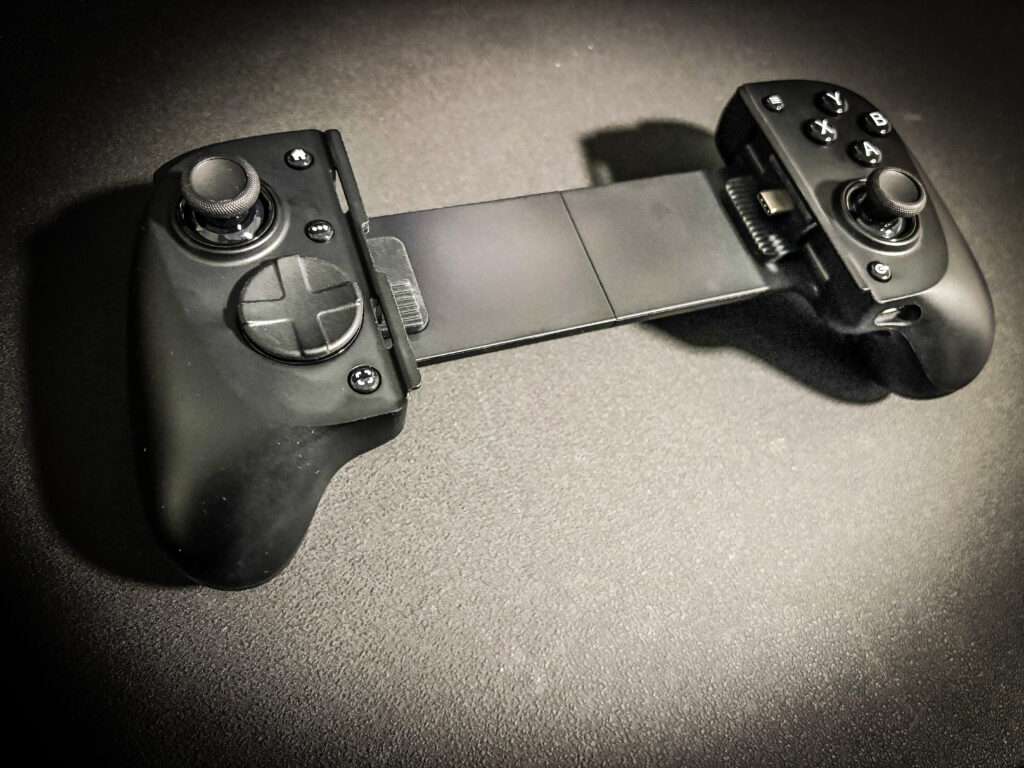
The TMR thumbsticks and directional pad function like other controllers for movement, looking around, and aiming, depending on the game being played, with smaller buttons working as the usual Start and Select, as well as a Home button, a screenshot button that can also screen record if held down, and a Nexus button to quickly switch to the Razer Nexus Game Launcher app.
On the bottom right, there is a USB-C port with passthrough charging to plug in a cable and charge the device, so you can keep playing without having to worry about losing your battery or your progress. Right next to that is an AUX port with 3.5mm audio to plug in wired earphones or a headset and be more immersed in your game.
The controller has a smooth matte black finish with some texture behind the grips to give some friction and prevent it from slipping in your hands, while the TMR thumbsticks have rubber tops with indents. Alternatively, one of the extra thumbsticks has an oval shape instead if players prefer that. Buttons are all made of smooth plastic, allowing your fingers to move between them with ease, and the directional pad has some light texture. It even has a satisfying clicky sound when pressing it.
Of course, the most important thing about this controller is what you can actually play while using it, and while not every game is compatible, there is still a big catalogue of games to choose from. If it’s not already documented in the Razer Nexus Game Launcher app, it could take some time to work out which of your games are compatible, but if your choice is on the list, you’re in for a game-changing experience.
I tried out this controller with various game genres, and they all feel fantastic, benefiting from almost zero latency. I was able to navigate platforms at high speeds in Sonic the Hedgehog 2, race through cities in Asphalt Legends Unite, beat up thugs in Streets of Rage 2, pull off combos in Garou: Mark of the Wolves, shoot and blow up zombies in Dead Trigger 2, and stumble my way through Stumble Guys. It feels amazing to have the option to play these great games on the go without having to use the touchscreen controls.
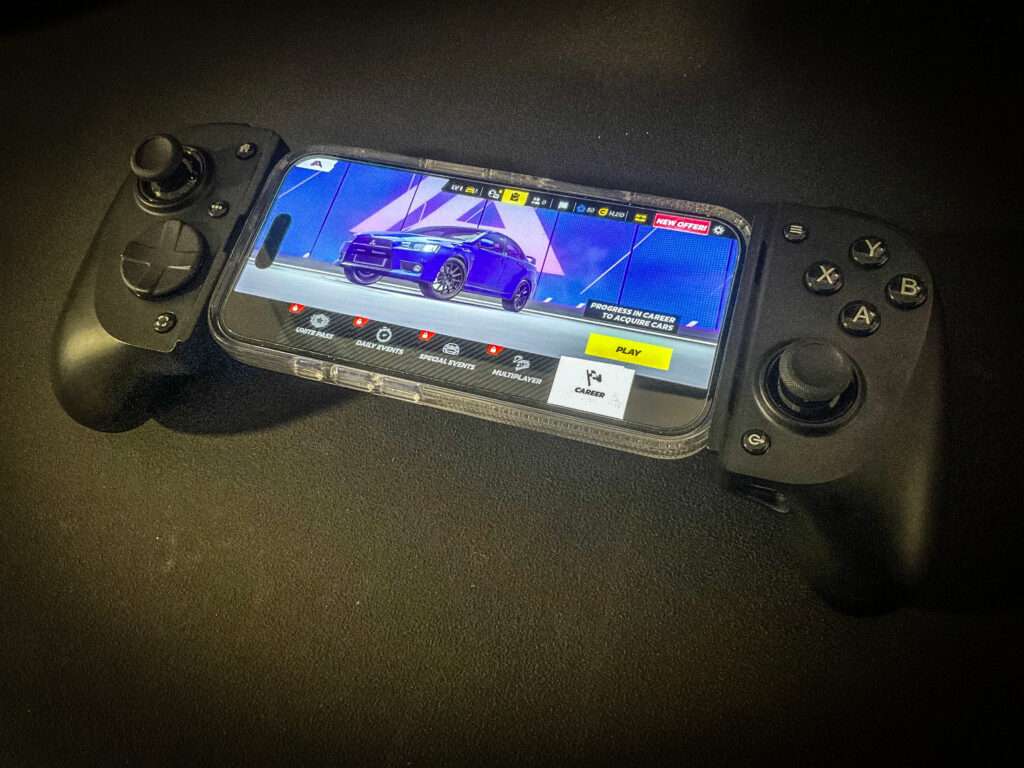
The Razer Nexus Game Launcher app is completely free to download and use on Android and iOS devices, with many useful features and has occasional updates for the firmware at no extra cost. Not only can players customise their controls, but they can also organise their games and see thousands of other games that are available and compatible. The app can also adjust the sensitivity of the Razer Sensa HD Haptics with games that support it, which are stronger, more detailed, and more nuanced than traditional console controller vibrations. Unfortunately, this feature is currently only available for Android devices.
The controller can also connect to a PC with the Razer Cortex software installed and be used as a regular controller to play any PC game or even remotely play those games away from the PC. This means you can play the most graphics-intensive PC games, even external Cloud Gaming services such as GeForce Now, from the comfort of your home or almost anywhere away from home, as long as your PC and mobile device maintain that connection. The Razer Nexus Game Launcher app even has options for livestreaming as well, and all you need is a Razer account to gain access to a wide variety of features at your fingertips.
While the Razer Kishi V3 Pro is made for gaming on the go, its physical design suggests anything but. You can’t really just throw it in your bag or luggage, as it can easily get caught on other things that may be inside the bag, especially with the USB-C connector sticking out. Thankfully, the whole controller is sturdy and won’t get damaged easily, but it can still be inconvenient when trying to pull it out of the bag. The box it comes in would work well, but a case designed specifically for this controller to keep it safe and secure, while also allowing it to be easily taken out, would be great. From what I can find online, Razer hasn’t created any in-house cases for previous mobile controllers, but there are plenty of third-party options available that do the job, and they will most likely make cases for the Razer Kishi V3 Pro as well.
Razer has built yet another excellent mobile gaming controller that lets you play on the go. Designed similarly to an Xbox controller, the Razer Kishi V3 Pro holds mobile and small tablet devices securely, all while feeling comfortable in the hands. The Razer Nexus Game Launcher app has so many handy features to enhance any gamer’s experience based on their preferences. Essentially, Razer’s aim is to bring the feeling of the home console experience to mobile gaming, and it absolutely achieves that. There are many mobile gaming controllers out there, but the Razer Kishi V3 line is one of the best-feeling controllers, making it a must-own for any mobile gamer.
Technical Specifications:
At a glance
- Pro Grade USB C Game Controller
- Console-inspired ergonomic form factor
- Full-sized, console-class buttons and thumbsticks
- TMR Thumbsticks with Swappable Caps
- Razer Sensa HD Haptics (Android only. Compatibility varies depending on game and Android system version)
- Pass through charging and low latency USB-C connectivity
- 5mm Audio port with microphone support
- Wired Controller Support for PC and iPad with Haptics Support for PC
- Mecha-tactile ABXY buttons and 8 way mec ha-tactile D-pad
- Compatible with iPad mini and Android tablets up to 8-inches. Max allowable device length is 208.9mm
System Requirements
- Mobile de vice or PC with a USB Type A/TypeC Port
- Android 14 or higher
- iOS 18
- Internet connec tion for app installation
Hardware Compatibility
- Compatible with iPhone 15, iPhone 16, iPhone 16 Pro, iPhone 16 Pro Max, iPad mini (6th generation), iPad Mini (7th generation)
- Compatible with Windows 11 via USB-C cable
- Samsung Galaxy S24 Series
- Google Pixel 6/7/8
- And many other Android devices
The Good
- Designed like an Xbox controller, making it comfortable to hold
- Holds device nice and secure
- Razer Nexus app has many options to enhance the experience
- Compatible games all feel great to play with zero latency
- Can charge while playing
The Bad
- Physical design isn’t best suited to be in bags






 SuBZeRO2K
 Spotify
 Anchor
 iTunes