
My regular nine-to-five has me sitting at a computer all day, sometimes scrolling through thousands of rows on spreadsheets, and other times, searching through lines of code to find the one section causing whatever problem users are experiencing. When I’m not working, I’m either playing something or I’m scrolling through reels and shorts. No matter the time of day, if I’m awake, there’s a mouse in my hand.
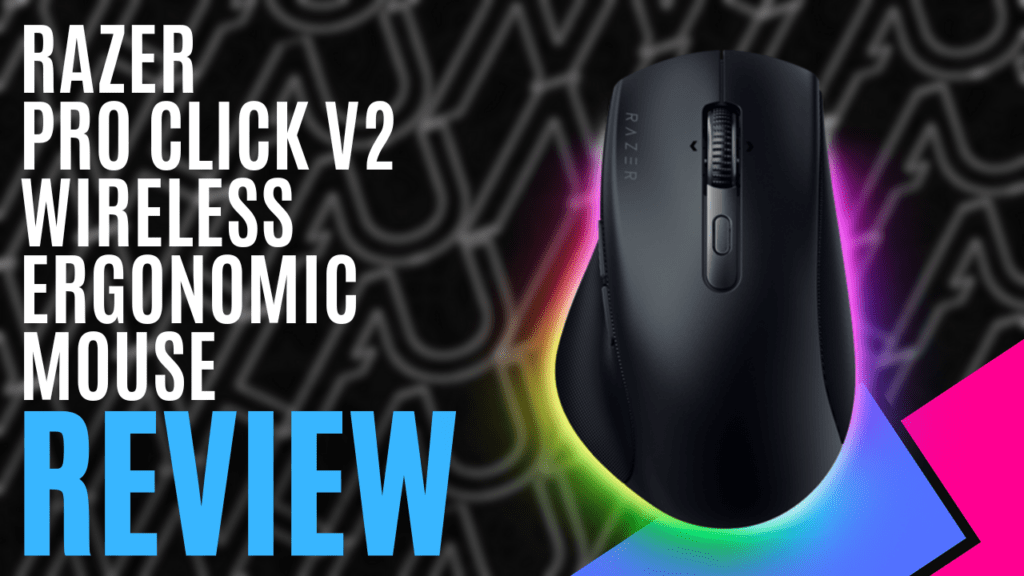
When I think of Razer, I think of high-performance peripherals decked out with beautiful RGB. That is what they are best known for, after all, but I never considered them to be a brand that would focus on ergonomics. At least, not until I had a chance to try out the Razer Pro Click V2 Wireless Ergonomic Mouse.
With a focus on ergonomics, the Razer Pro Click V2 Wireless Ergonomic Mouse features a raised palm rest, sloping down to the mouse buttons at a 30-degree angle, and the extended thumb rest helps to position your hand comfortably. After using a reasonably flat mouse for such a long time, and given the way I usually hold a mouse, it felt a little strange at first, but I soon found myself accustomed to the style, and I quickly noticed I was suffering fewer miss-clicks.
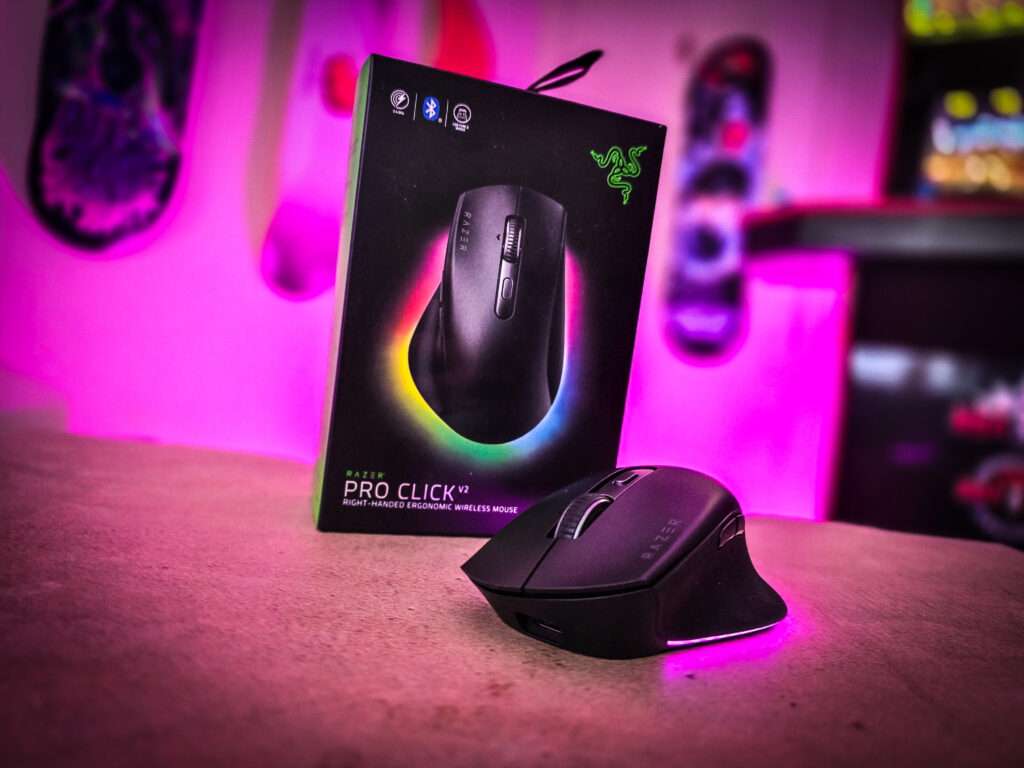
A dual-mode tilting scroll wheel made scanning through spreadsheets and code simple; tilting the wheel side-to-side helped to shift pages to the sides, and when clicked into free-spin scrolling mode, a quick flick of the wheel would scroll up and down the page with ease – a handy feature given my line of work.
However, if I needed to be more precise when scrolling, another quick press of the button locked on tactile scrolling, granting me more control by letting me feel the notches as I rolled my finger along the wheel.
Additionally, pressing and holding the scroll wheel activates AI Prompt Master, though it does rely on you having either an existing ChatGPT or Microsoft Copilot account, and this is particularly handy for increasing productivity. As more and more applications start to adopt AI integration, this feature offers a quick way to bring up prompts in order to draft emails, summarise documents, and utilise various other AI-based productivity tools.
Once the workday was over, I could rely on the Razer Pro Click V2 Wireless Ergonomic Mouse to carry me through an evening of gaming. The 100% PTFE mouse feet effortlessly glide over my desktop, with the Razer Focus Pro Optical Sensor perfectly replicating my hand movements on the screen. If I needed to adjust the sensitivity for one reason or another, I could simply click the two buttons on the side, either dropping it down for slower movements or bumping it to a max of 30,000 DPI.
Pro gamers will also benefit from a maximum speed of 550 IPS and a maximum acceleration of 40G, perfect for all the flicks and special mouse movements they use to show off their skills.
They can also rely on the mechanical switches to keep up with the action, rated for up to 60 million clicks, and if they are feeling particularly sweaty, all nine buttons are programmable with macros through Razer Synapse 4, with enough storage for one profile, great for gaming on the go and when you don’t have access to your PC.
Connecting the Razer Pro Click V2 Wireless Ergonomic Mouse can be as simple as plugging in the supplied USB-C charging cable, but it also comes with a 2.4GHz wireless dongle and supports Bluetooth connections. Making things even easier, it can be connected to up to five devices at once, switching through the ‘working’ device with the touch of a button, and you won’t have to worry too much about the battery – it can run for up to three and a half months on a single charge.
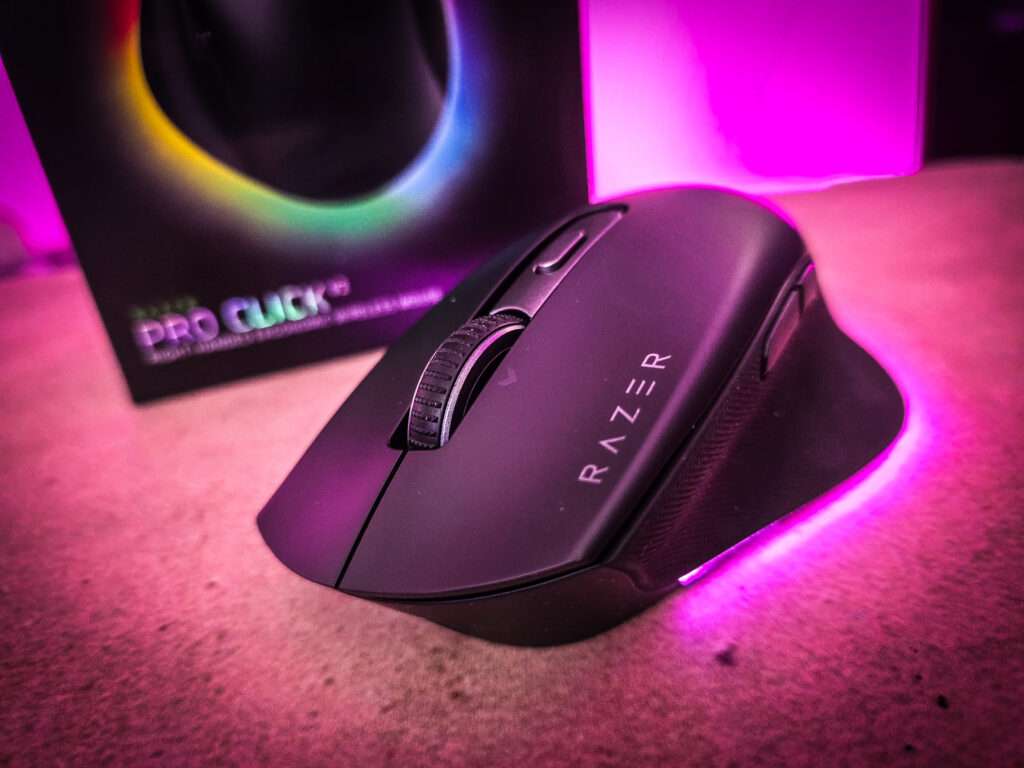
Of course, it wouldn’t be a Razer product without some kind of RGB, and they have done so in a spectacular way. I was expecting maybe a Razer logo to light up with a single zone, but instead, they have included a 14-zone strip that wraps from one side to the other around the back to create a gorgeous multi-coloured underglow effect. Just like the macros, this can be controlled using Razer Synapse, with the RGB supporting up to 16.8 million colours.
Effortlessly blending comfort, performance, and style, the Razer Pro Click V2 Wireless Ergonomic Mouse checks all of the boxes. The combined focus on ergonomics and sensitivity makes the transition between work and play seamless. The Razer Pro Click V2 isn’t just a jack of all trades – it’s very close to being the master.
The Good
- Very comfortable to use
- Stylish, reliable and accurate
- True multi-purpose functionality
- Great connectivity and incredible battery life
The Bad
- Shape can take getting used to







 SuBZeRO2K
 Spotify
 Anchor
 iTunes