
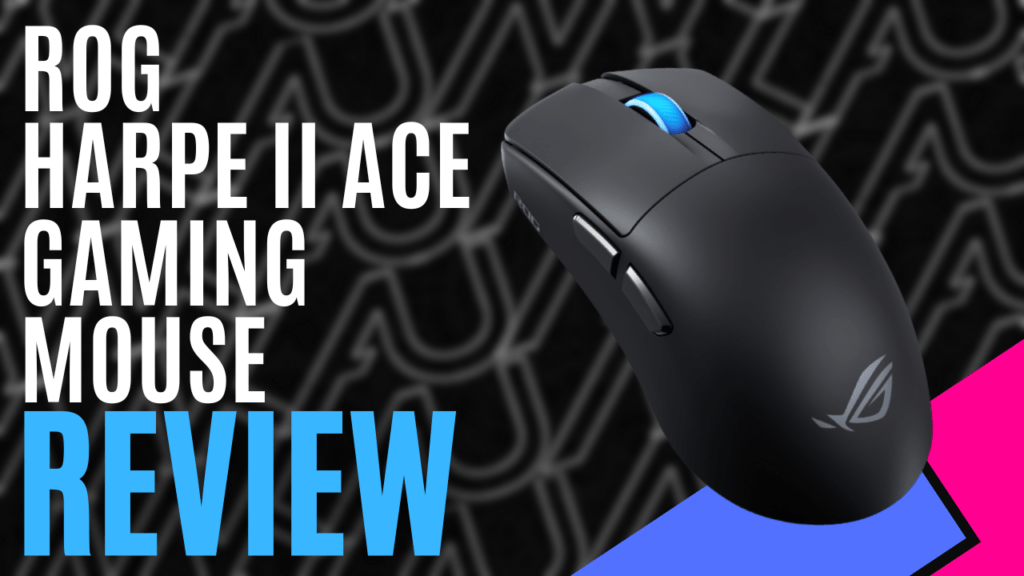
ASUS is one of the leading brands in PC gaming hardware with its award-winning ROG line of products. ROG stands for Republic of Gamers for a reason, and we are fortunate to get our hands on their latest mouse product, the ROG Harpe II Ace Wireless Gaming Mouse, which is now available worldwide.
The ROG Harpe II Ace Wireless Gaming Mouse by ASUS has a design similar to previous models, but with some changes that set it apart. In the box, you will find the mouse itself, a USB extender, a USB paracord, rubber grips that can be attached to the mouse, ASUS stickers, an instruction manual, and a warranty booklet.
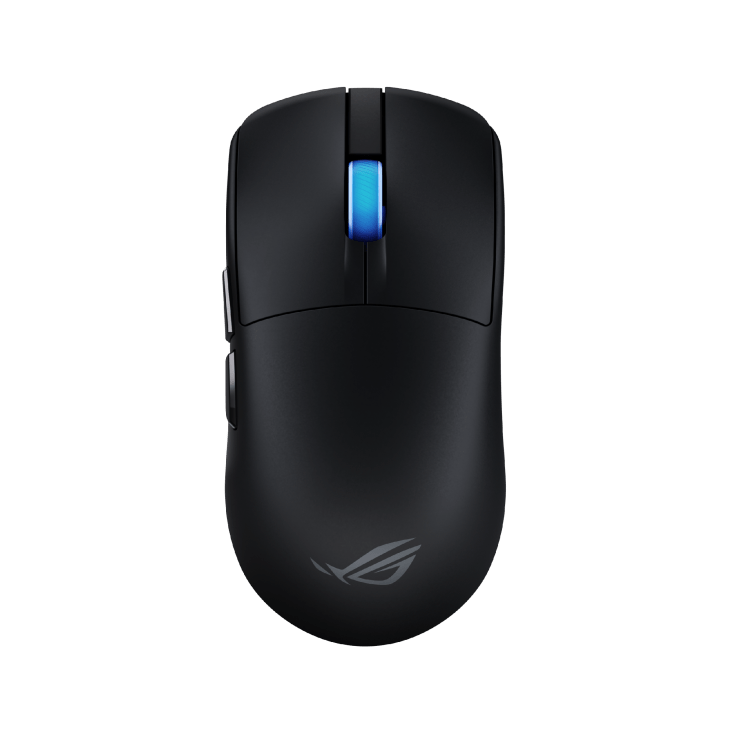
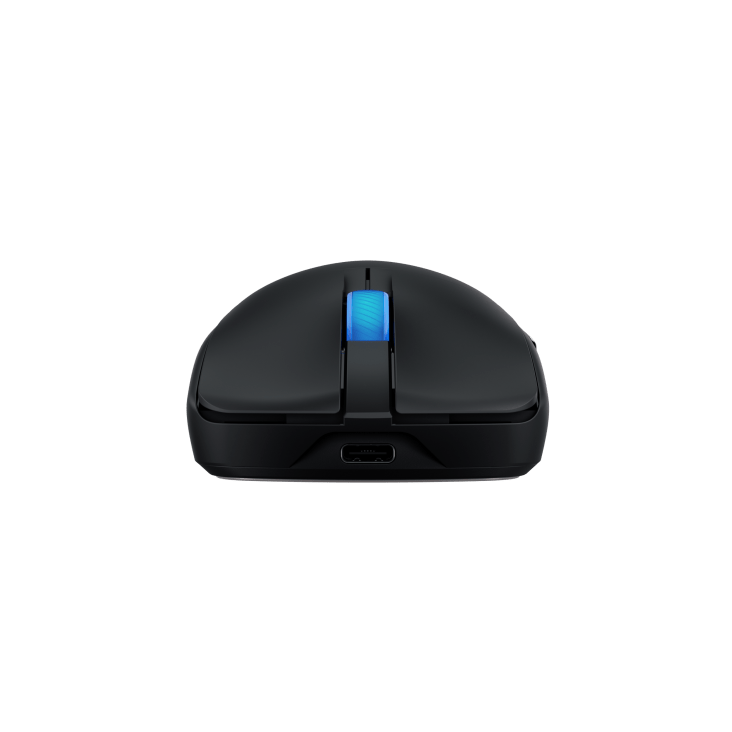
This new mouse is available in black or white with a matte finish. The rubber grips that come packed help grip the mouse better. It is lightweight, easy to move, and its size and design are comfortable for both big and small hands.
The lighter weight of only 48 grams makes it a great mouse for travelling, adding less weight to your luggage. The overall size is slightly larger than that of the previous models, but it still doesn’t take up much space.
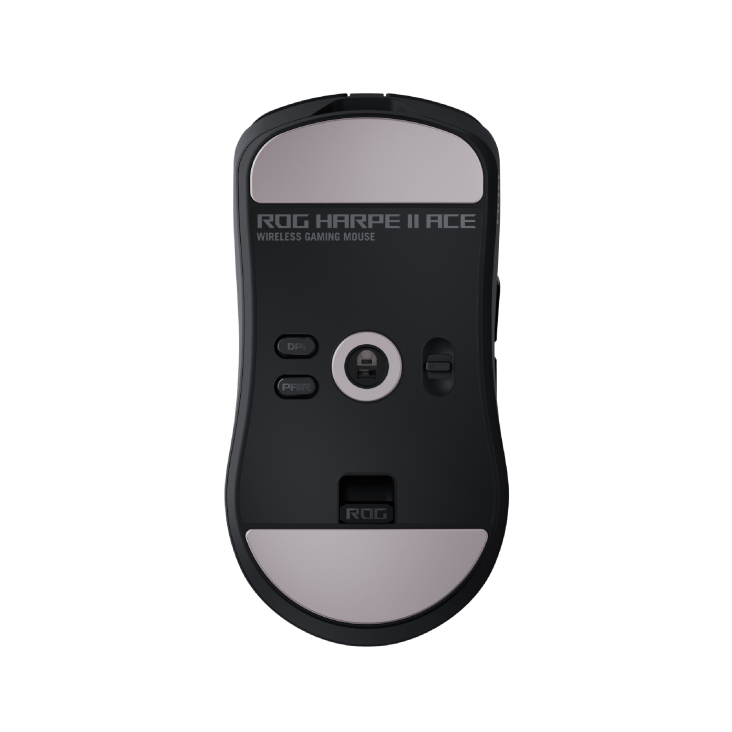
Underneath, you will find two slide pads positioned at the top and bottom, creating a smooth gliding feel when moving the mouse around the desk with barely any friction. 2 buttons are also located underneath, being the DPI button to change the speed of the cursor on screen and a pairing button to make a Bluetooth connection.
There is also a switch to switch between the three connectivity modes. A surprisingly efficient feature is a sneaky little USB dongle storage compartment to keep your wireless connection safe during wired use.
The mouse can be connected to a computer via Bluetooth, a USB cable, or the USB dongle under the mouse, which can be easily removed and plugged into a USB port on your computer. Whichever connection type you choose, the mouse feels smooth and has lag-free connectivity. The battery provides up to 98 hours of gaming or general use before needing to recharge, and the mouse can still be used while charging, so you don’t lose any momentum.
Customisation options are available to personalise the mouse to your liking. Previously, customising ROG products was done through the free Armoury Crate program, but now all of that is being shifted over to their new web-based program, Gear Link. Customising your mouse or other ROG products is now simpler than ever, allowing users to make quick adjustments and get them straight into the game or other tasks.
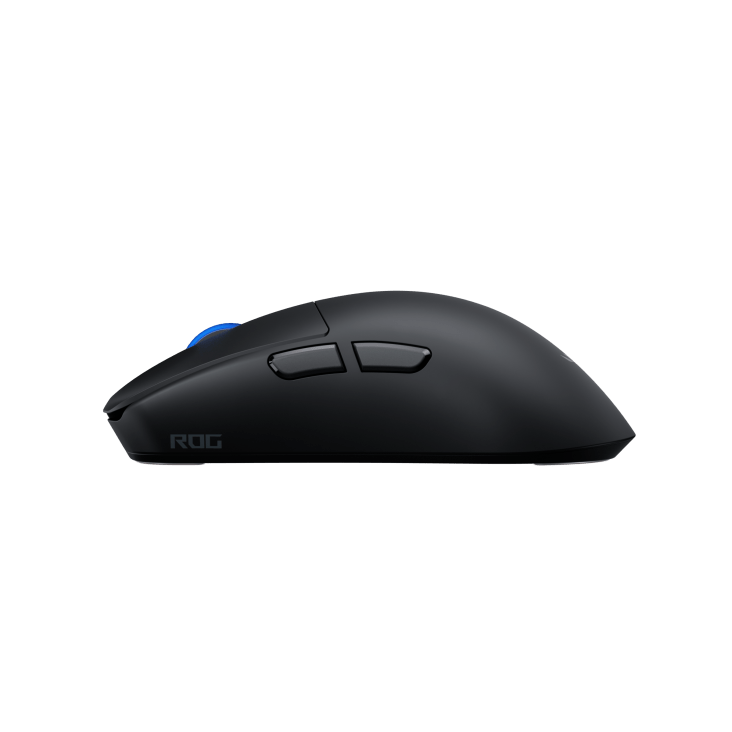
Rubber grips are included as an option for users to stick on the mouse and improve grip, but the matte finish already provides a strong enough grip for anyone. The rubber grips are still a good option and will add some extra style to your mouse with the urban design prints. The matte outer shell looks good and feels good, and even though it might feel like it could break if held tightly, it’s surprisingly durable. The only downside to the matte coating is that it can get a lot of smudges, but it’s easy to clean off and still looks good regardless.
The most important feature of this mouse is its gaming performance. After trying it out with a few different games, it performs fantastically, offering maximised precision and reliability at a polling rate of up to 8KHz with ROG SpeedNova 8K wireless technology.
Pro eSports players were involved in the development of this mouse, and it definitely shows. Shooting games are where this mouse can really show what it’s capable of. With little to no input delay, you’ll be able to move at your own pace and react and adapt quickly during gameplay. If the pros recommend this mouse, you can bet it will give you an edge over your opponents.
Overall, ASUS has made possibly its best mouse yet. The ASUS ROG Harpe II Ace Wireless Gaming Mouse is a fantastic mouse built for gaming or general use, is easy to travel with and will give you the edge over your opponents.

Technical Specifications:
- Connectivity: USB 2.0 (TypeC to TypeA), Bluetooth 5.1, RF 2.4GHz
- Sensor: ROG AimPoint Pro
- Resolution: 42000DPI
- Max Speed: 750IPS
- Max Acceleration: 50G
- USB Report rate: 8000 Hz
- RF 2.4G Report rate: 8000 Hz
- L/R Switch Type: ROG 100M Optical Micro Switch
- Dimensions: 126.1(L)x 63.9(w)x 39.7(H) mm
- Key Switch: ROG 100M Optical Micro Switch
- Lighting: Scroll wheel
- AURA Sync: Yes
- USB Report rate: (USB Report rate) 8000 Hz
- RF 2.4G Report rate: 8000 Hz
- Cable: 2-meter ROG Paracord
- OS: Windows® 10, Windows® 11
- Software: Armoury Crate, Gear Link
- Dimensions: 126.1(L)x 63.9(w)x 39.7(H) mm
- Weight: ~48g
- Color: Black/White
The Good
- Lightweight and easy to move
- Recommended by pro eSports players
- Great for travelling
- Little to no input delay
The Bad
- Can get smudges but is easy to clean off







 SuBZeRO2K
 Spotify
 Anchor
 iTunes