
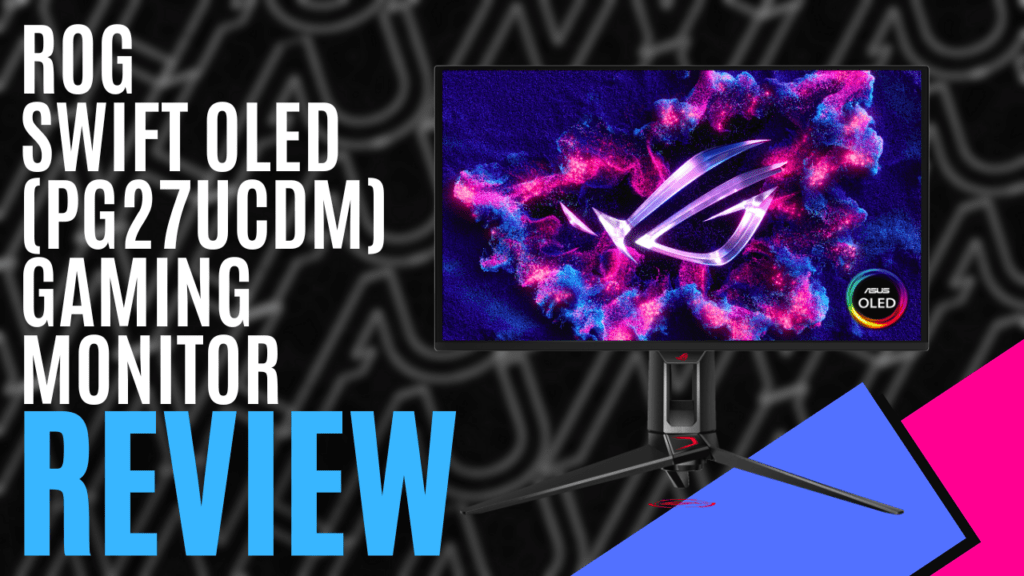
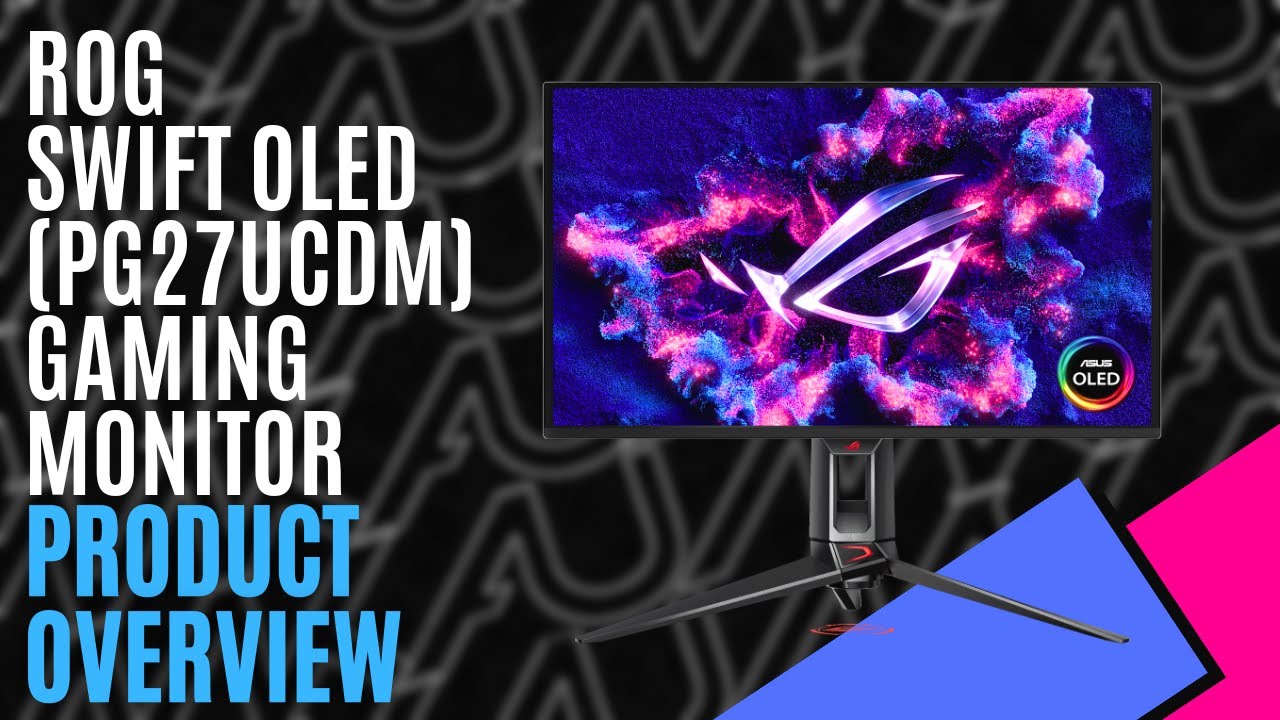
Over the last few months, we’ve had quite a few monitors come through the office, and I’ve been fortunate enough to trial most of them, but as of right now, the ASUS ROG Swift OLED PG27UCDM takes the cake. As a 27-inch 4K QD-OLED monitor, it blurs the line between cinematic visuals and high performance, combining jaw-dropping visuals with incredible colour production and fluid motion.
Being a QD-OLED panel, it delivers an incredible 240Hz refresh rate with a 0.03ms grey-to-grey response time, creating buttery-smooth images as you race through the streets. This is even more apparent when you take into account ASUS’s OLED Anti-Flicker 2.0 technology and combine it with NVIDIA G-SYNC or AMD FreeSync Premium Pro.
It also provides better colour reproduction, capable of delivering richer colours and deeper blacks, and with true 10-bit colour and VESA DisplayHDR 400, 1.07 billion colours blend seamlessly as you move through dark corridors into bright environments. If you’re more inclined to content creation, it benefits from a 99% DCI-P3, and comes with a colour accuracy of Delta E < 2, bringing it in line with professional-grade production monitors.
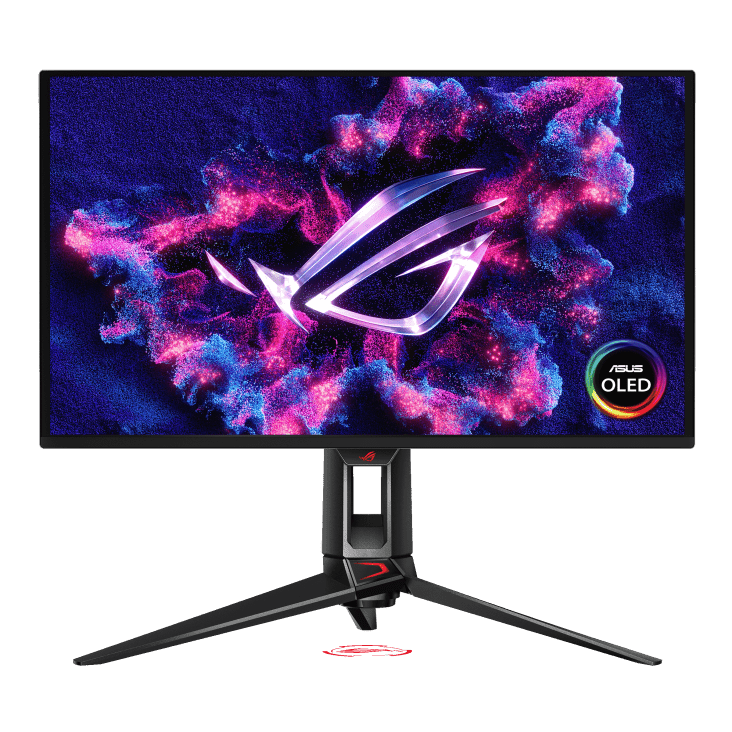
Alongside a custom heatsink, ASUS have implemented OLED Care Pro to help prevent screen burn. Using a Neo Proximity sensor, it will detect whether or not someone is seated in front of the screen, and if not, it will either dim the screen or switch to black. Of course, your computer can be set to shut off the screen after a certain amount of time, or put the computer to sleep, but there are times when you might not want the system to go to sleep, and with this, you don’t have to keep adjusting those settings.
It also comes with plenty of connectivity options, including two HDMI 2.1 ports, a USB-C connection that supports DP Alt Mode and 90W power delivery, three USB 3.2 Type-A ports, and a future-proof DisplayPort 2.1a supporting 80Gbps bandwidth. Although I don’t see it as a problem, it doesn’t have any built-in speakers. Some people may have a problem with this, particularly if you’re using it with a console, but to help with that, you will have access to a 3.5mm headphone jack.
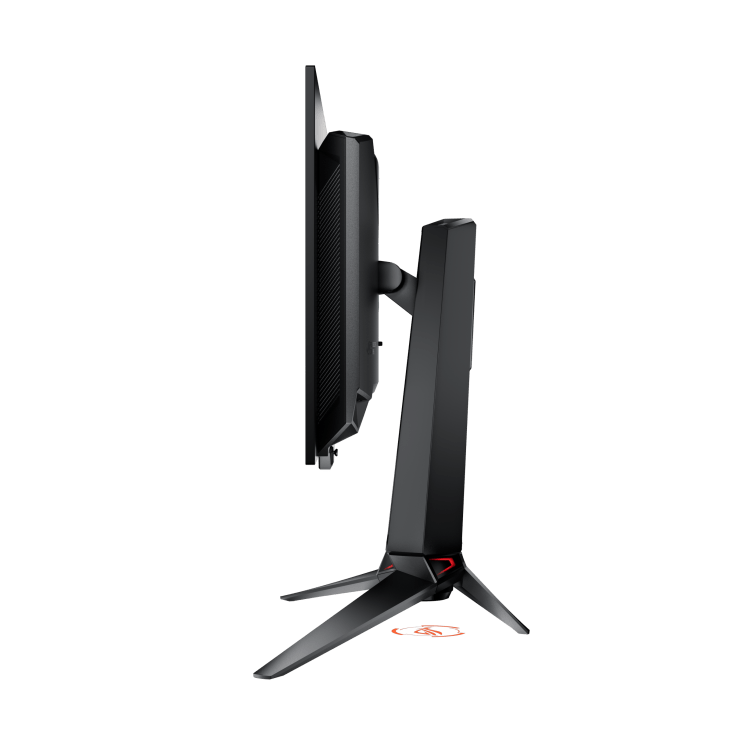
Assembly is quick and easy. The tripod-like stand screws onto the base of the arm, and the arm itself slots onto the back of the monitor. Once it’s all set up, the mounting arm contains a slot for easy cable management, and the monitor can be raised or lowered up to 110mm for that perfect height.
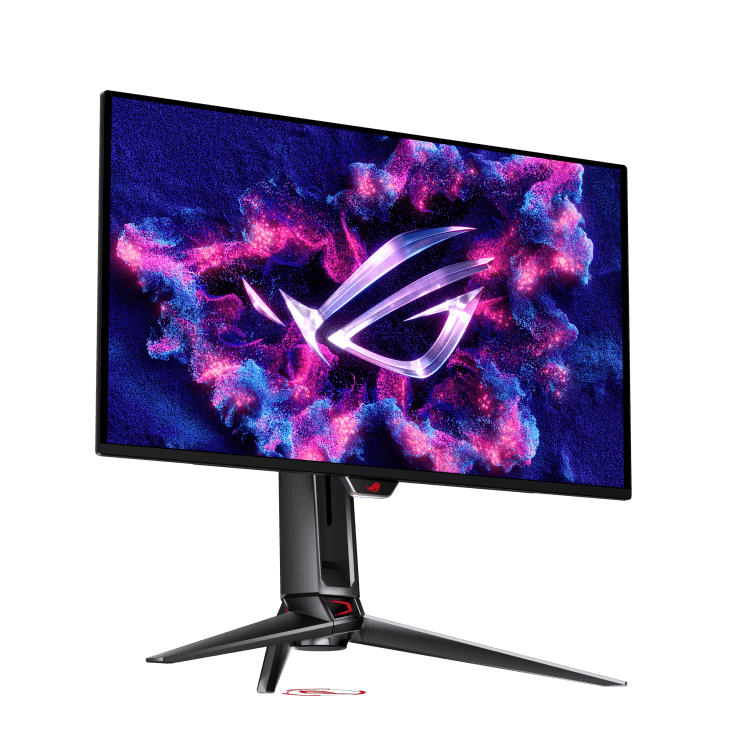
Alternatively, it can be pivoted 90 degrees each way to put it into a portrait orientation, as well as tilted up and down. The stand will even rotate on the base, should you need to move it to the side.
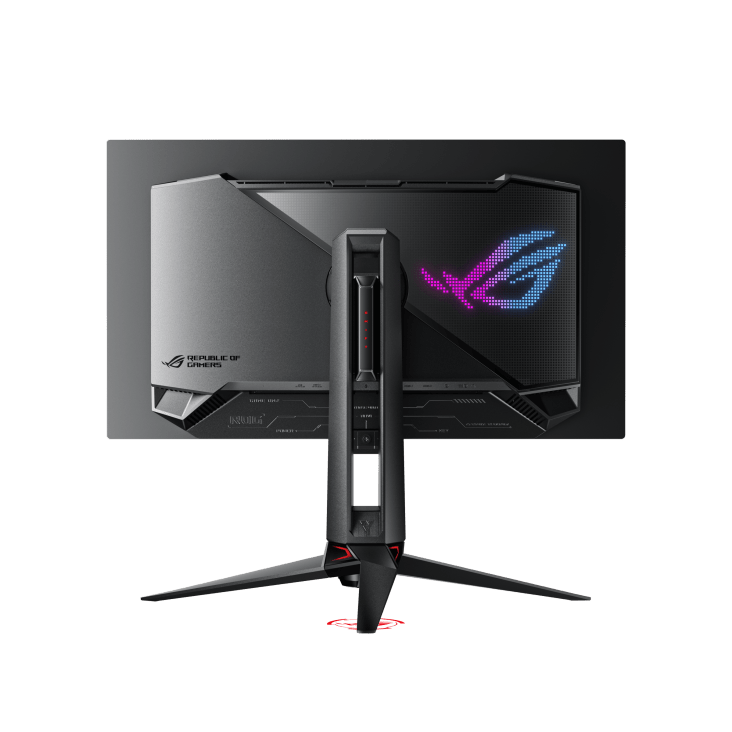
On the rear, the ROG Eye logo is made up of individual LEDs, with elements of the stand lighting up as well. Even the base houses an RGB system that can project the ROG logo onto the desk. These can be controlled through the on-board settings, which also include AI-assisted gaming enhancements, such as a Dynamic Crosshair and Dynamic Shadow boosts, and the DisplayWidget Center allows you to control them all without pressing buttons on the monitor.
The ROG Swift OLED PG27UCDM isn’t just a high‑end gaming monitor. It’s an all‑rounder that excels in esports, AAA titles, and creative work. A high-performance QD‑OLED panel delivers vibrant colours, deep blacks, and fluid motion, making it great for gamers and content creators alike. If you’ve got the GPU to push 4K at high frame rates, this is one of those rare upgrades that transforms everything you play or create.
The Good
- Stunning 4K clarity
- Bold colours, deep blacks, and smooth motion
- Bold and aggressive aesthetics
- Strong connectivity with DP 2.1a and USB‑C with 90W PD
The Bad
- No internal speakers
- Despite prevention, OLED can still suffer from image retention







 SuBZeRO2K
 Spotify
 Anchor
 iTunes