
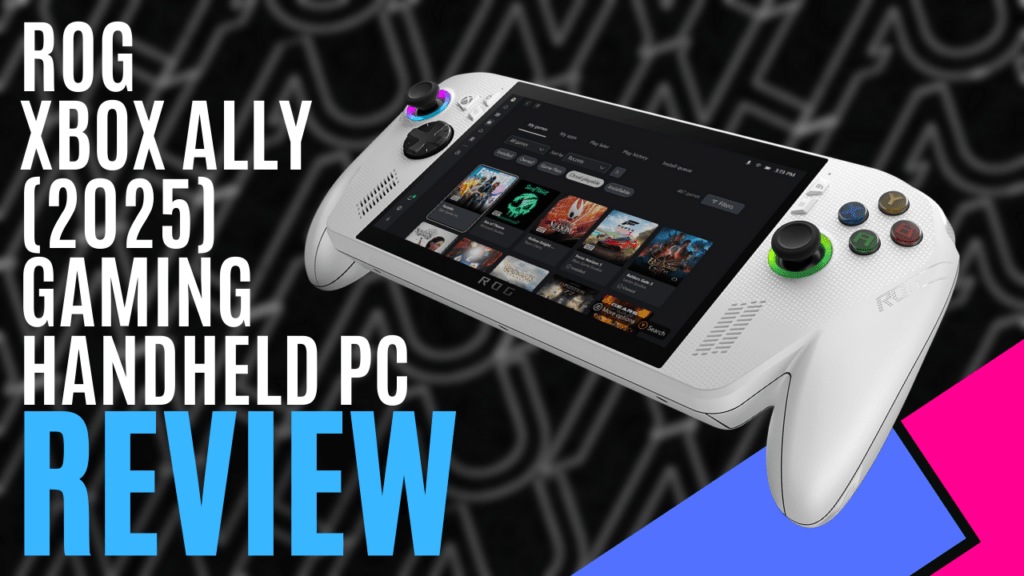
Having spent time with the ROG Ally X last year, and the original ROG Ally before that, I wondered just how different the ROG Xbox Ally would actually be. On paper, the hardware looks familiar, but ASUS and Microsoft have worked together to reshape the experience in ways that feel far more deliberate than a simple rebrand.
Even before turning it on, the ROG Xbox Ally feels different. The chassis has been redesigned to more closely resemble an Xbox controller, stretched outward to accommodate the display. Deeper grips and a more controller-like shape make it noticeably more comfortable than previous versions, though part of that familiarity will certainly come from years of Xbox controller use.
Powering it on reveals the most meaningful change. Instead of booting straight into Windows, the ROG Xbox Ally launches into the Xbox Full Screen Experience, a controller-first interface that feels purpose-built for handheld gaming. Navigation is intuitive, game launching is seamless, and access to Game Pass, cloud gaming, and Xbox Remote Play feels effortless. It immediately delivers a more console-like experience.
Windows, however, hasn’t gone anywhere. With the press of a button, you can drop into desktop mode and install anything you’d run on a regular PC, including Steam, Epic Games Store, mods, productivity apps, and creative tools. The key difference this time around is that Windows feels optional rather than something you constantly have to work around.
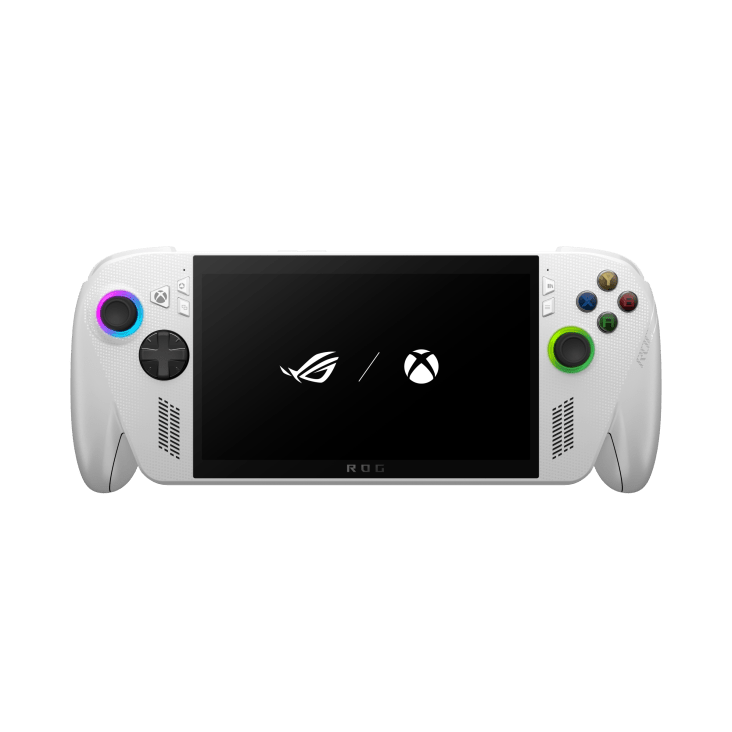
One of the simplest yet smartest additions is the dedicated Xbox button. Pressing it instantly brings up the Game Bar, offering quick access to system stats, screenshots, recordings, party chat, and performance settings.
Combined with the existing Command Centre and Armoury Crate buttons, the control layout feels cohesive and well thought out. Everything you need while gaming is always within reach, and adjusting performance or capturing gameplay mid-session is easier than ever.
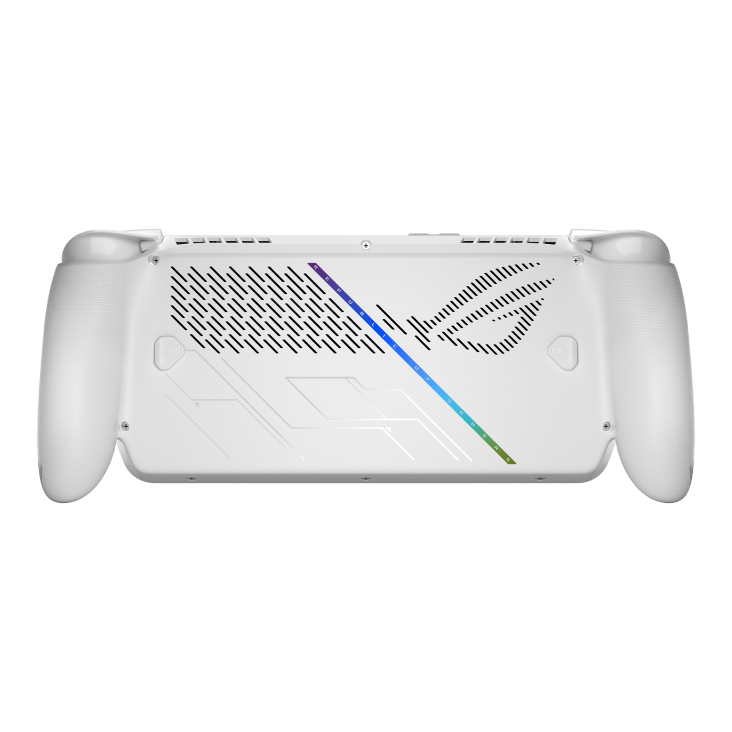
Under the hood, the ROG Xbox Ally upgrades to AMD’s Ryzen Z2 A processor, replacing the Z1 found in the previous Ally model, while retaining 16GB of LPDDR5 memory and a 500GB PCIe 3.0 SSD.
ASUS claims up to a 20% performance uplift in select titles, and while results vary depending on the game, the system feels far more comfortable pushing higher settings at 1080p. In practice, titles that previously required compromises now run more confidently, particularly when plugged in and using Turbo mode.
This particular version uses a 60Wh battery, so while it won’t quite last as long as the Ally X, it still has a reasonable play time for what it is—paired with the more efficient Ryzen Z2 A, lighter workloads and cloud gaming sessions last noticeably longer, making this a far better handheld for extended play away from a charger.
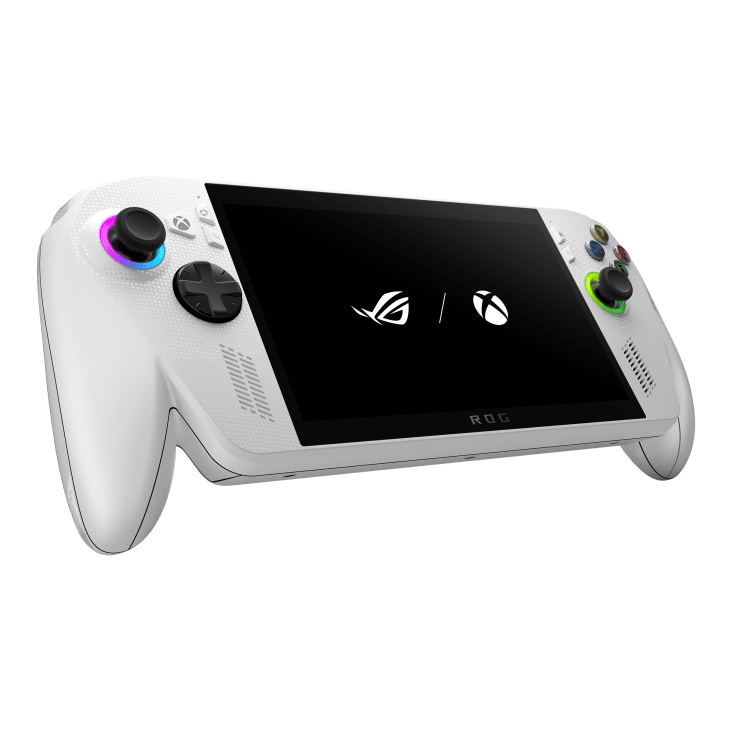
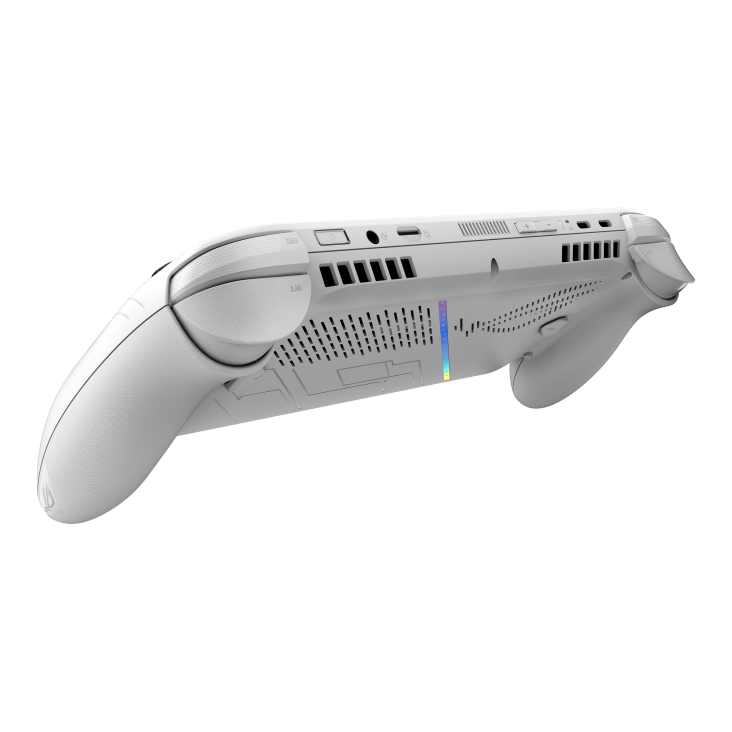
One of the most impactful experiential upgrades is the addition of independent vibration motors in both triggers. This adds a surprising amount of immersion, particularly in racing games and shooters. Acceleration, braking, and weapon feedback feel far closer to what you’d expect from a traditional console controller, and it’s a feature that enhances gameplay rather than feeling like a novelty.
The display remains a 7-inch 1080p 120Hz IPS panel, and that’s no bad thing. At 500 nits, it’s bright enough for outdoor use, while FreeSync Premium ensures smooth performance. Protected by Gorilla Glass Victus with a DXC coating to reduce reflections, it remains one of the better handheld displays available, even without moving to OLED.
Audio performance is equally solid. Dual speakers powered by Smart Amp technology deliver clear, punchy sound, while Dolby Atmos support improves spatial audio when using headphones. AI noise-cancelling microphones also make voice chat far more usable than you might expect from a handheld device.
The ROG Xbox Ally doesn’t reinvent ASUS’ handheld hardware; it refines it in all the right places. The Xbox-first interface, dedicated Xbox button, improved ergonomics, trigger haptics, and efficiency gains combine to create a device that feels far more console-like without sacrificing PC flexibility. For Xbox players curious about handheld PC gaming, this is easily the most approachable entry point ASUS has offered so far.

The Good
- Xbox Full Screen Experience feels console-like
- Xbox-inspired shape is noticeably more comfortable
- Ryzen Z2 A processor provides better performance and power efficiency
- Strong support for a variety of gaming platforms
The Bad
- No OLED panel
- Performance gains vary by title







 SuBZeRO2K
 Spotify
 Anchor
 iTunes