
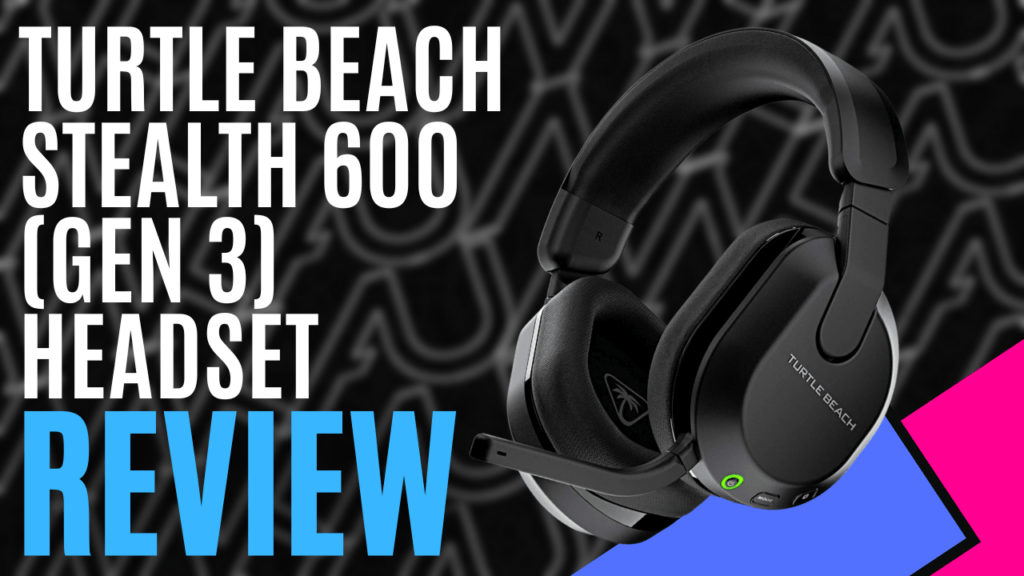
When I get a headset, I typically use it until it dies. Then it’s a mad scramble to find a new one in an ever-changing world of technology. Well, Turtle Beach has decided to grace me with an upgrade before my old headset bites the dust.
Turtle Beach started with headsets in 2005, so the Stealth 600 comes from a long line of innovation. Turtle Beach, over the past 20 years, has branched out into all things peripheral for gaming. So, with that much experience, my expectations were high.
The ‘Turtle Beach Stealth 600’ is the middle range of the available headsets in the Stealth class. It also comes in two different setups, depending on your needs for platform compatibility. Looking at various websites that stock the Turtle Beach Stealth 600, the price doesn’t differ between those setups, so when purchasing, be sure to get the appropriate setup for your platforms. I was supplied the Turtle Beach Stealth 600 compatible for the Xbox, which was excellent as it allowed me to use the headset not only on the Xbox, but also on the PC, PS5, and mobile phone.
The packaging is very clean. A standard white box with minimal imagery and black text pointing out some of its features. Once open, the simplicity continued. Inside was the headset, a 750mm USB-A to USB-C charging cable, a quick start guide, and the wireless transmitter. The transmitter is the key component when it comes to choosing the setup you need. The Xbox version of the Turtle Beach Stealth 600 has a switch on the side of the transmitter that allows you to switch between Xbox compatibility to all other platforms.
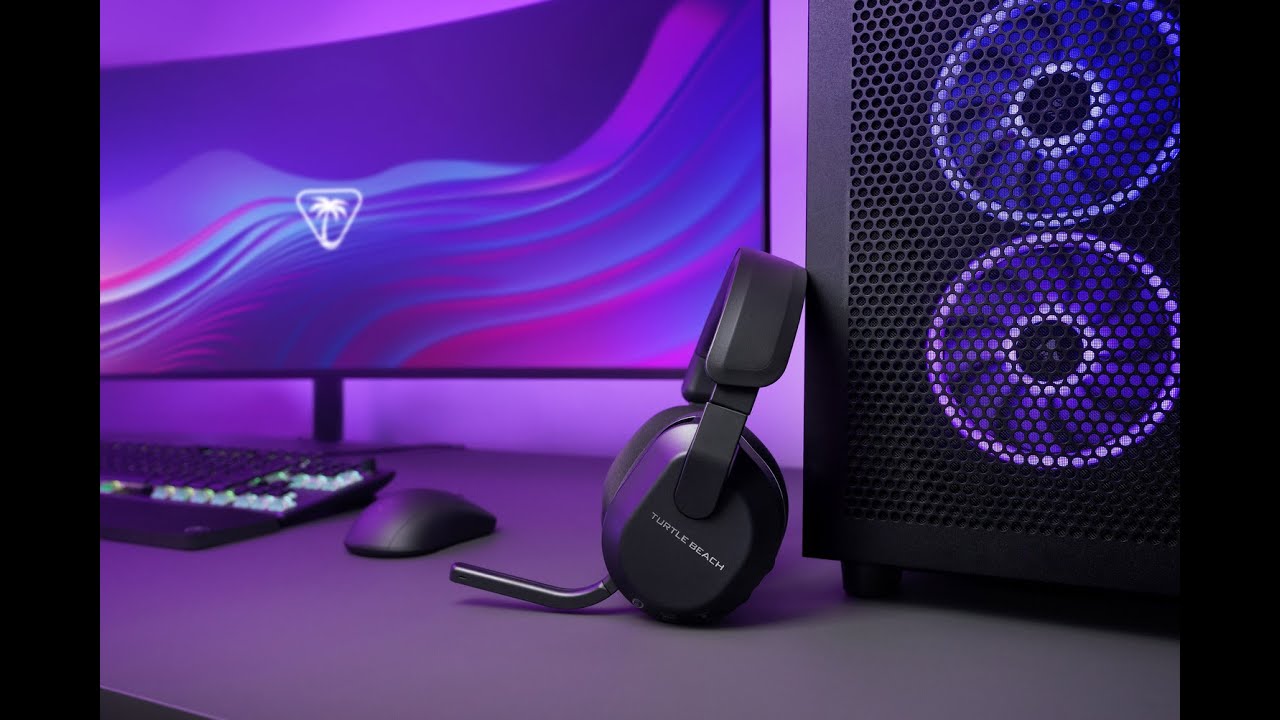
The Turtle Beach Stealth 600 I received was black, but they also come in white and purple. The design is all plastic with a smooth matt finish. Starting at the top, the headband is soft pleather, and when squeezed rebounds quickly back into shape. However, it doesn’t take much effort to squeeze before you hit the upper hard plastic. With the headset weighing 317 grams, I could not find an adjustment with the headband ratchet slides to alleviate the pressure on the top of my head, which resulted in it being uncomfortable.
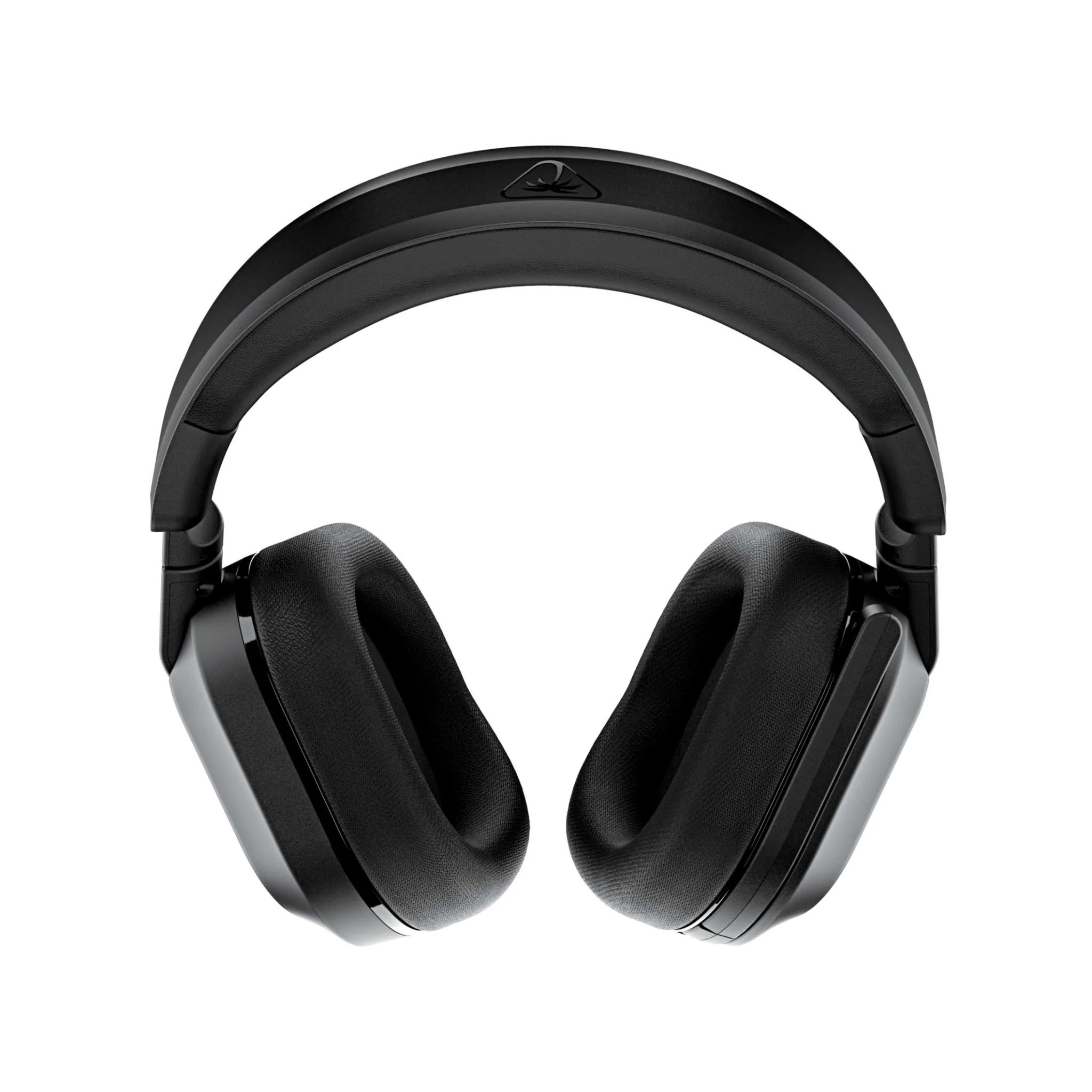
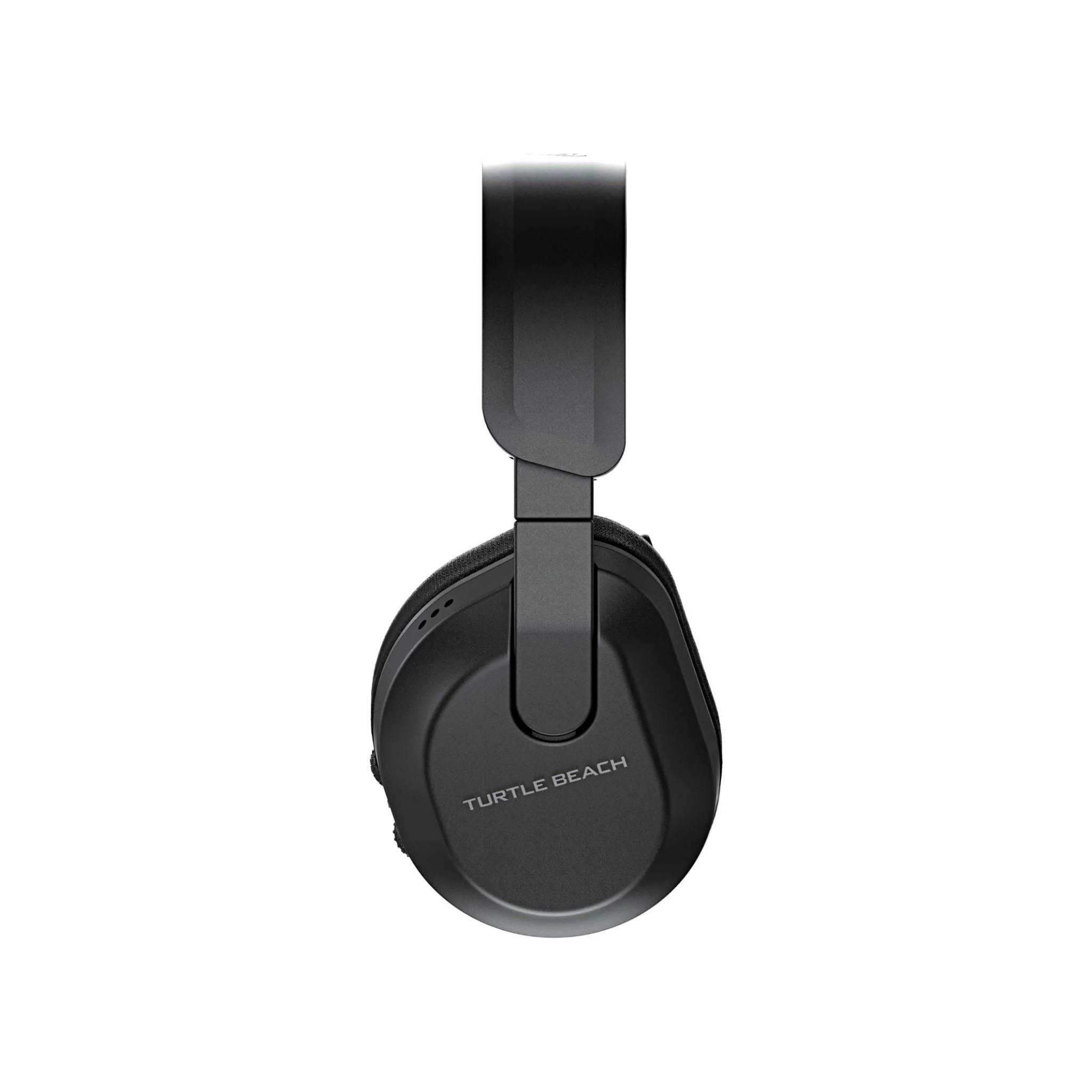
Moving mid-way down, just past the ratchet slides are the swivels. This is the first headset I have owned with swivels, and to be honest, I saw them more as a gimmick than an actual feature. They allow just a little over 90 degrees of movement, so adjusting them to the shape of your head is just as easy as turning them so you can place the headset flat on your desk.
Finally, on to the final part, the earcups. Externally, the word Turtle Beach is displayed, while inside, the Turtle Beach logo is printed on a thin cloth layer. Surrounding the 50mm Nanoclear drivers that deliver 2.4GHz low-latency wireless or 5.2 GHz Bluetooth sound are memory foam cushions wrapped in an athletic weave fabric. The cushions are incredibly comfortable, and the fabric clearly allowed circulation, as no matter how long I wore the headset, I didn’t get sweaty.
And that is saying a lot when you wear a headset in Queensland. Unfortunately, my big old man ears did not sit within the earcups correctly, so if you have oversized ears like mine, it’s a consideration you will have to make. A feature mentioned is that the earcups are glasses-friendly. I do not wear glasses, so I cannot vouch for it, but the fact that my ears are too big, and it was still comfortable and did not affect the external noise reduction, I would say it’s a solid feature.
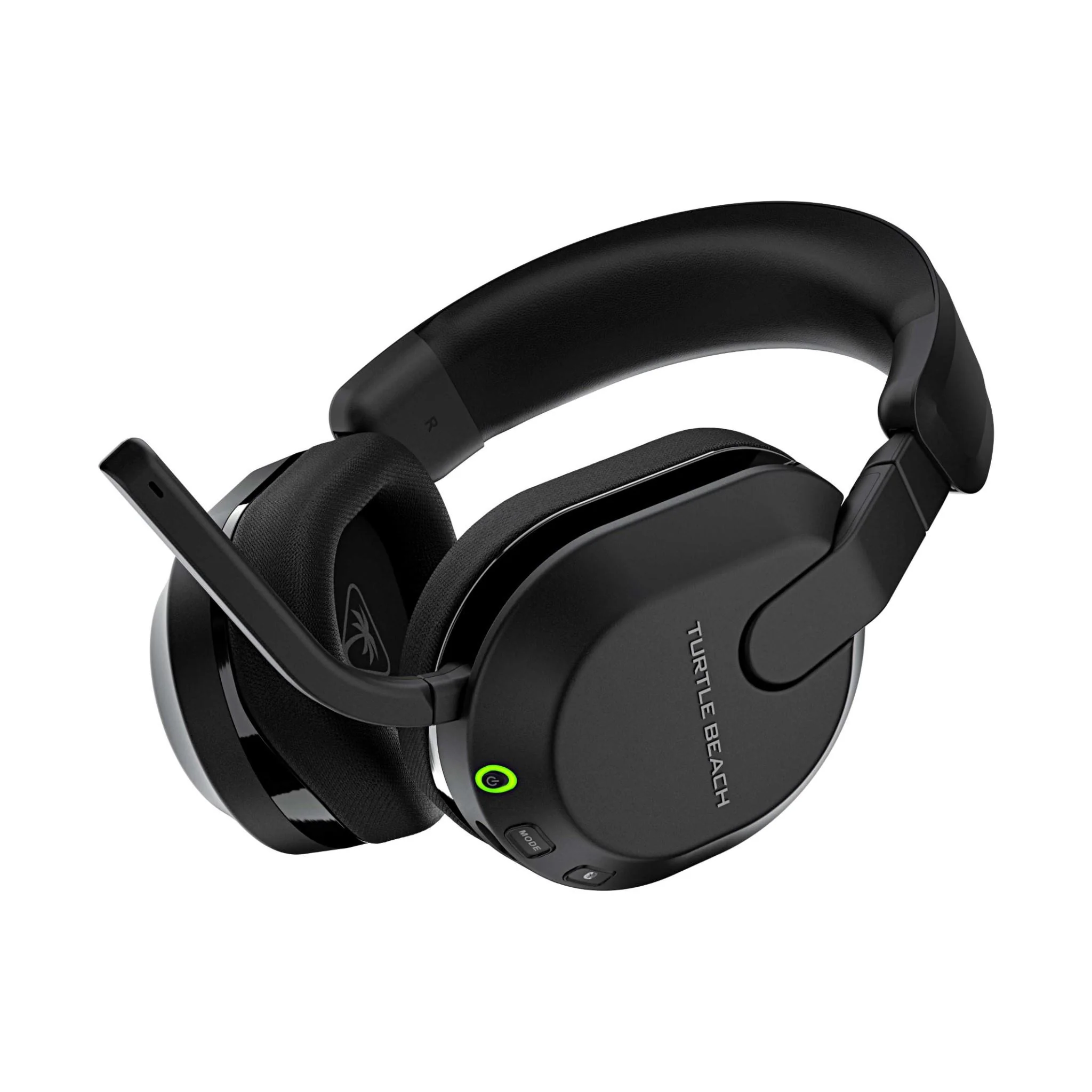
Moving to the outside of the earcups are all the buttons, wheels, and microphone. Before explaining what’s on offer, I just wanted to point out that any selection you make is clearly defined by either a voice or tones, so what may seem like an overwhelming number of selections at your fingertips, the choice is easily identifiable from the sounds.
The accessible buttons are the power on and off, a mode button to switch between the preset modes of Signature Sound, Bass Boost, Bass and Treble, and Vocal Boost, a Bluetooth button to handle phone calls, and a quick switch button that toggles between wireless sound and Bluetooth sound.
The two wheels allow you to control volume and the remapping of the modes through the Swarm II app. Each wheel is textured differently, so when you touch the wheel, you know which one is which. Unfortunately, the position of the wheels on the back of the earcups is bad. Every time I would remove or move the headset, I would bump or move the wheel, resulting in volume or mode changes.
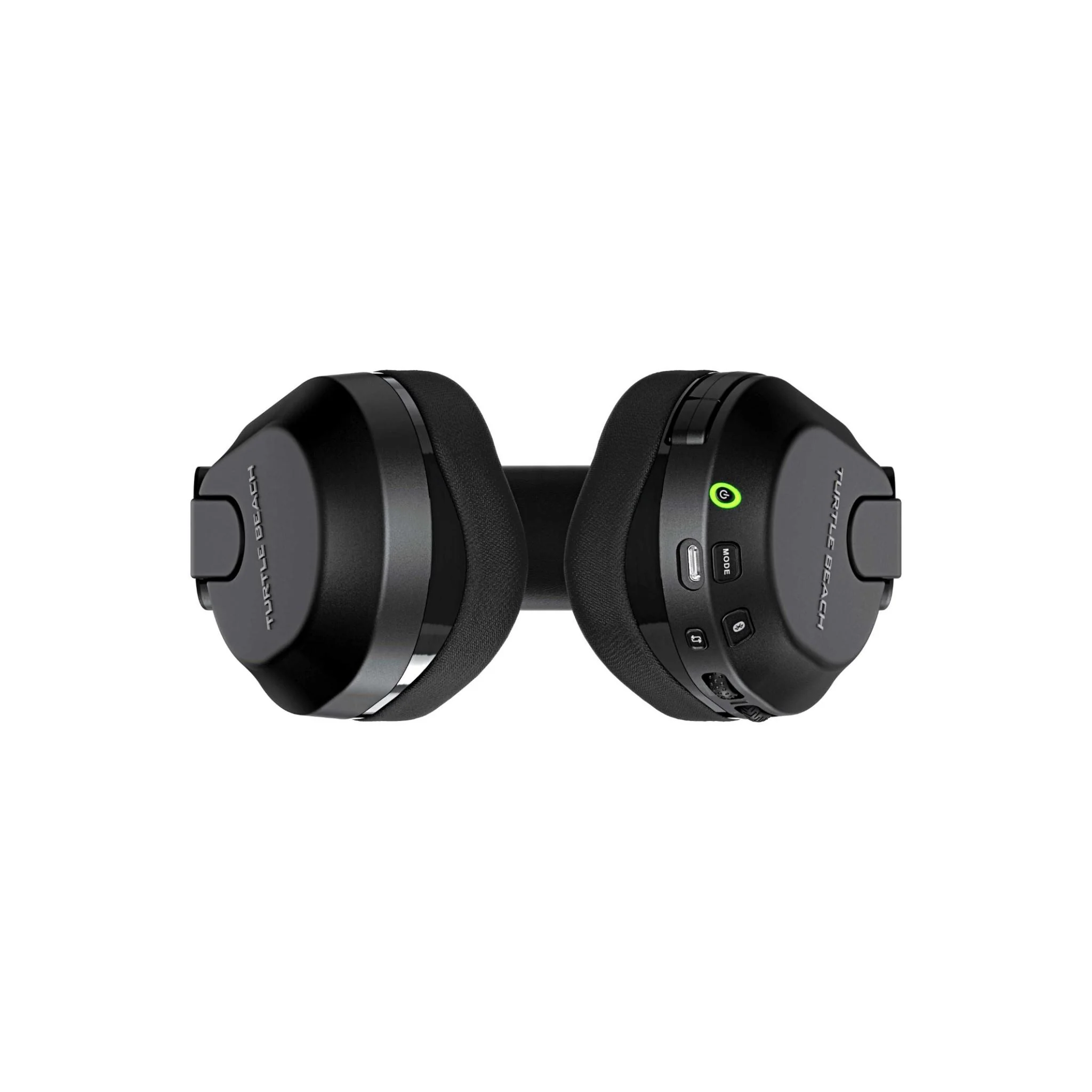
The Gen3 microphone comes with AI noise reduction, which, when testing in a phone call while typing on a mechanical keyboard, did not disrupt the caller. Switching from active and mute was a simple as the microphone being folded down near your mouth or pushing it up and folding it away into the recess, keeping it clear from catching unnecessarily. The Swarm II app also allows you to customise the equalisers, but also comes with four presets of Signature Sound, Full, Clarity, and Smooth.
Now, you may have seen me mention Swarm II a couple of times. Swarm II is the software available online to adjust or program your own modes for the headset. Though it is not necessary to download, I would strongly recommend doing it as Swarm II is extremely easy to use and allows great customisation. One annoyance I found with gaming on Xbox was having to bounce in and out of the dashboard to tweak settings. With the Swarm II app on my phone, I can quickly adjust anything on the fly while remaining in the game.
The final feature I want to mention is the battery life. Being a wireless headset, it is important to maximise your gaming time and minimise your downtime. The Turtle Beach Stealth 600 has an 80-hour battery life and a four-hour quick charge feature. So those who scoffed at the shortness of the charging cable, that is why. With only four hours to charge, I just plug mine in once a week when I’m busy doing other things, and when I return to gaming for another week, I’m all set.
The Turtle Beach Stealth 600 is an outstanding upgrade to my old headset. With comfortable earcups that don’t make me sweat, compatibility over multiple devices, great customisation through the Swarm II app, and long battery life with quick charge, overlooking the downsides of wheel position, the weight, and earcup size is easy. Researching prices in Australia averages around $180, which I believe is an acceptable price for this mid-range headset for all the features it offers.
Technical Specifications
Headphones
Connectivity: Wireless, Bluetooth®
Drivers: 50mm Nanoclear™
Frequency Response: 20Hz – 20kHz
Microphone
- Uni-Directional, Flip-to-Mute
Earcups
- Ear-cushion Material: Athletic Weave Fabric, Memory Foam
Battery
- Rechargeable Lithium Polymer
The Good
- AI noise reduction
- Incredibly comfortable earcups
- Compatibility over multiple devices
- Great customisation through Swarm II app
- Well defined voice and tones for selections
- 80 hours of battery life, and four-hour quick charge
The Bad
- Earcups too small for old man ears
- Weight on top of head is uncomfortable
- Wheel position on back of earcups is bad






 SuBZeRO2K
 Spotify
 Anchor
 iTunes