
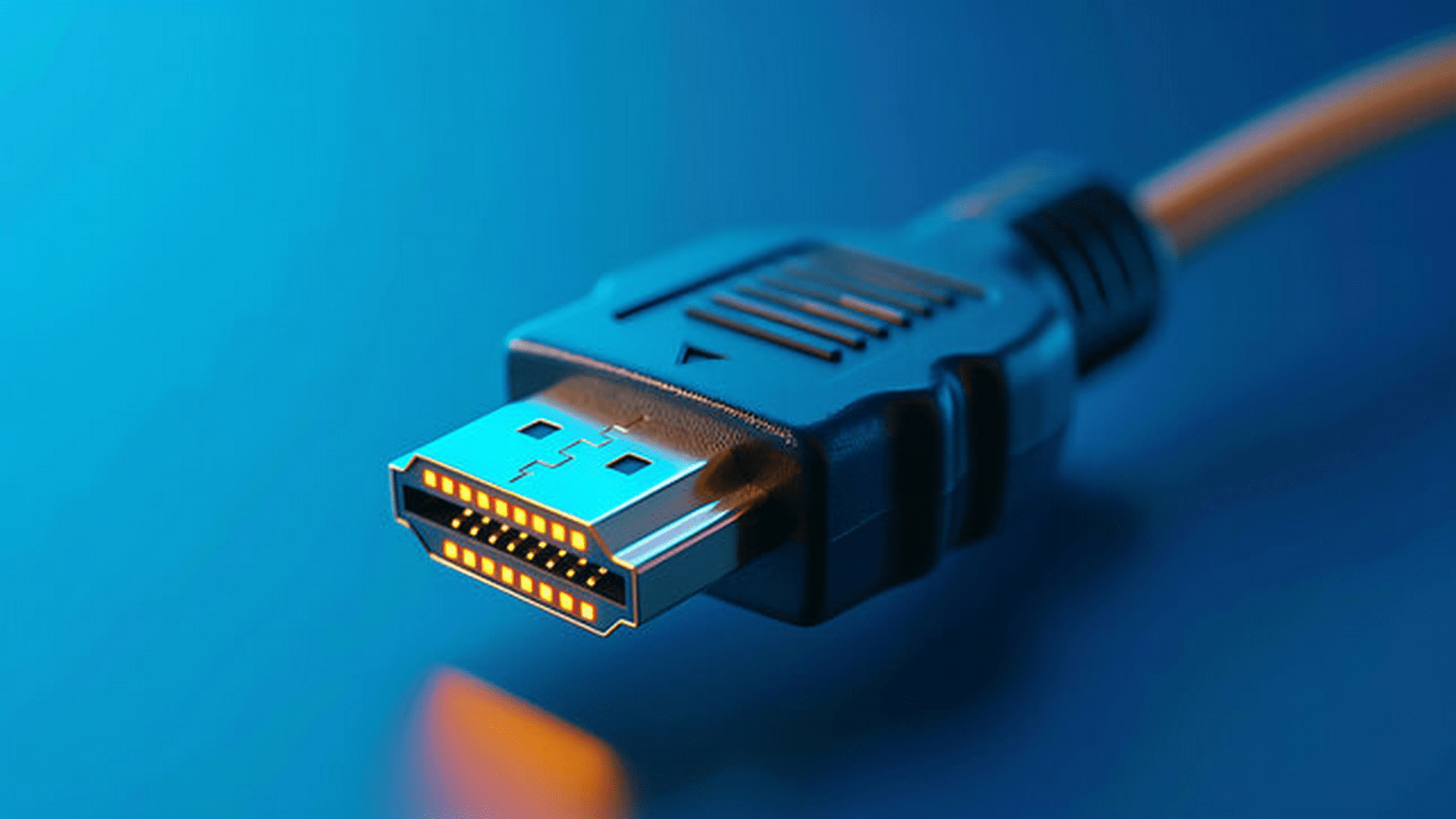
HDMI version numbers sound simple until you try to match them to a real gaming setup. Then the confusion starts. One display says 4K 120Hz. Another mentions VRR support. A console box claims HDMI 2.1, but a monitor menu hides the features that actually matter. For gamers, the question is rarely about the cable alone. It is about total experience: frame rate, responsiveness, image quality, and how much performance the setup can truly deliver.
That confusion gets even worse when buyers compare monitors, TVs, consoles, and accessories all at once. The buying decision often becomes more complicated when the setup includes extras such as capture hardware, switchers, or a bulk HDMI cable purchase for multiple screens. The real issue is not chasing a newer number for its own sake. It is knowing when HDMI 2.1 creates a visible gaming advantage and when HDMI 2.0 is still more than enough.
What Actually Separates HDMI 2.0 and HDMI 2.1
The biggest technical difference is bandwidth. HDMI 2.0 supports up to 18 Gbps, while HDMI 2.1 increases that ceiling dramatically to 48 Gbps. That extra headroom allows higher resolutions and refresh rates to travel through the connection with less compromise. In practical terms, HDMI 2.0 is very comfortable with 1080p and 1440p gaming, and it can handle 4K at 60Hz well. HDMI 2.1 opens the door to 4K at 120Hz and even higher-end use cases on supported devices.
That extra bandwidth also supports features gamers care about, not only raw resolution. HDMI 2.1 is closely tied to features like Variable Refresh Rate, Auto Low Latency Mode, and enhanced audio return options. Some of these can matter more than a resolution jump. A smoother frame delivery and reduced screen tearing can change how a game feels, especially in fast shooters, racing games, and action-heavy titles.
Still, version labels can be misleading if read too casually. A device can support parts of the HDMI 2.1 feature set without delivering the full premium experience people assume comes with that label. That is why spec sheet reading matters. The version number tells part of the story. The supported features tell the rest.
Why Refresh Rate Matters More Than Many Gamers Expect
For gaming, refresh rate often matters more than headline resolution once the screen size and viewing distance are reasonable. A jump from 60Hz to 120Hz or higher can make movement feel cleaner, aiming feel tighter, and animation appear more natural. This is one of the main reasons HDMI 2.1 has gained so much attention. It makes 4K 120Hz gaming possible on compatible hardware.
HDMI 2.0 can still serve many gamers very well. If you mainly play at 1080p or 1440p, especially on PC monitors that use DisplayPort for high refresh gaming, HDMI 2.0 may not be your bottleneck at all. Even on console, many games still target 60 frames per second or lower in visually demanding modes. In those cases, HDMI 2.0 can deliver a strong experience without obvious limitations.
The upgrade question becomes more serious when your hardware can actually push high refresh output at higher resolutions. A PlayStation 5, Xbox Series X, or modern gaming PC paired with a 4K 120Hz display can benefit clearly from HDMI 2.1. Without that level of source hardware and display support, the difference becomes less dramatic.
The Gaming Features That Make HDMI 2.1 Stand Out
Variable Refresh Rate is one of the most meaningful additions associated with HDMI 2.1 gaming. VRR helps the display match its refresh behavior to the console or PC output more closely. That reduces tearing and can make frame pacing feel steadier when performance fluctuates. In games where frame rate moves around often, this can improve comfort more than a small bump in image sharpness.
Auto Low Latency Mode is another practical feature. It allows compatible displays to switch into a game-friendly low-latency mode automatically when gaming content is detected. That means less menu diving and a better chance that the display is running with reduced processing delay when reaction time matters. It is not flashy, but it improves convenience and consistency.
Quick Frame Transport also deserves attention, especially for players sensitive to input feel. It helps move each frame more quickly from source to display, which can reduce perceived latency. This matters most to players who spend real time in competitive titles. For story-driven single-player games, the impact may feel smaller. For fighting games, shooters, and racers, it becomes easier to appreciate.
When HDMI 2.0 Is Still the Smarter Choice
Not every gamer needs HDMI 2.1, and that is an important point people often skip. If your display tops out at 60Hz, if you mostly play on older consoles, or if your gaming PC is aimed at 1080p or modest 1440p performance, HDMI 2.0 may already do everything you need. In that situation, paying more just to secure an HDMI 2.1 path may not improve the experience in any meaningful way.
It also depends on the kind of games you play. Strategy titles, slower RPGs, cinematic single-player adventures, and many casual experiences do not gain as much from 4K 120Hz support as competitive multiplayer titles do. A gamer who values image quality, stable performance, and strong color reproduction may get more value by choosing a better panel rather than chasing the newest HDMI spec.
Budget matters too. A quality HDMI 2.0 display with better contrast, stronger HDR performance, or lower actual response time may be a better buy than a weaker HDMI 2.1 display with a more marketable spec sheet. Gaming hardware decisions should be made as a full package. One upgraded input standard cannot rescue mediocre overall performance.
Who Should Upgrade Right Now
The strongest case for HDMI 2.1 belongs to gamers who already own or plan to buy hardware that can fully exploit it. Console players using PlayStation 5 or Xbox Series X with a true 4K 120Hz display are in that group. PC gamers with modern GPUs and an interest in high-refresh 4K gaming also have a solid reason to care. In both cases, HDMI 2.1 can unlock capabilities that HDMI 2.0 cannot carry in full.
The second group is future-focused buyers. If you are purchasing a TV or gaming monitor meant to last several years, HDMI 2.1 can be a smart form of headroom. Even if your current setup does not push 4K 120Hz today, your next console, GPU, or display upgrade cycle may make that support more valuable. Buying with some forward compatibility can prevent a frustrating mismatch later.
The weakest case for upgrading is fear of missing out. If your current system performs well, your games run at the frame rates you want, and your display does not support the key features anyway, HDMI 2.1 is more of a spec upgrade than a gaming upgrade. Real value appears when the rest of the chain is ready for it.
How to Buy the Right Setup Without Wasting Money
Start by checking the three essential parts of the chain: source device, display, and cable. A PlayStation 5 or high-end GPU is only one part of the equation. Your TV or monitor must support the right combination of resolution, refresh rate, and gaming features. The cable must also be rated properly for the signal you expect to send. Weakness in any one link can keep the whole setup from reaching its potential.
Read beyond the HDMI version label on the box. Look for explicit support for 4K 120Hz, VRR, ALLM, and any other features you actually care about. Some displays advertise HDMI 2.1 but support only a limited subset of the benefits people associate with it. That can lead to disappointment after purchase. Clear feature confirmation matters more than broad marketing language.
The smartest buying decision is usually the one that matches your real gaming habits. If you play fast online games on modern hardware and want maximum fluidity, HDMI 2.1 is worth serious attention. If you play mostly at 60Hz, value picture quality more than refresh headroom, or use hardware that does not fully support the standard, HDMI 2.0 can still be the practical choice. The upgrade is worth it when your setup can use it, not simply because the number is newer.






 SuBZeRO2K
 Spotify
 Anchor
 iTunes