
After reading Sammy’s review of the Alienware 34″ 240Hz QD-OLED (AW3425DW) Gaming Monitor, I was curious to check one out for myself. I’ve been on the fence about ultrawide monitors for a while now, because something about the aspect ratio threw me off, but when the budget-friendly Alienware 34 Gaming Monitor (AW3425DWM) arrived at the office, I figured it would be a good time to give ultrawides another chance.
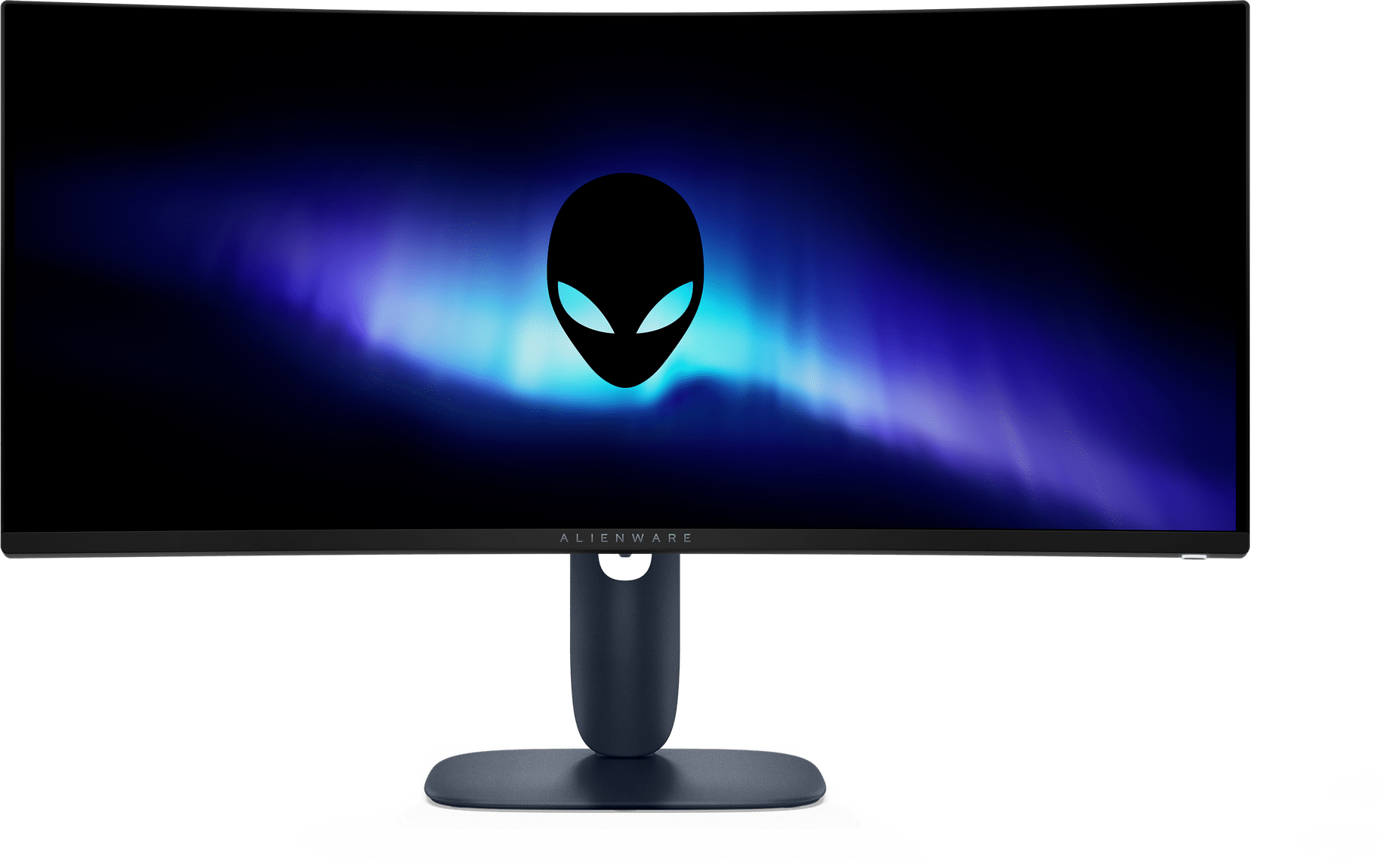
As a 34-inch WQHD monitor, it looks almost identical to the one Sammy was able to check out. It features the same 3440×1440 resolution, and it has the same level of motion, but the two monitors are very different from each other in terms of performance, so that will be my primary focus for this review.
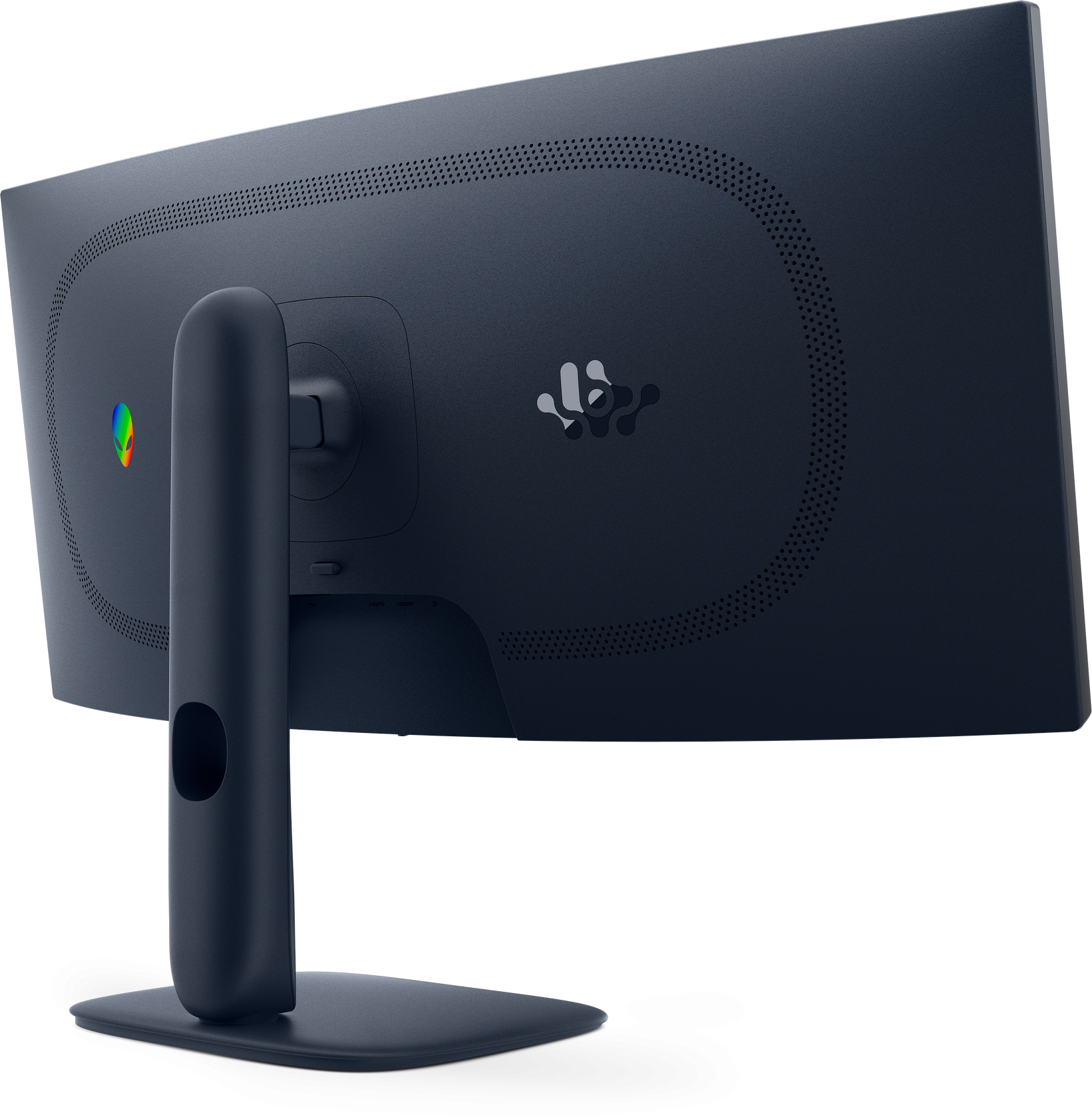
I won’t be touching on the physical appearance, except to note that the AW3425DWM does not feature an RGB Alienware logo; instead, it reverts to the mirror-like finish found on some of the other Alienware monitors I’ve had the opportunity to review.
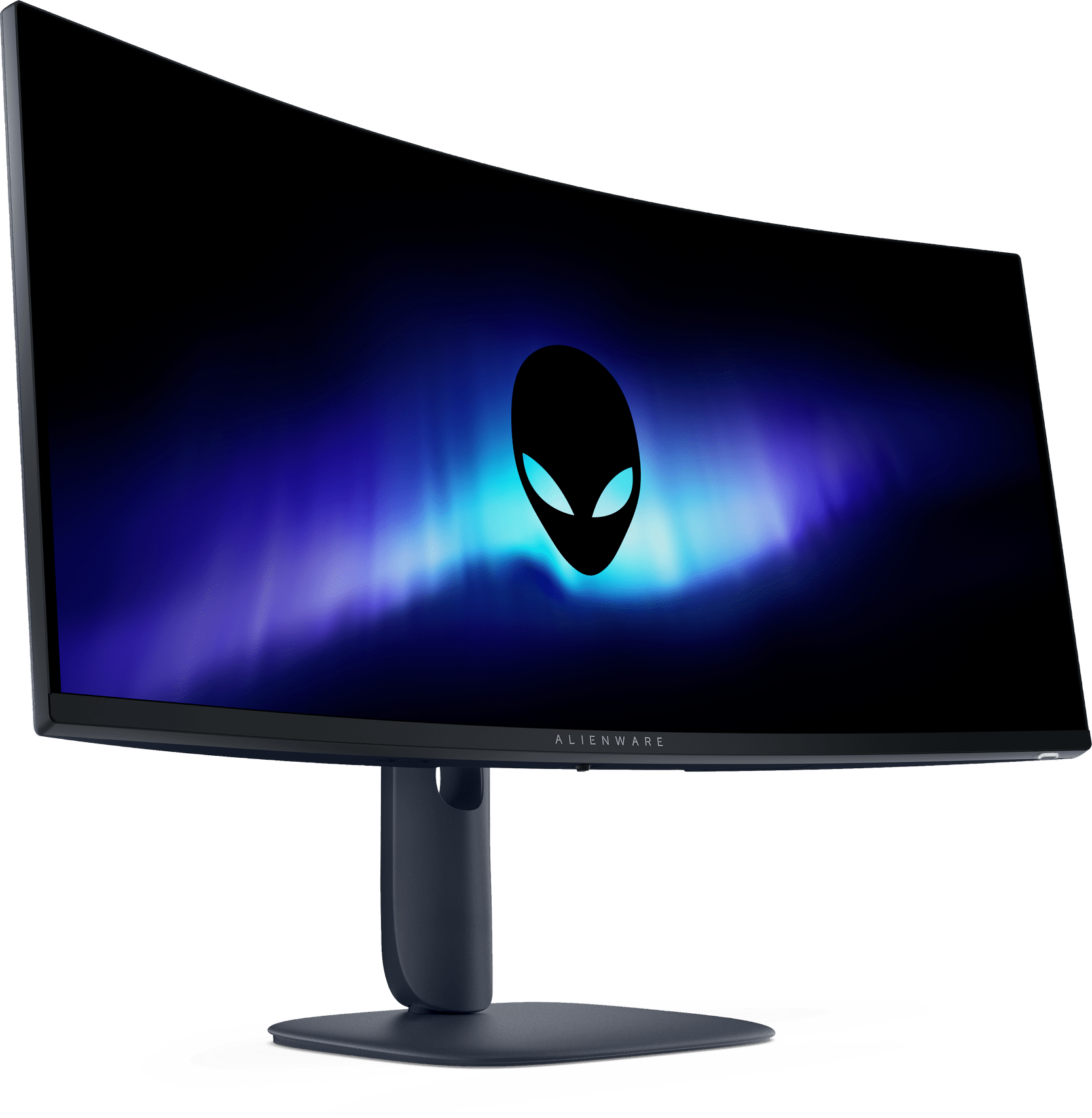
The difference is in the display quality and performance, with the Alienware 34 Gaming Monitor (AW3425DWM) using a Vertically Aligned panel in place of the QD-OLED, and this change has a huge impact.
The VA panel leans on a 3,000:1 contrast ratio, which still delivers impressively deep blacks and punchy colours, but it’s not on the same level as what OLED can produce. That’s not necessarily a bad thing, however, as it still benefits from HDR400 certification, and with a peak brightness of 400 nits, it’s less likely to suffer from issues such as screen burn.
With a refresh rate of 180Hz and a possible response time of 1ms in extreme mode, the Alienware 34 Gaming Monitor (AW3425DWM) is still nice and fast, and for most people, the difference between 180Hz and 240Hz is barely noticeable.
Games felt smooth and responsive, and with AMD FreeSync Premium and AdaptiveSync in play, motion looked clean without the tearing or ghosting that can sometimes break immersion on cheaper VA panels, though you do sacrifice NVIDIA G-SYNC compatibility, so that may be something you want to keep in mind.
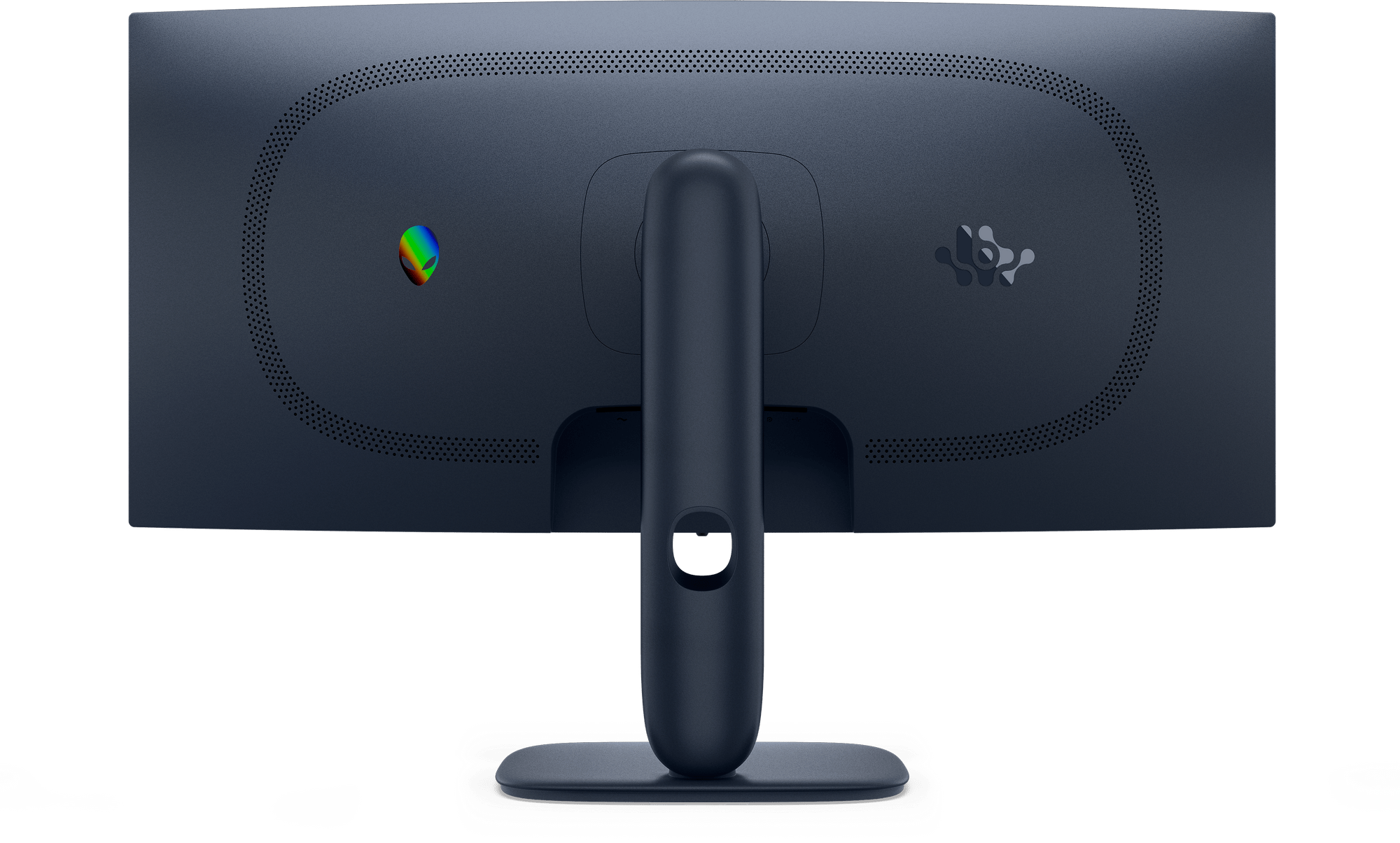
Much like its QD-OLED counterpart, the Alienware 34 Gaming Monitor (AW3425DWM) benefits from a range of connectivity, with two HDMI ports, a DisplayPort, and two 5Gbps USB Type-A ports for connecting peripherals. One of these also supports battery charging 1.2, and works as a hub by connecting a 5Gbps USB Type-B port to your PC.
Although it can’t deliver the faster refresh rates or dazzling OLED visuals, the Alienware 34 Gaming Monitor (AW3425DWM) is a more accessible choice. The VA panel doesn’t quite have the colour accuracy or uniformity I’d want for serious content creation, but for gaming, it’s a fantastic option. It strikes a balance between performance and practicality, offering smooth motion, solid HDR support, and great connectivity at a more affordable price point.
If you’re looking to dip your toes into ultrawide gaming but are hesitant to dive straight into the premium QD-OLED tier, the Alienware 34 Gaming Monitor feels like the right place to start. It nails the essentials where it matters most for gamers, and makes ultrawide gaming more approachable, both in terms of usability and budget.

The Good
- More affordable entry point into ultrawide gaming
- Good connectivity options and built-in USB hub
- Smooth motion with 180Hz refresh and 1ms response time
- Easy to assemble and sturd
The Bad
- Not ideal for content creation or colour-critical work
- Sacrifices NVIDIA G-SYNC capabilities






 SuBZeRO2K
 Spotify
 Anchor
 iTunes