
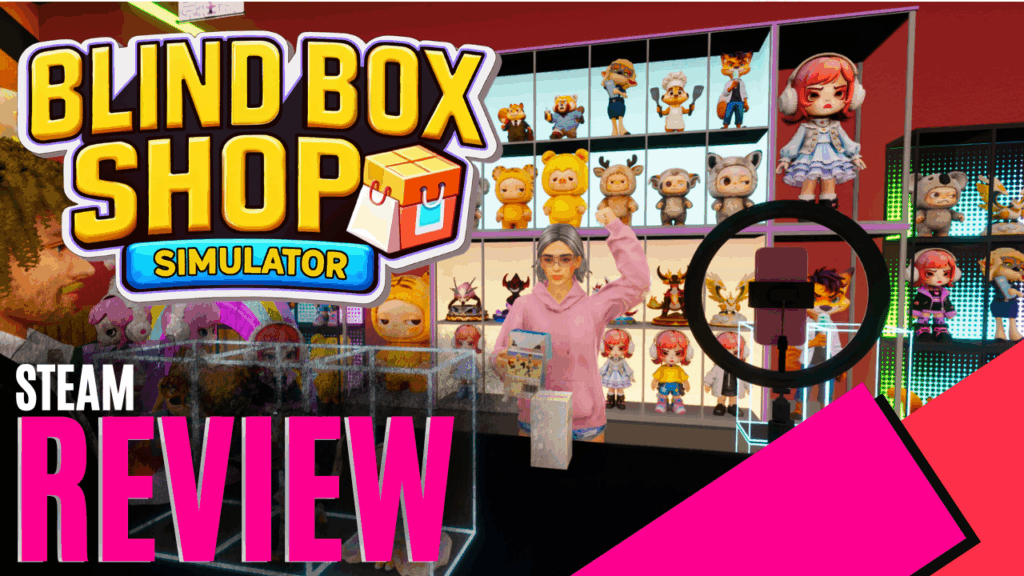
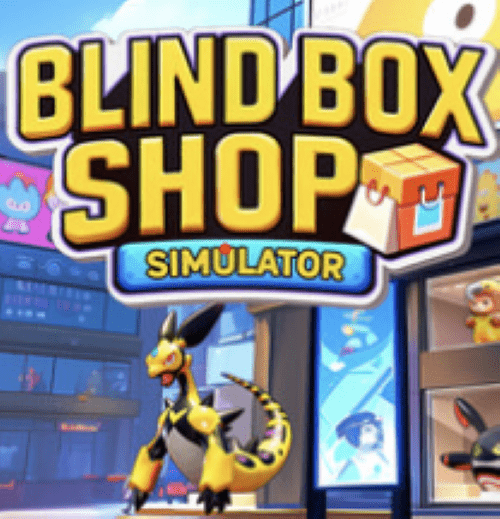
The Blind Box Shop Simulator from NovaraGames has finally been released. After playing the preview, I am genuinely excited to play the full game. Described on their page as “Open your own blind box store in the anime city of Akihabara. Stock the shelves with the latest blind boxes, or unbox them to collect rare hidden editions”. Let’s jump in and see what has changed and what has been added.
As in the preview, you start in front of your shop in the anime city of Akihabara, which feels very much like Tokyo, with all the lights, buildings, and traffic. After naming your shop, it’s time to try to make a profit selling blind boxes. Opening your tablet, this is where you will spend most of your time. The options on your tablet are.
- Shop – Where you order all your stock: 30 different blind box variations in all, with take-off names of real blind boxes, furniture, tools, and decorations, and can also be ordered from here.
- Expansions – You can expand your store’s footprint, add a store room, and expand your footpath footprint for displays and advertising.
- Music Player – Once you install a speaker in your shop, you can play music for your customers.
- Bank – Want to grow quickly? Various loans to help you get started if you want to skip the grind.
- Email – Here you will be notified of price increases, materials shortages, or side quests.
- Staff – Where you can hire, fire, and assign tasks to your workers.
- Pricing – Supply prices change daily, so you need to monitor them to buy stock cheaply and sell it high to maximise profit if you want to be successful.
- Bills – Here you can find your rent, staff charges, and other charges.
- Graded – You can get your top blind box items graded and sell them for higher or keep them in your collection.
As mentioned, there are 30 different variations of blind boxes you can order, not all at once, as you have to level up to unlock different variations. A nice feature is that when you start ordering and stocking a blind box, you can only order in boxes of 6.
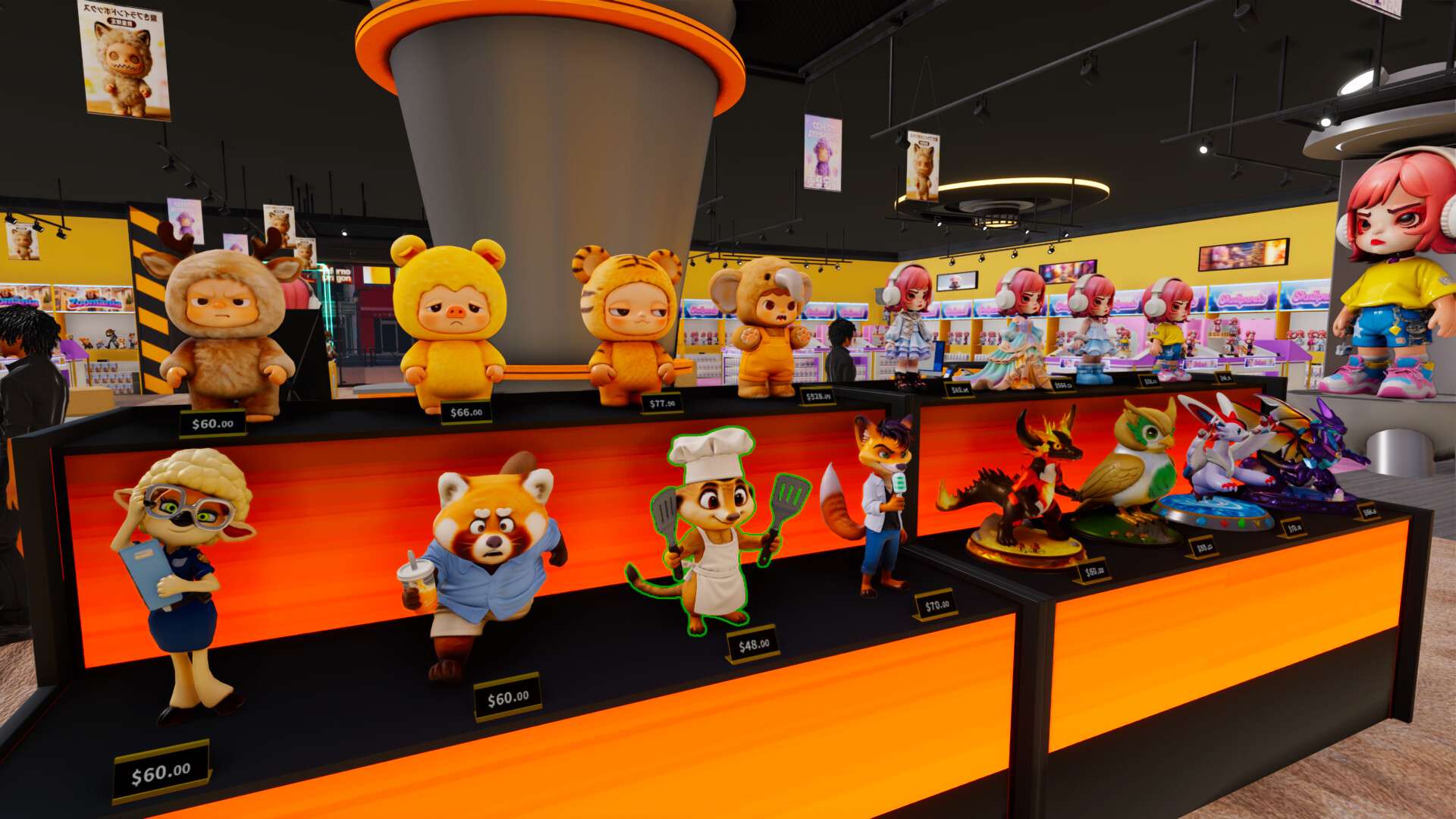
However, as you level up and sell them, you can order larger boxes of 36 inside, making stocking shelves a lot easier. As with all simulators, you serve your customers, who pay with cash, card, or barcode, giving change if needed and entering the amounts into the card machine as standard.
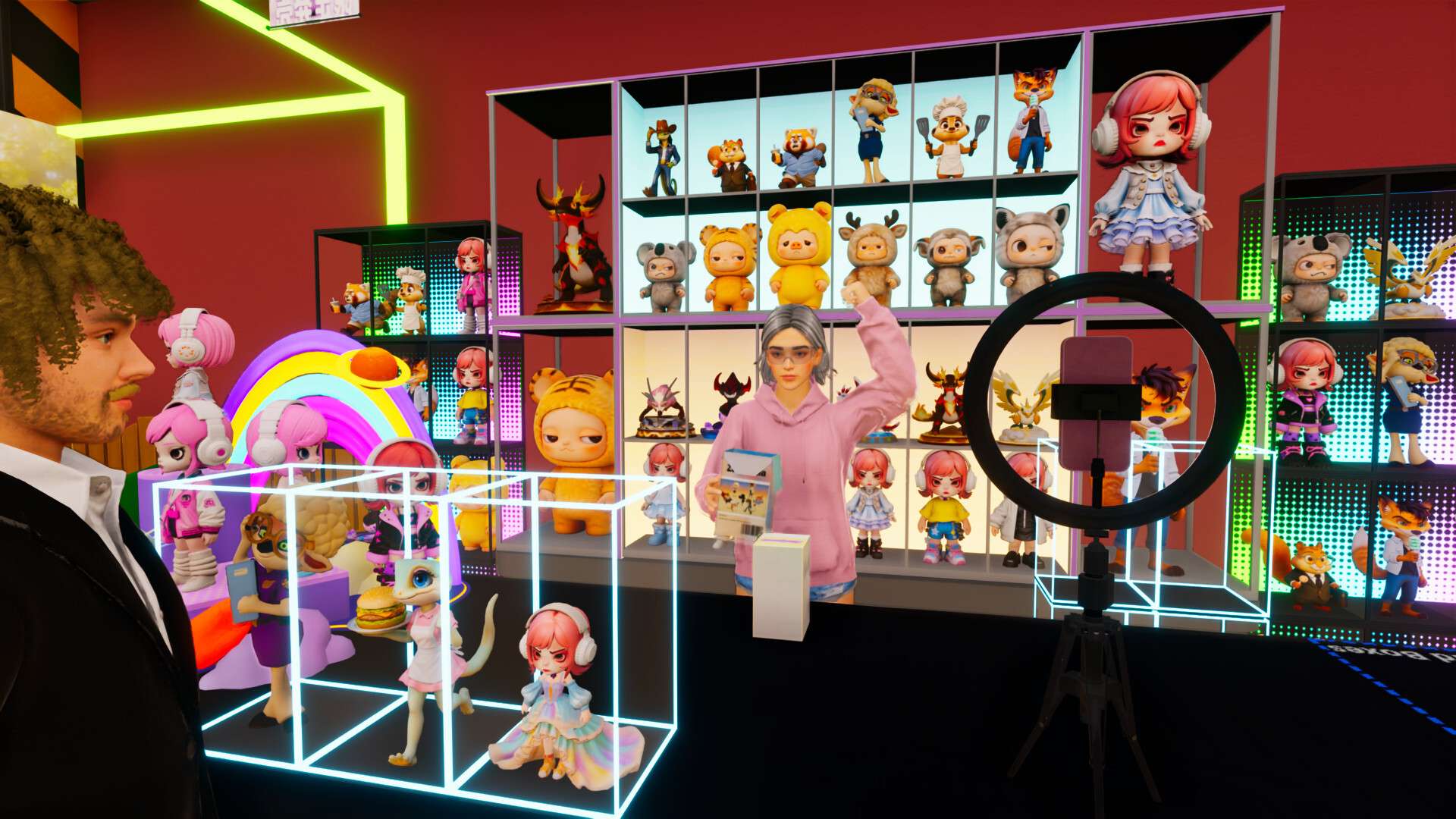
You can unlock AI helpers relatively early, which is great, and I assigned my first one straight onto the cash register to free myself up to order stock, monitor prices, and upgrade the shop. Then I bought two self-service cash registers as the demand was so high for one person. You can also assign staff to restocking shelves and hire an influencer once you unlock the influencer table. The influencer opens blind boxes live for customers, giving your store exposure and a small income from customers who pay them to open them live on stream. If there are no customers, you can also have the streamer open some blind boxes for you while you are busy with other chores.
Was my shop making a profit? Just, mainly because I loved collecting and opening blind boxes. In my first hour, I came across two rare blind boxes, one was worth $5000 and the other $7000. Before I could sell them, I had to send them off for grading through the tablet. Five in-game days later, they came back, and I had the option to sell them or keep them. You can buy some nice display cases to showcase your collections, or list them for sale.
With a $10 000 debt over my head from the bank due to shop expansions and display upgrades, I decided to sell them, and they were snapped up by the customers almost instantaneously. It’s a great side quest if you’ve played the game and a very addictive one at that, given the number of different blind boxes you can buy.
Soon, I unlocked the order scanner. Rather than monitoring my stock on the shelves and then ordering through the tablet, I just scan the barcode on the display stand and click E, and the stock arrives outside the store. My next unlock was a baseball bat to deter thieves. You can upgrade your shop with cameras and metal detectors at the door, and even hire security staff to protect your stock.
Not your thing? Well, that’s ok, as you can turn off stealing in the menus, which I did, so I can sit back and enjoy the game more. 3D printers unlock time, and I can now print near-life-size characters to decorate my store or place them in collectors’ display cases. It is quite expensive at $1000 a print, and you need to have collected five of the same item to print. But they look amazing in your store, and I found they tend to bring more people into the shop.
In the tablet, there are a few side quests you get emailed from time to time, collecting flowers from the streets and turning on light poles, to name a few. The developer tries to draw you out of the shop with these; they don’t really feel relevant, but you do receive rare blind boxes for them.
Once you have a steady stream of income, it is about balancing your stock levels, monitoring wholesale pricing, and expanding and decorating your shop. I personally don’t collect blind boxes in real life, but the game is just so addictive, not knowing when your next rare is going to come up.
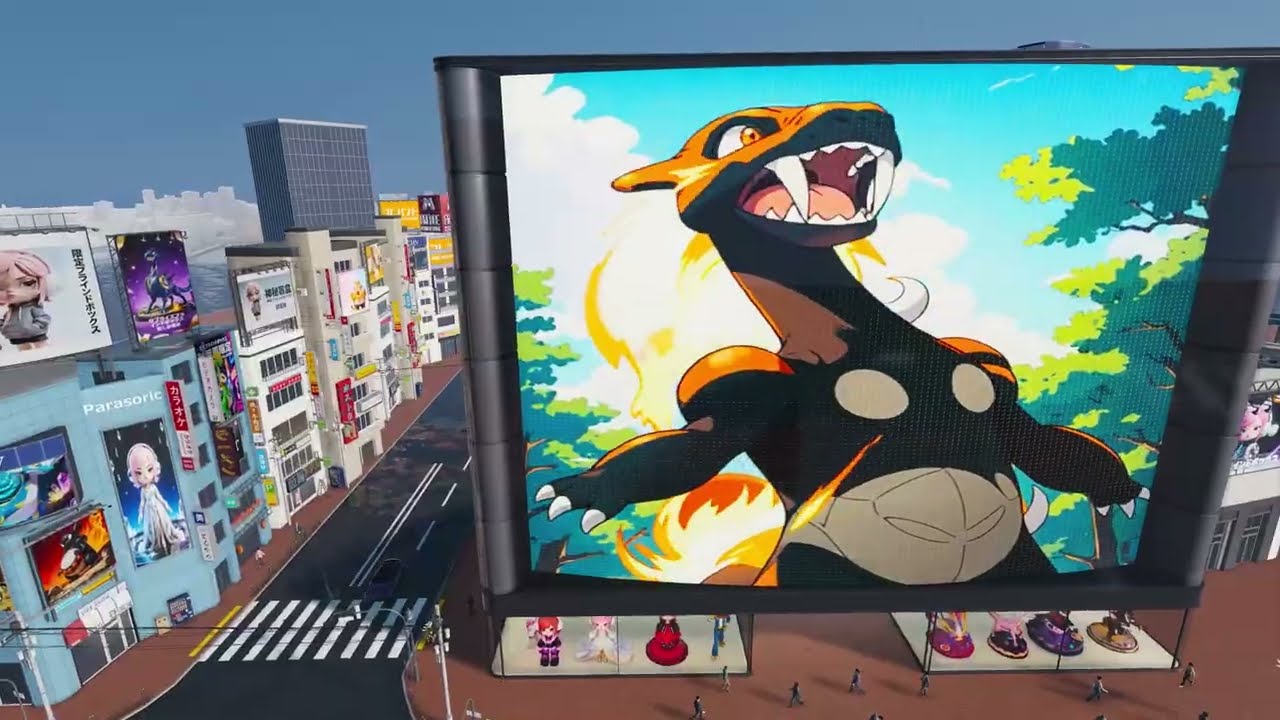
The graphics of the various blind boxes are top-notch, with a lot of detail. There is a good variety of customers coming into the shop, and, being a fantasy city, you can expect some help from fantasy characters strolling through your doors. The store is based in the city, which is only one street and roughly one block, with a few other stores next to it that you can’t go into, more just there for decoration.
The 3D posters and billboards around the city block, the bright neon signs, it’s a really warm environment when you come out of your shop. There is a basic weather system as well; it will rain, and once the sun goes down, you do have to turn on your store lights to make a noticeable difference. You can customize your shop with posters, stands, life-size blind boxes, painted walls, and floors. There are many visual ways to make the shop your own.
Sounds wise, don’t expect much. They are very basic, footsteps, and the occasional train going past. The AI doesn’t speak either, so it is very quiet. Once you unlock and buy a speaker for the game, you can have background music, but honestly, I didn’t notice the quietness because I was too busy running around and filling shelves.
Overall, Blind Box Shop Simulator was a game I didn’t expect to love as much as I did. There are great variations in blind boxes, the ability to customize and decorate your store, and the ability to hire AI staff to assist you relatively early on really resonated with me. I couldn’t put the game down, trying to collect the rares, and fulfilling your collection was just so addictive. If you enjoy simulators and management, this is the game for you, like I said, not something I do in the real world, collecting, but I was hooked.
The Good
- Variations in Blindboxes
- The amount of customisation available
- Ability to show off your collection in stands or the folder
The Bad
- Side quests weren't relevant to the title as the map is too small for these
- Sounds are very basic






 SuBZeRO2K
 Spotify
 Anchor
 iTunes